How to change sticky note colors in Mural
Here is how to change sticky note colors in mural
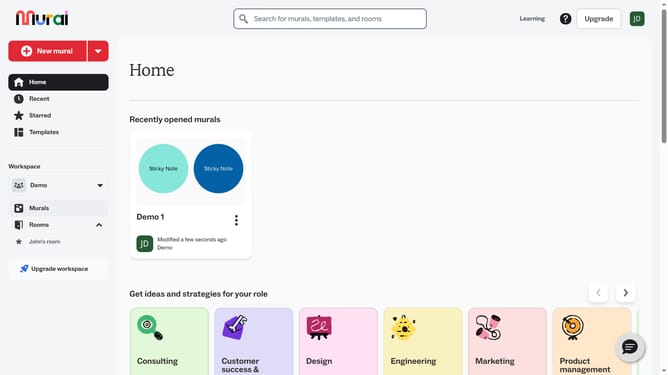
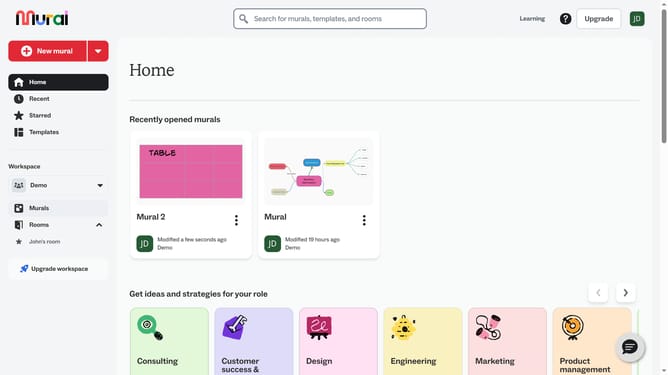
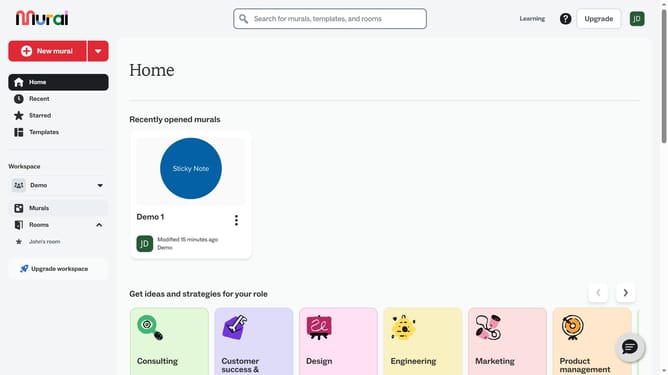
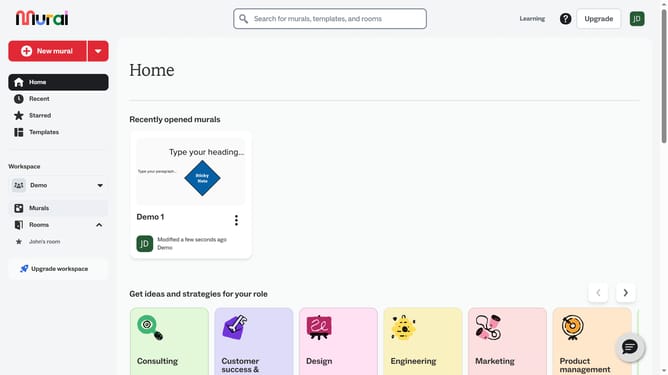
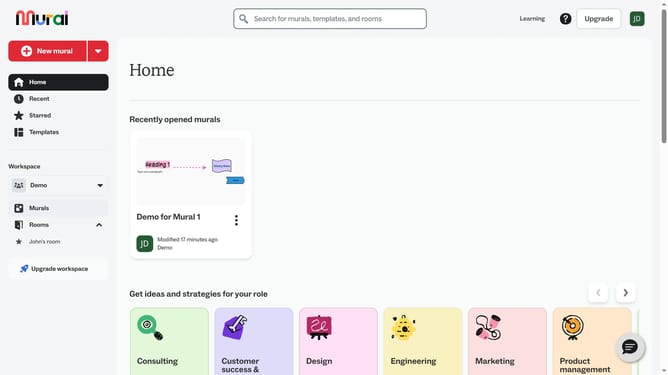
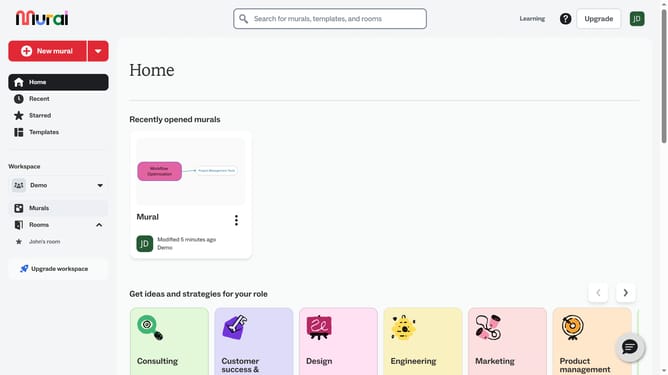
- First click on the "Murals" option in the left sidebar under the Workspace section
- Then click on the mural card to open it
- Next click on the "Sticky Note" element on the canvas to select it
- Then click on the "Fill color" button in the top toolbar to open the color picker
- Finally select a color from the color palette that appears in the dropdown menu
Why should you change sticky note colors in Mural
Mural is a dynamic, visual collaboration tool that empowers teams to ideate and innovate together seamlessly.
One of the key features, changing sticky note colors, elevates brainstorming by allowing users to categorize thoughts efficiently. This feature aids in visually organizing ideas, making it easier to prioritize and focus on specific topics.
By customizing sticky note colors, teams can quickly convey the significance or status of particular notes. This leads to more effective communication and collaborative decision-making.
Last update