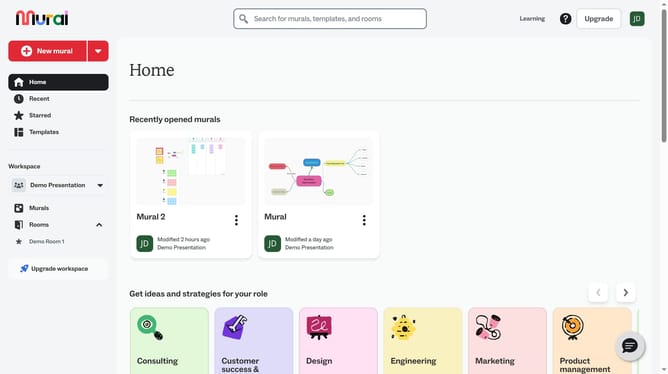
How to lock a table in Mural
Here is how to lock a table in mural
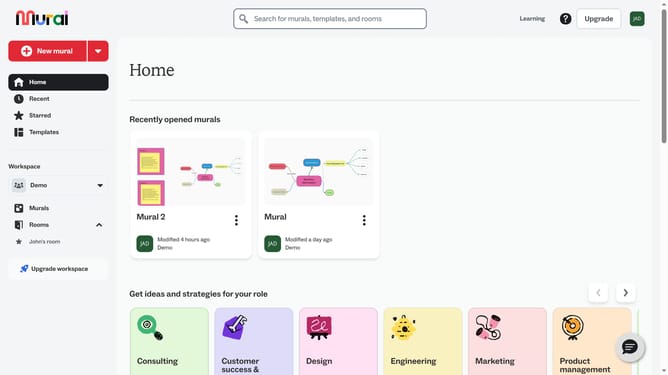
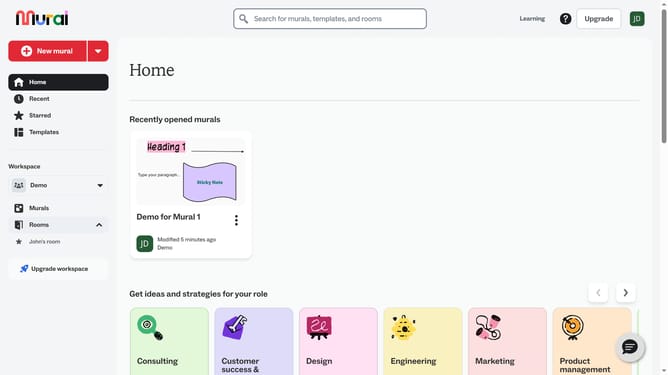
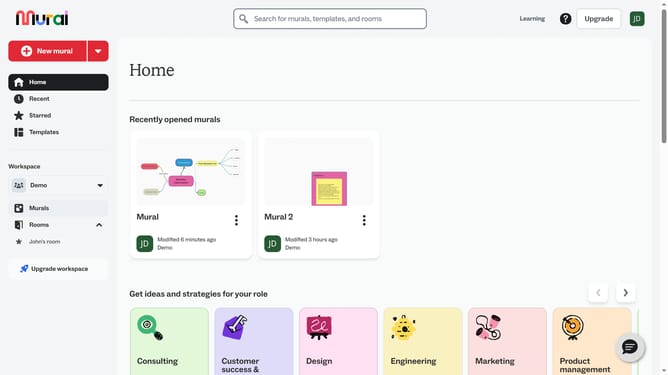
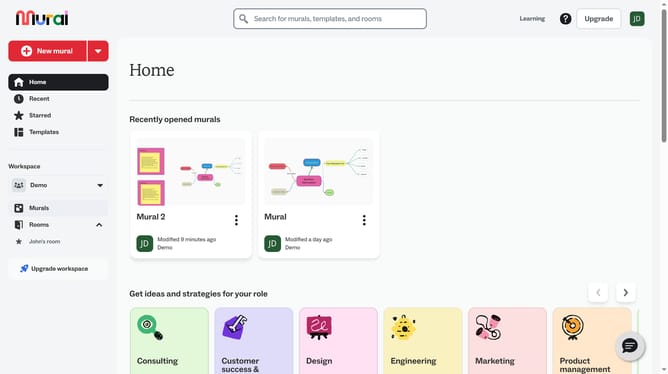
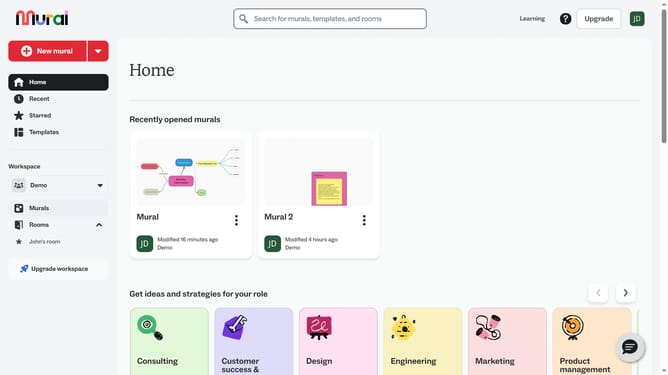
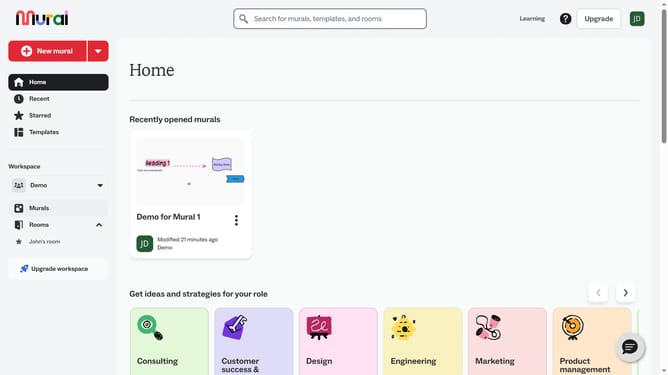
- First click on the "Murals" item in the left sidebar under the Workspace section
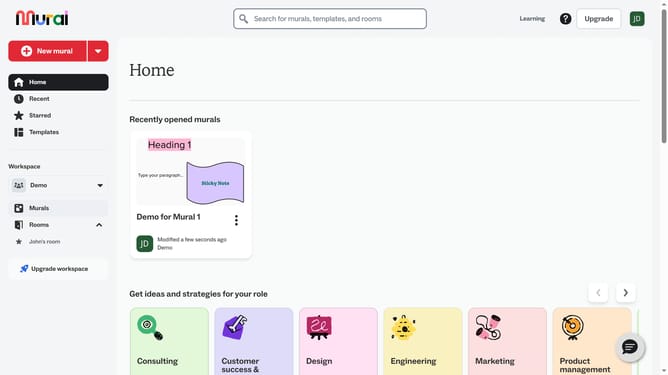
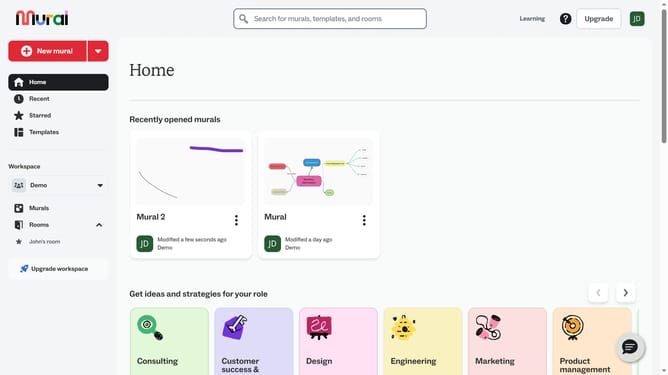
- Then click on the mural that you want to manage to open it
- Next click on a table in the mural canvas to select it
- Finally click on the "Lock object" button in the top toolbar to lock the selected element
Why should you lock a table in Mural
Mural is a dynamic digital workspace designed to enhance collaboration and creativity among teams.
The ability to lock a table in Mural ensures that important data remains unchanged and organized throughout collaborative sessions.
Locking tables helps maintain structure and provides consistency, fostering seamless teamwork and focus.
This feature enhances productivity by allowing team members to work confidently, knowing that the essential elements remain intact amidst evolving ideas.
Last update