How to add shapes in Mural
Here is how to add shapes in mural
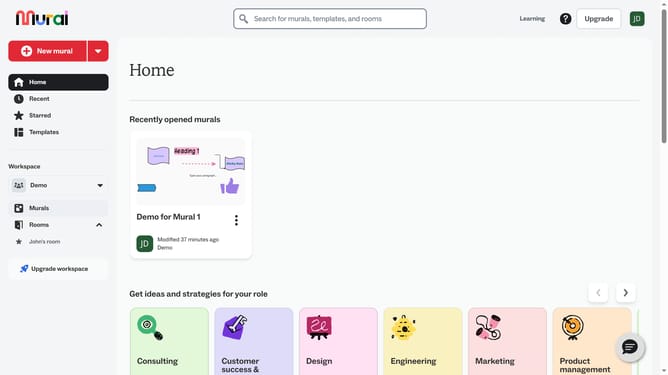
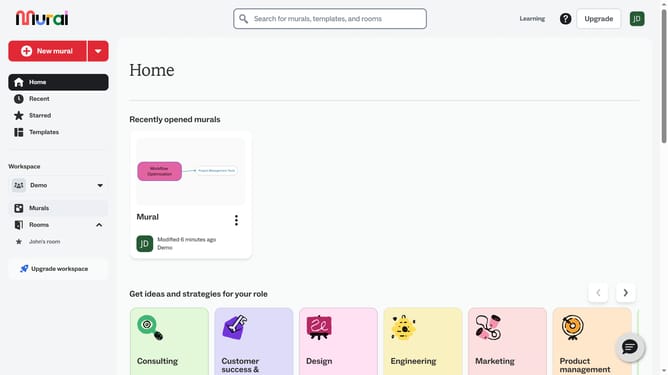
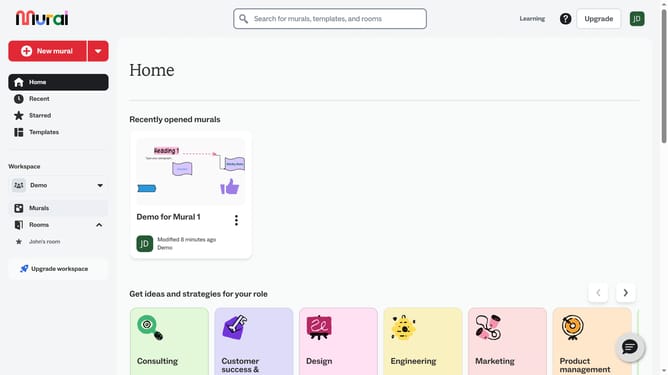
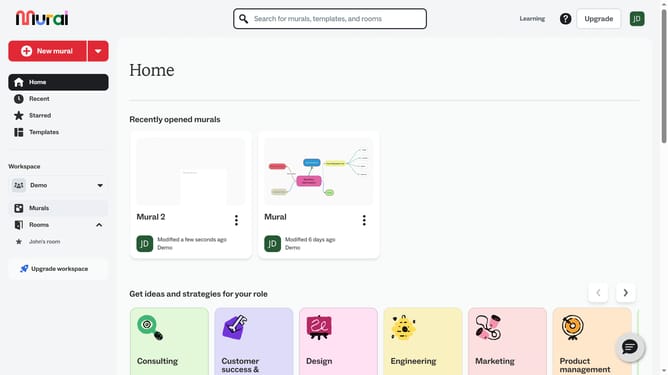
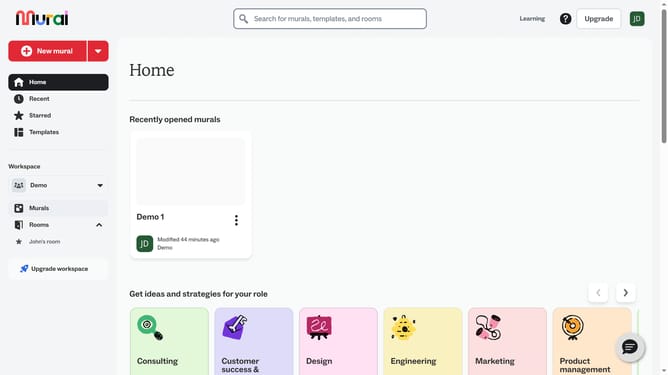
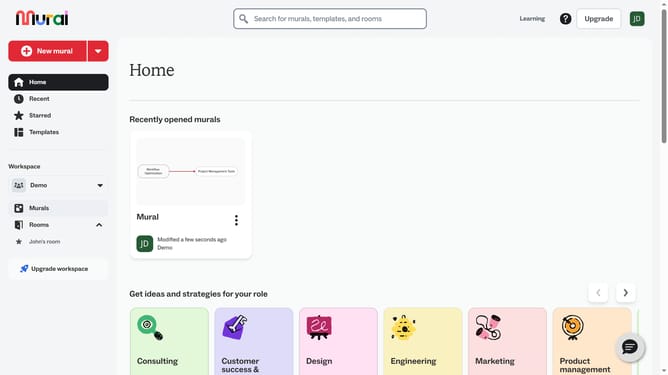
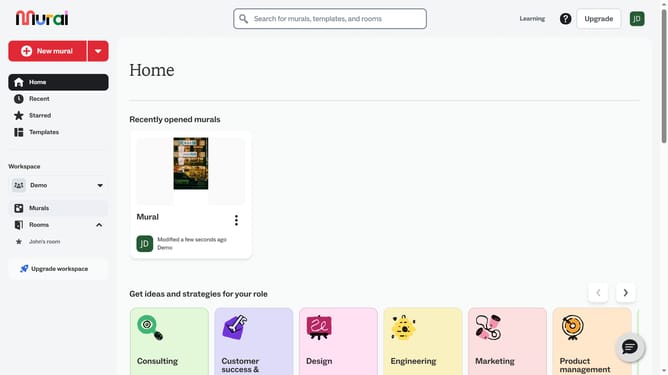
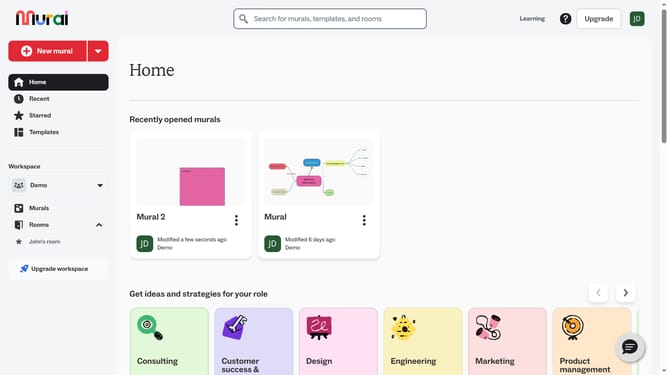
- First click on the "Murals" item in the left sidebar under the Workspace section
- Then click on the mural where you want to add the shape to open it
- Next click on the "Shapes and connectors" button in the left toolbar to open the shapes panel
- Finally click on a shape in the Shapes section of the panel
Why should you add shapes in Mural
Mural is an online collaborative workspace designed to boost creativity and team alignment.
Adding shapes in Mural is a straightforward way to enhance visual communication. It allows users to create organized and engaging diagrams, flowcharts, and mind maps, which are vital for brainstorming sessions and process mapping.
Using shapes aids in conveying ideas more efficiently, ensuring all team members are on the same page. This feature enriches collaboration, making abstract concepts tangible, and helps in simplifying complex information for improved understanding and decision-making.
Last update