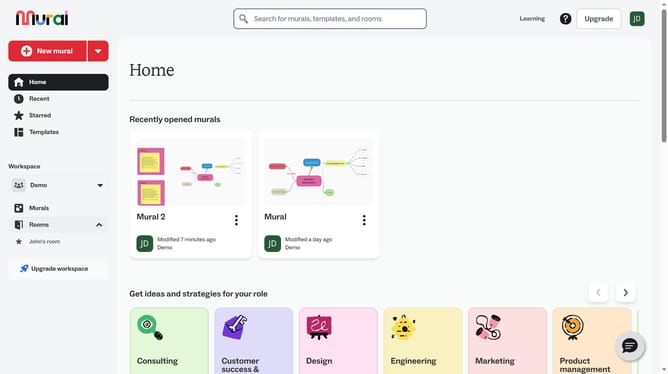
How to change mind map fill colors in Mural
Here is how to change mind map fill colors in mural
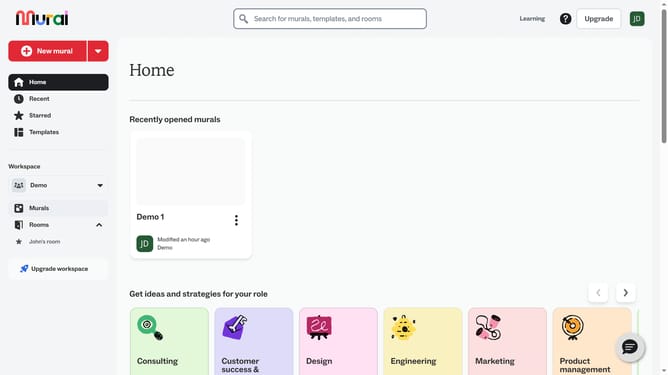
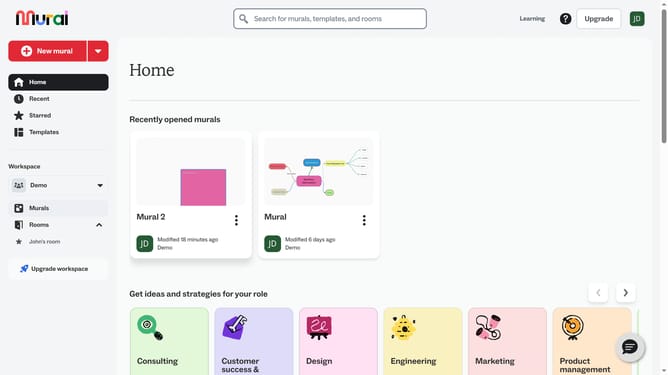
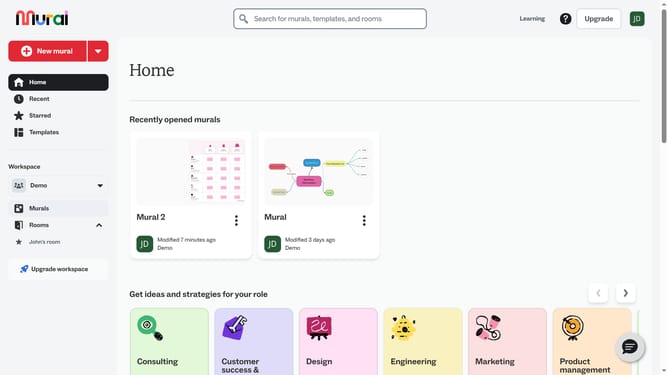
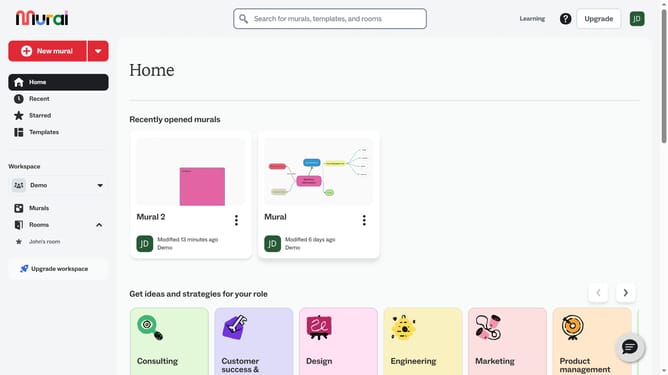
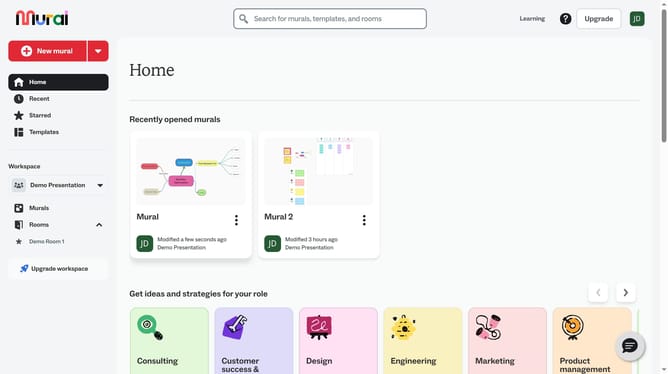
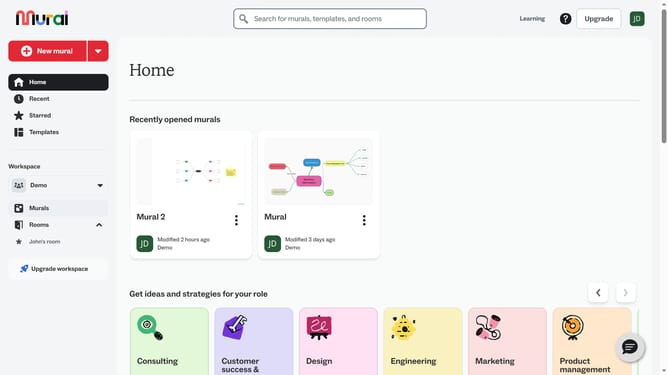
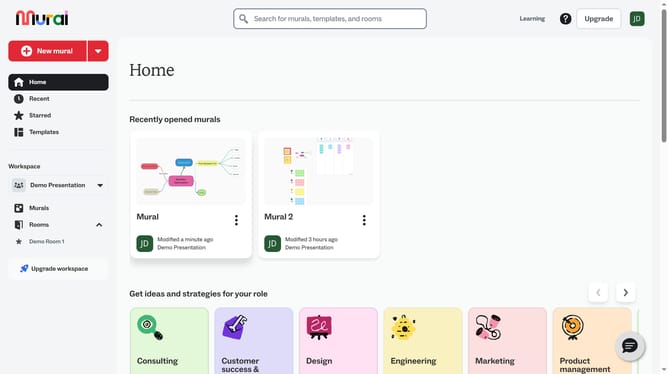
- First click on the "Murals" item in the left sidebar navigation menu
- Then click on the "Mural" card in the murals section to open it
- Next click on the "Workflow Optimization" shape element on the canvas to select it
- Then click on the "Color" button in the top toolbar to open the color picker
- Finally select a color from the color palette dropdown menu
Why should you change mind map fill colors in Mural
Mural is a dynamic visual collaboration tool designed to unleash creativity and streamline project management.
Changing mind map fill colors in Mural allows users to visually organize information effectively. By customizing colors, you can differentiate ideas quickly, enhance presentations, and highlight key points.
This feature makes it easier to categorize information or convey moods, leading to improved understanding and engagement among team members. Tailoring your mind maps with diverse colors can foster creativity and ensure that your message comes across with clarity and impact.
Last update