Mural
Mural is a visual collaboration platform for brainstorming, planning, and running remote workshops on a shared canvas.
Website
Industry
Design
Share this article:

How to mark a comment as resolved in an infinite canvas in Mural

Here is how to mark a comment as resolved in an infinite canvas in mural

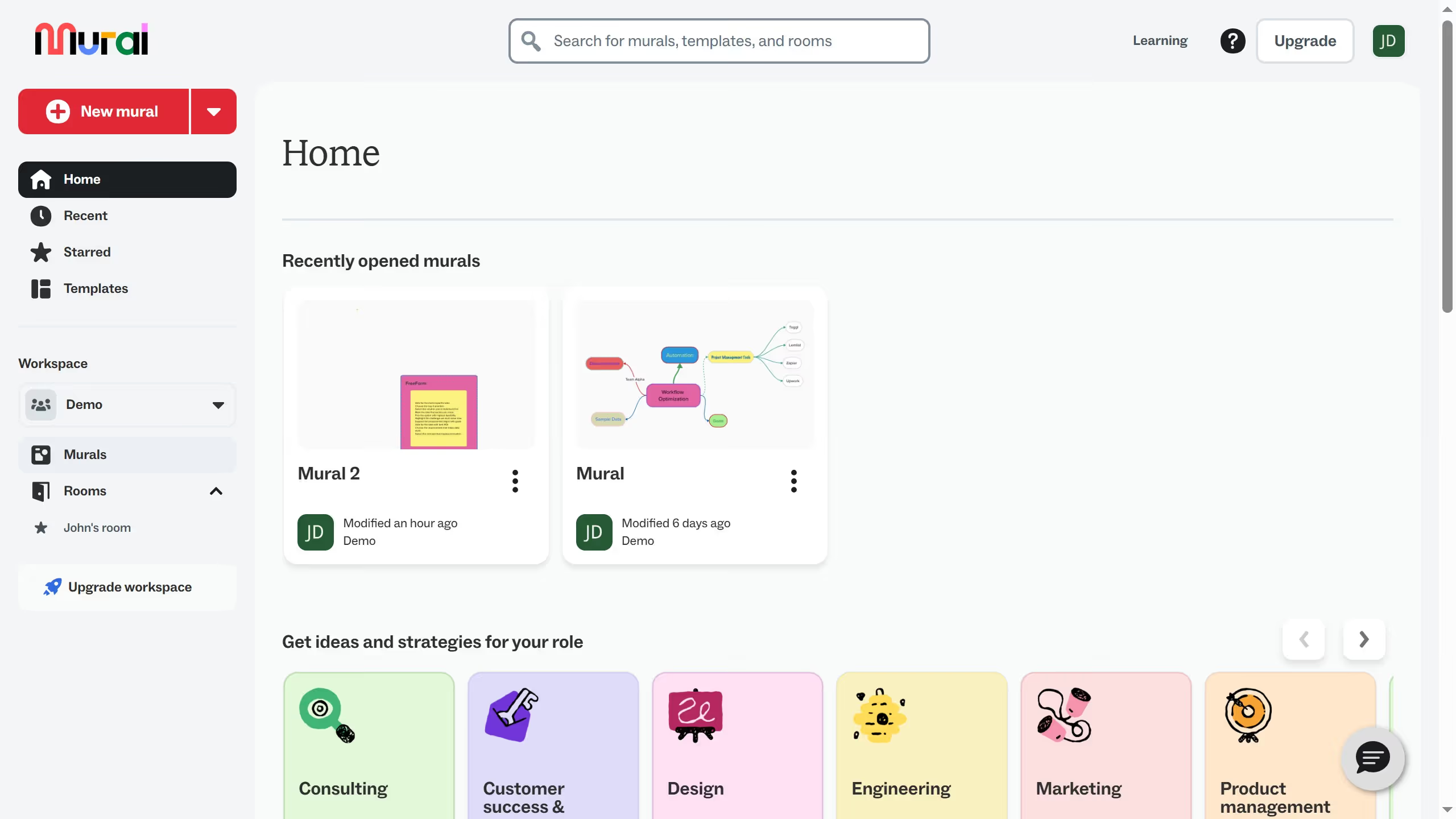
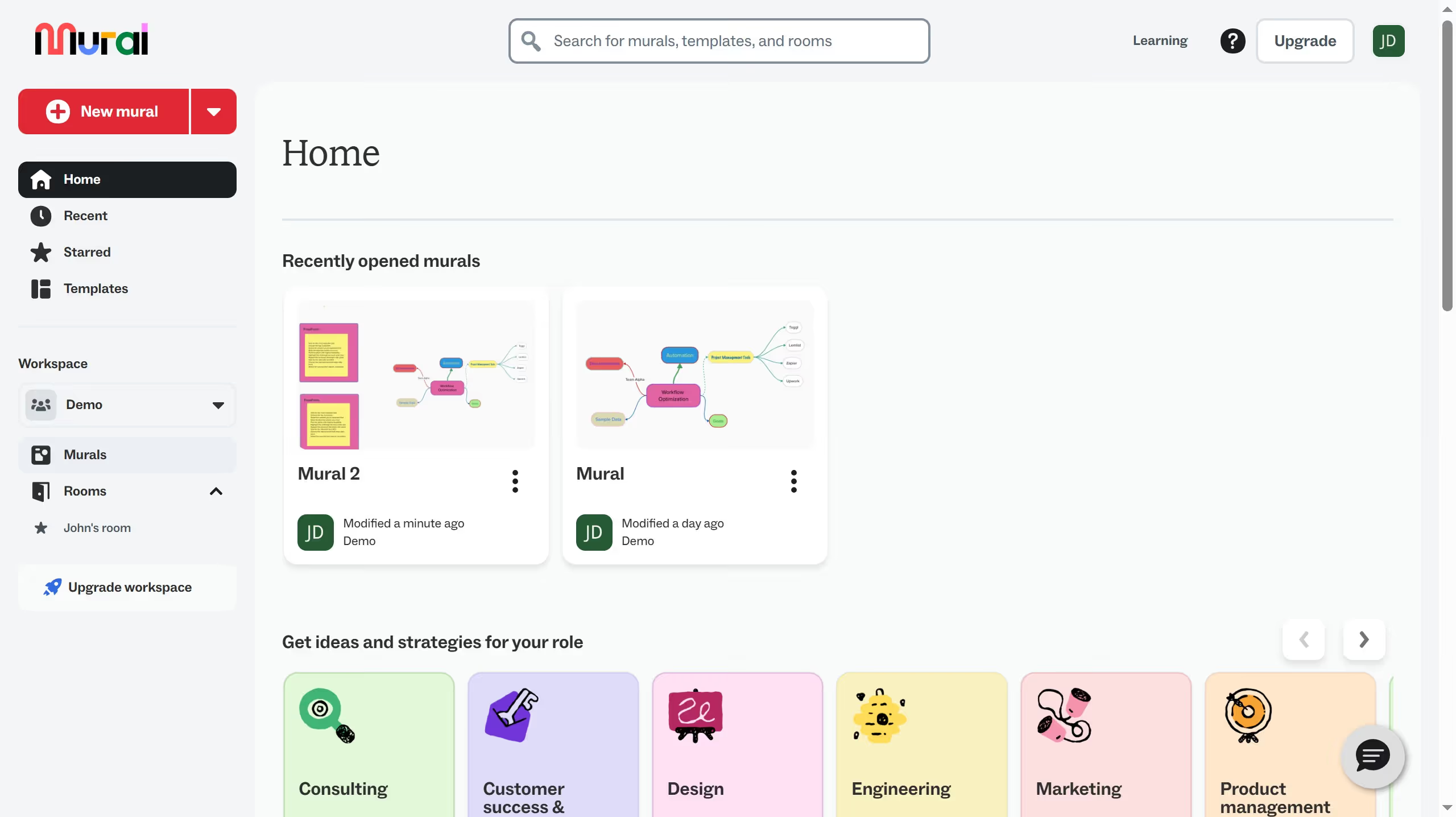
  1. First click on the "Murals" option in the left sidebar navigation menu
  2. Then click on the mural filename that you want to manage to open it
  3. Next click on the "Comments" button in the top toolbar
  4. Then click on the comment in the Comments panel
  5. Finally click on the "Mark as resolved" button in the comment thread

Create your own interactive guide with Guideflow

Why should you mark a comment as resolved in an infinite canvas in Mural

Mural is a collaborative digital workspace designed for visual teams to ideate and collaborate creatively.

In the vast and versatile infinite canvas that Mural offers, the ability to mark a comment as resolved enhances workflow efficiency.

This feature allows team members to effectively track progress, ensuring all ideas and feedback have been addressed, thereby reducing misunderstandings and redundancies.

Ultimately, it fosters seamless communication and a more organized collaborative experience, propelling projects towards successful completion.

Last update
March 16, 2026
Cursor MariaA cursor points to a button labeled "James."

Create your first demo in less than 30 seconds.