How to resize a mind map in Mural
Here is how to resize a mind map in mural
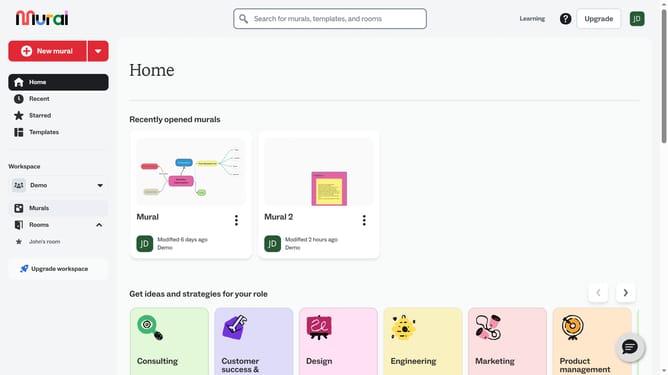
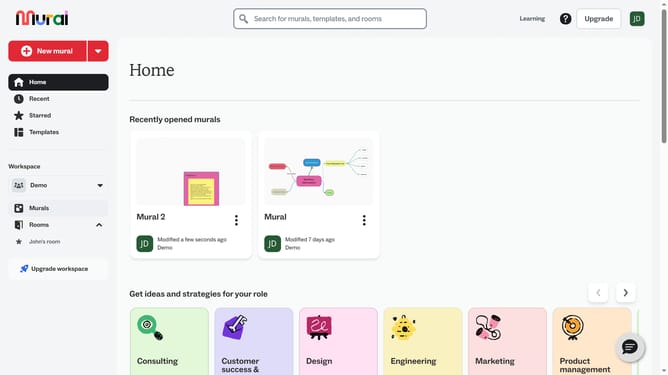
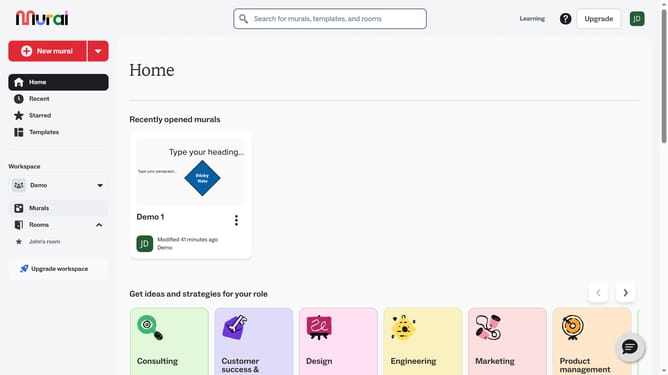
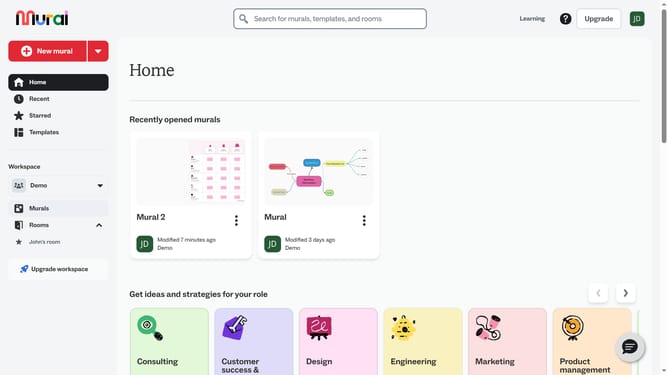
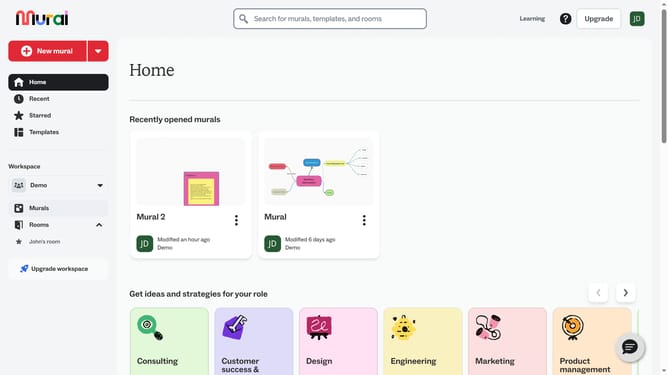
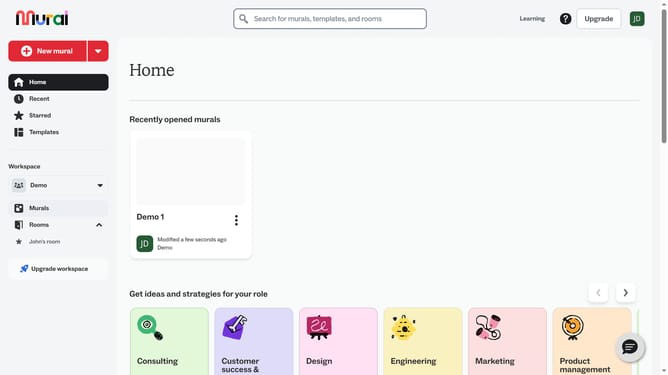
- First click on the "Murals" item in the left sidebar under the Workspace section
- Then click on the "Mural" card in the murals section to open it
- Next click on the mind map shape in the canvas to select it
- Finally click and drag any corner handle of the mind map to resize the to your preferred size and release the mouse button to apply the changes
Why should you resize a mind map in Mural
Mural is an intuitive digital workspace designed to foster collaboration and streamline creative workflows.
Easily resizing a mind map in Mural offers flexibility and helps maintain clarity in your visual thinking. Adjusting the size ensures your mind map remains organized and legible, accommodating new ideas and connections effortlessly.
This feature enhances your ability to communicate complex concepts swiftly, making collaboration more effective and presentations more impactful.
Last update