How to use grid view in Mural
Here is how to use grid view in mural
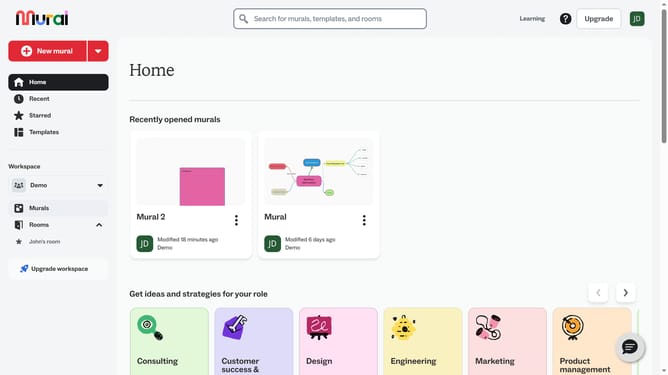
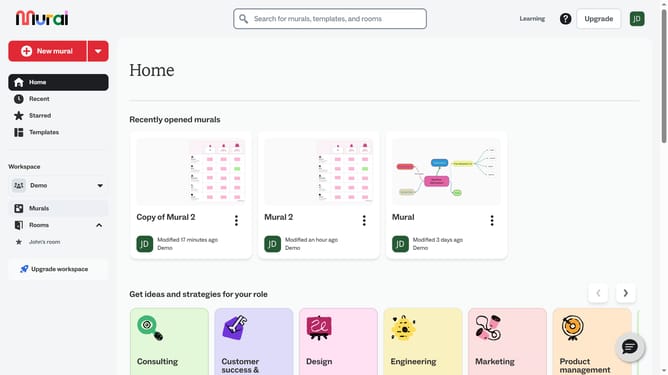
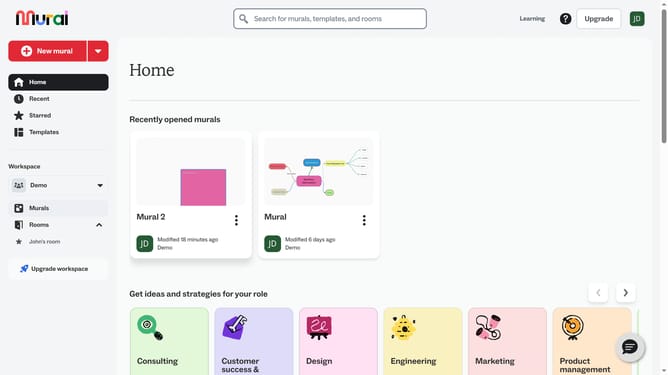
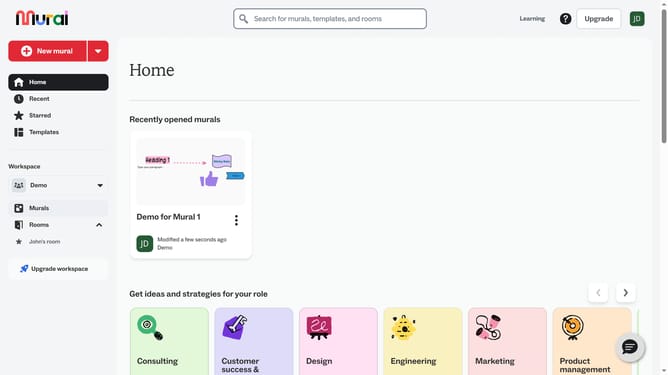
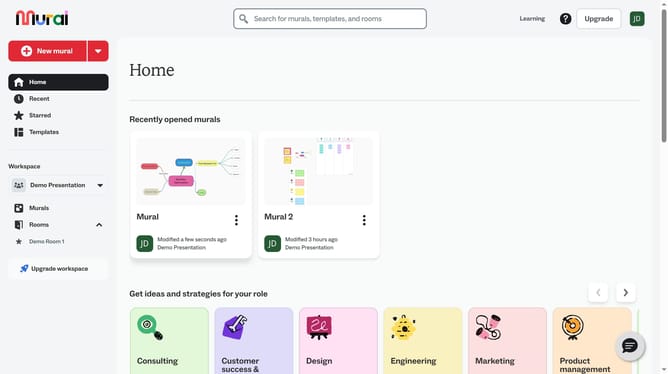
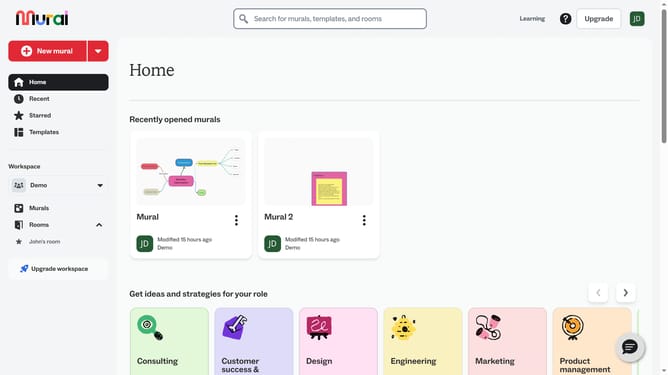
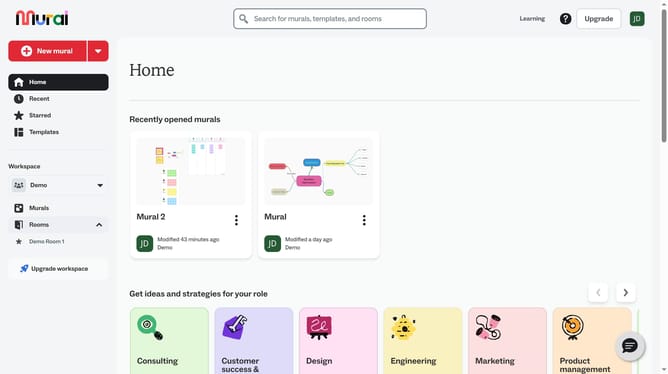
- First click on the "Murals" item in the left sidebar under the Workspace section
- Then click on the mural you want to work on
- Next click on the zoom percentage indicator in the bottom right corner of the canvas
- Finally click on the "Show grid" option in the zoom menu dropdown
Why should you use grid view in Mural
Mural is a dynamic platform designed to enhance collaborative visual thinking among teams.
One of its standout features is the grid view, which provides a structured way to organize and visualize information effortlessly. By leveraging grid view, users can achieve greater clarity and discernment in complex projects, as it neatly aligns and arranges content.
This feature significantly benefits teams by promoting efficient navigation and focused brainstorming, making meetings more productive and ideas more impactful.
Last update