How to resize icons in Mural
Here is how to resize icons in mural
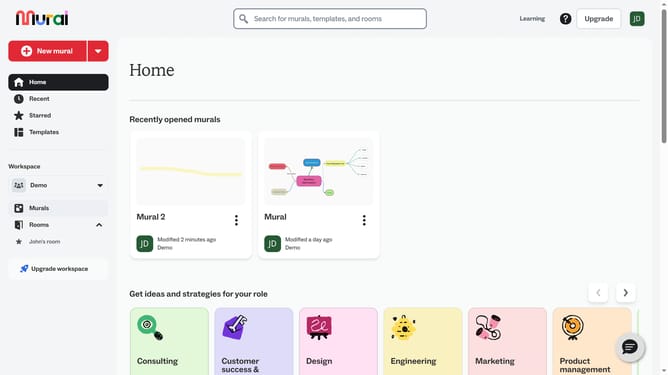
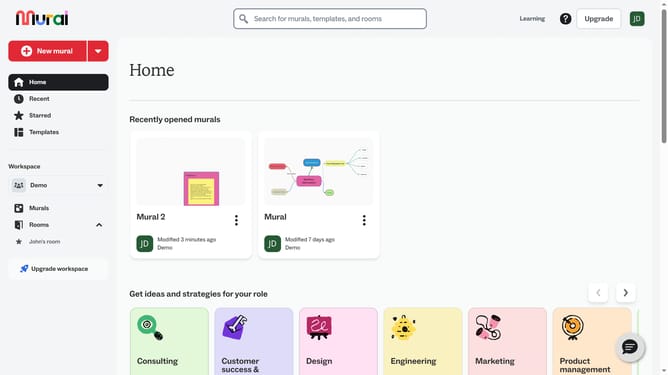
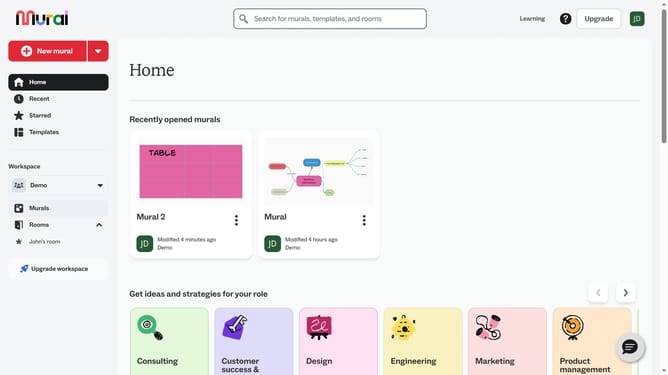
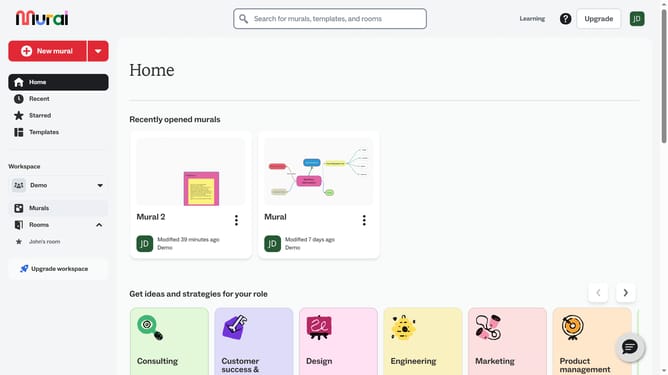
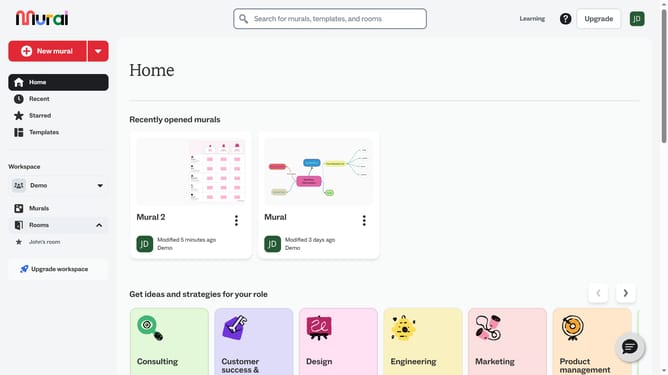
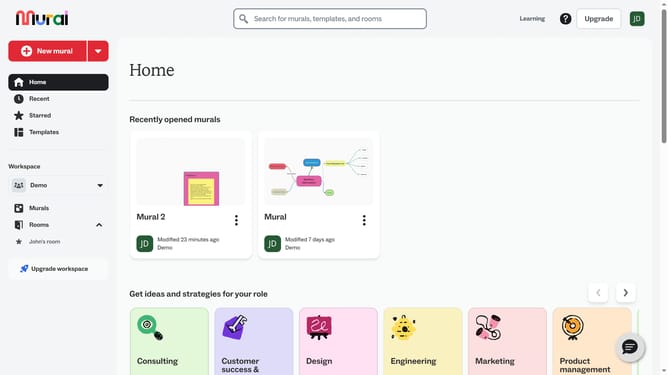
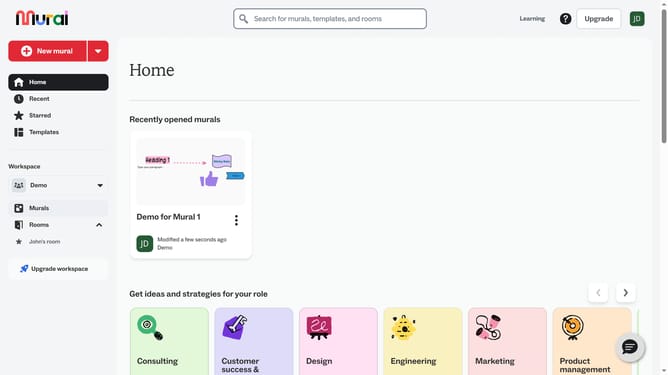
- First click on the "Murals" item in the left sidebar under the Workspace section
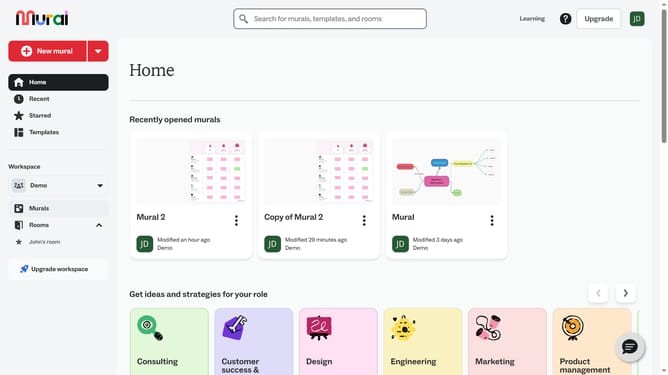
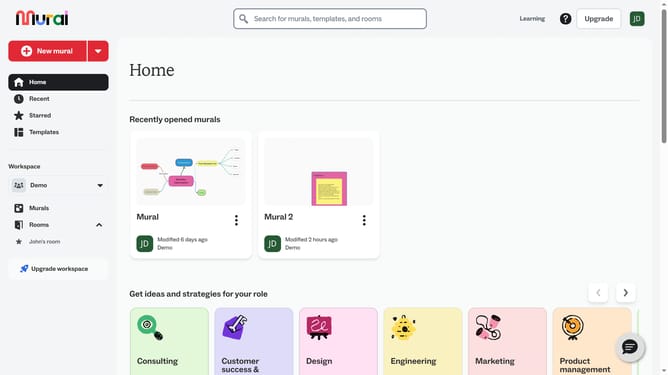
- Then click on the mural where the icon is located
- Then click on the icon element in the canvas to select it
- Finally click and drag any corner handle of the icon to resize and release the mouse button to apply the changes
Why should you resize icons in Mural
Mural is a versatile digital collaboration platform designed to unleash creativity and facilitate teamwork.
Resizing icons in Mural is a simple yet powerful feature that enhances visual clarity and organization in your virtual workspace.
This feature allows users to customize the size of icons, ensuring they fit perfectly within the context of any project, making the information clearer and easier to digest.
By adjusting icon sizes, users can emphasize important elements or conserve space, optimizing the overall layout and improving team productivity.
Last update