Mural
Mural is a visual collaboration platform for brainstorming, planning, and running remote workshops on a shared canvas.
Website
Industry
Design
Share this article:

How to change template text in Mural

Here is how to change template text in mural

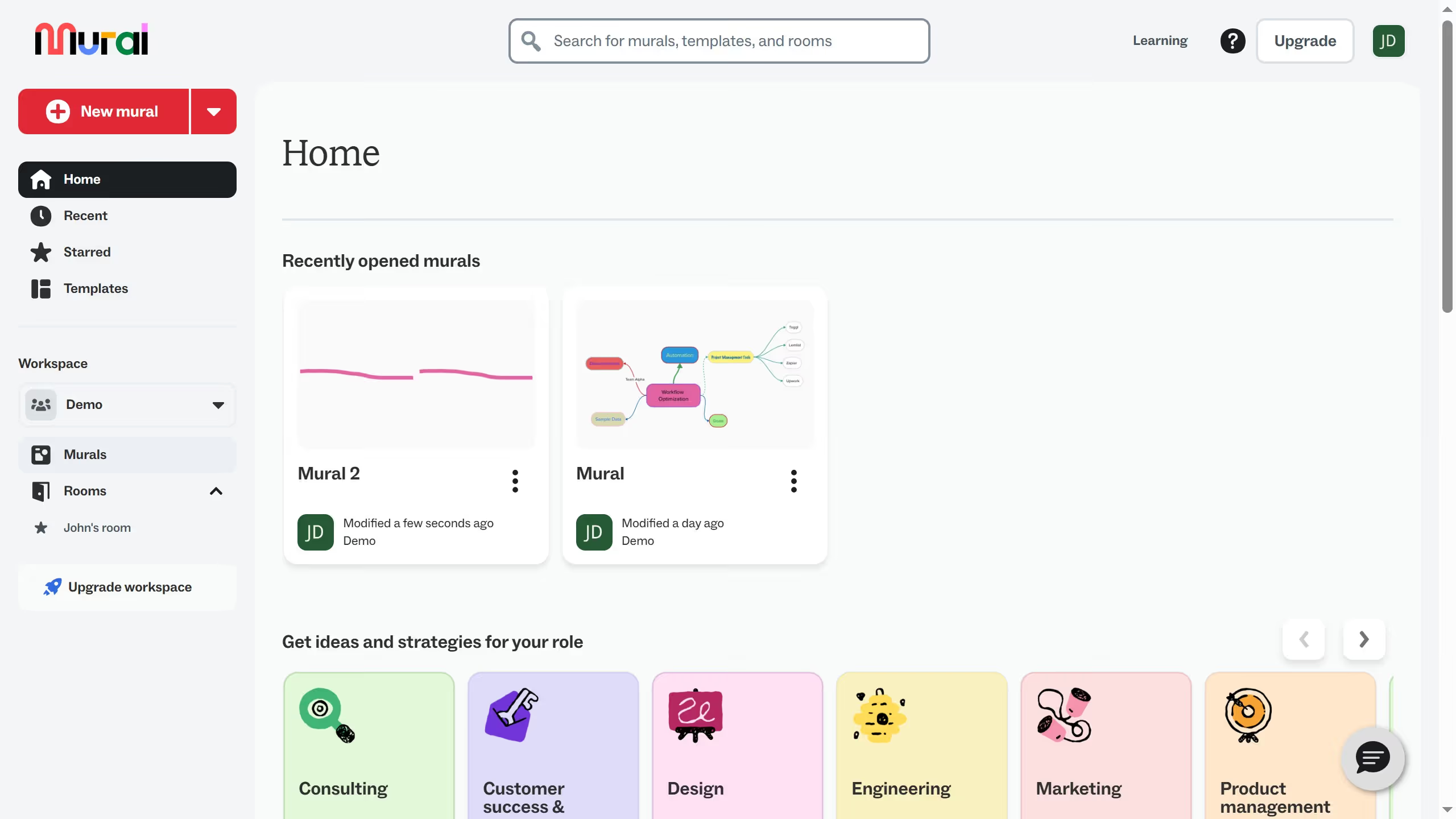
  1. First click on the "Murals" item in the left sidebar to navigate to the murals section
  2. Then click on the mural that you want to manage to open it
  3. Next select the text box that you want to change from the template
  4. Finally drag and create a selection box over the "Wedding cake" area to select that section

Create your own interactive guide with Guideflow

Why should you change template text in Mural

Mural is a digital workspace that fosters creativity and collaboration through visually engaging templates.

Changing template text in Mural is a valuable feature that enhances customization. By personalizing templates, users can tailor content to fit specific project needs, ensuring that the messaging aligns with team goals and objectives.

This flexibility is essential for creating impactful presentations and maintaining consistency across various projects. It empowers users to create dynamic visual narratives that capture the essence of their ideas, fostering better engagement and understanding among team members.

Last update
March 13, 2026
Cursor MariaA cursor points to a button labeled "James."

Create your first demo in less than 30 seconds.