How to duplicate sticky notes in Mural
Here is how to duplicate sticky notes in mural
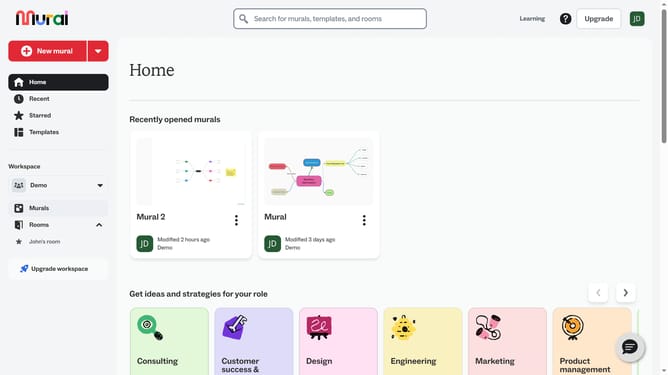
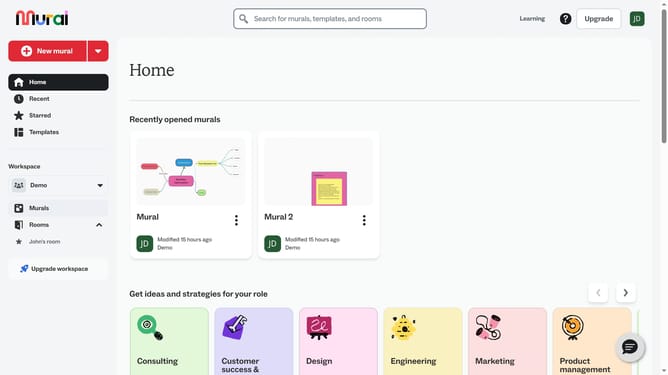
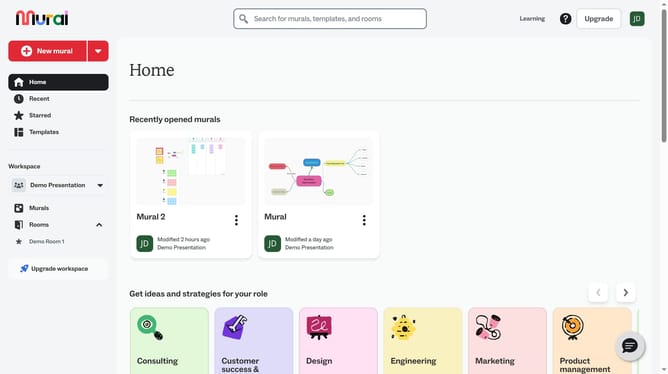
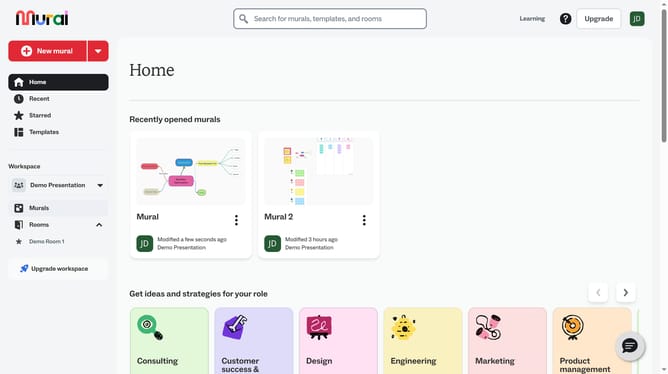
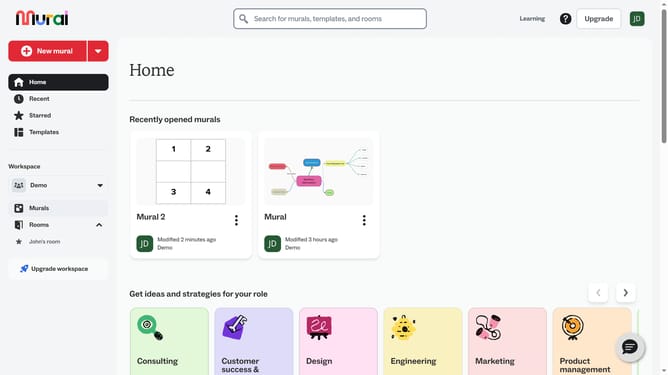
- First click on the "Murals" option in the left sidebar under the Workspace section
- Then click on the mural where your sticky notes are located
- Next click on the "Sticky Note" element on the canvas to select it
- Then right-click on the selected "Sticky Note" element to open the context menu
- Finally click on the "Duplicate" option in the context menu
Why should you duplicate sticky notes in Mural
Mural is a collaborative digital workspace designed to enhance creative thinking and streamline teamwork across distances.
Duplicating sticky notes in Mural is a powerful feature that fosters efficiency and organization. It allows users to swiftly replicate ideas, keeping brainstorming sessions dynamic and fluid.
Utilizing this feature, participants can easily expand on concepts without disrupting the flow of collaboration, making sure all thoughts are captured and explored.
This functionality not only saves time but also maintains the momentum of creativity, ensuring continuous progression during meetings and projects.
Last update