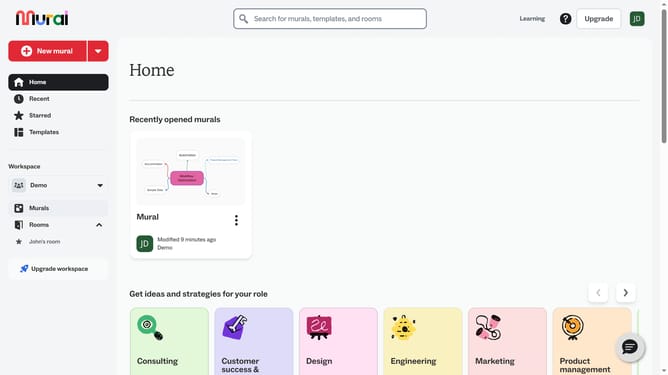
How to add sub-branches in a mind map in Mural
Here is how to add sub-branches in a mind map in mural
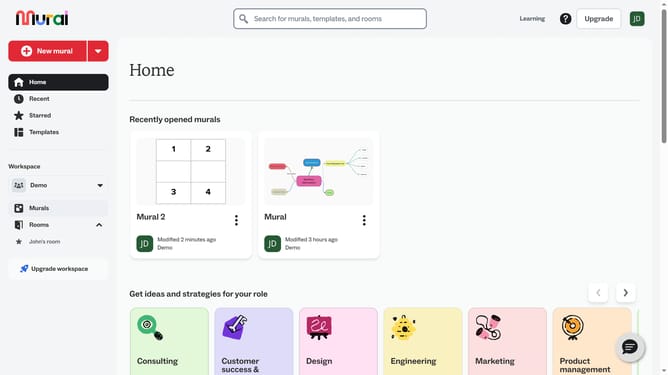
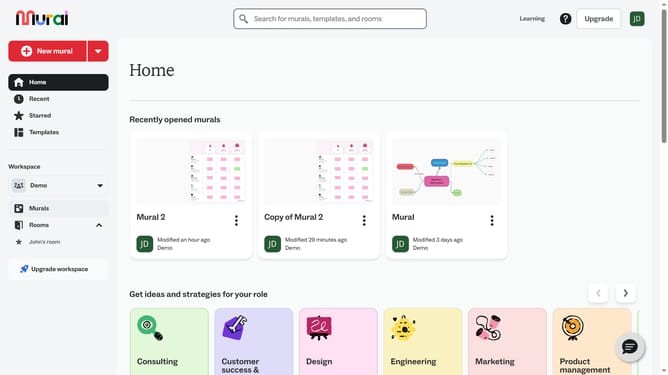
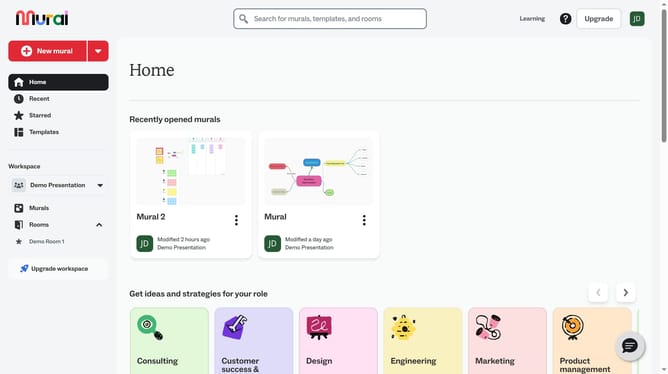
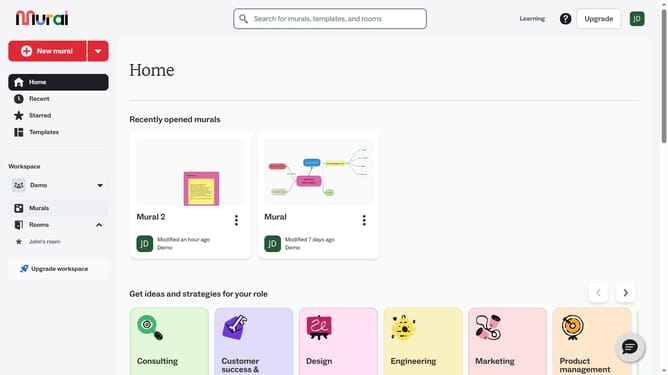
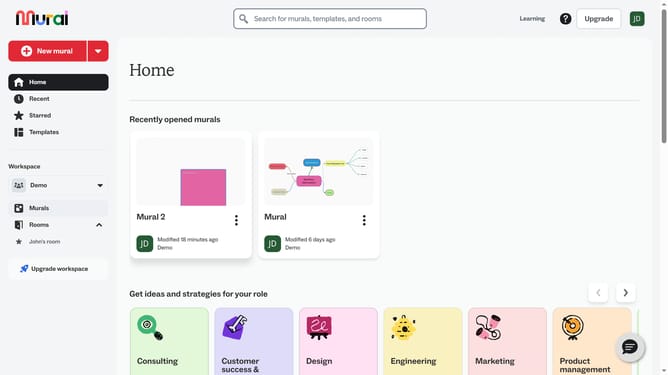
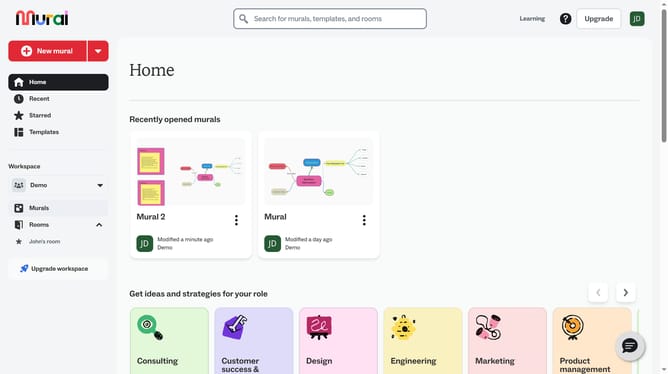
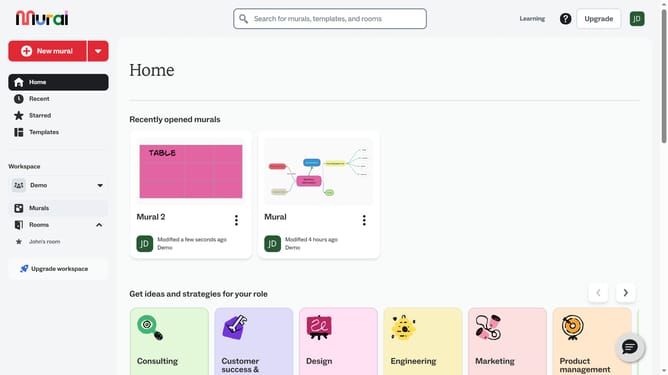
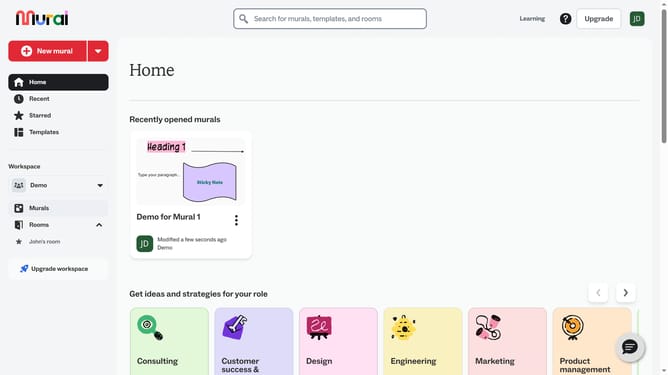
- First click on the "Murals" item in the left sidebar under the Workspace section
- Then click on the mural that contains the mind map
- Next click on the branch where you want to add a sub-branch
- Then click on the “Add branch” option
- Finally click on the “Add branch” button again to add more branches
Why should you add sub-branches in a mind map in Mural
Mural is an innovative platform designed for collaborative brainstorming and visual mapping.
Adding sub-branches to a mind map in Mural enhances the depth and structure of your ideas. This feature allows users to break down complex thoughts into manageable segments, fostering clearer understanding and creativity.
Using sub-branches helps organize information hierarchically, making it easier to identify relationships and connections, ultimately leading to more efficient problem-solving and idea generation.
Mural's intuitive interface makes incorporating sub-branches seamless, boosting productivity and enhancing collaborative efforts across teams.
Last update