
Mural
Mural is a visual collaboration platform for brainstorming, planning, and running remote workshops on a shared canvas.
Website
Industry
Design
Share this article:

How to rename an area in Mural

Here is how to rename an area in mural

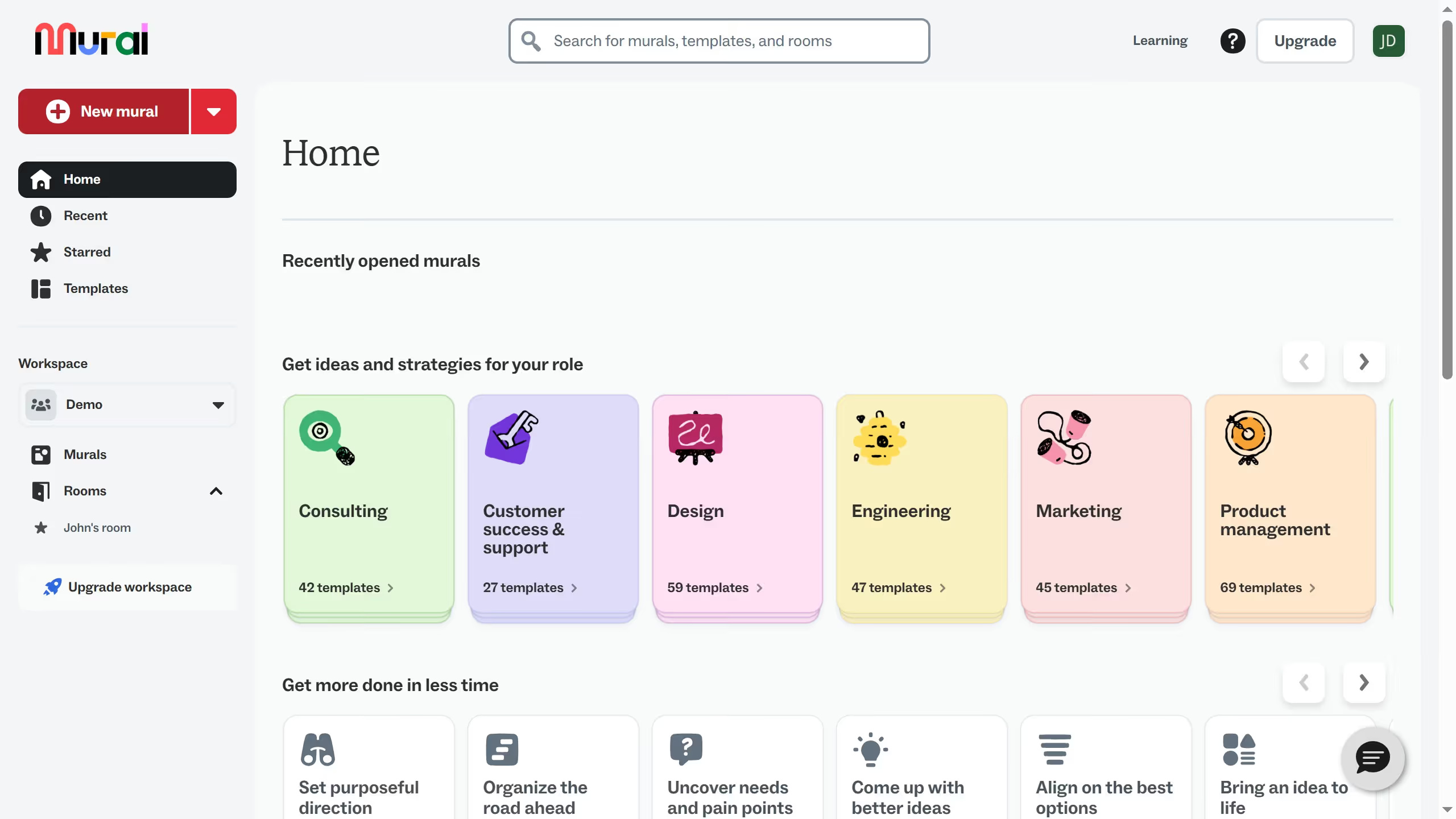
  1. First click on "Murals" in the left sidebar
  2. Then click on the mural that you want to manage to open it
  3. Then click on the mural that you want to manage to open it
  4. Next click again on the title text field at the top of the shape
  5. Next click on the title text field at the top of the shape
  6. Then type in the title text field to enter a new name
  7. Finally click outside the text field to confirm the title change
Create your own interactive guide with Guideflow

Why should you rename an area in Mural

Mural is an intuitive online workspace designed to enhance collaboration and foster creativity.

Renaming an area in Mural keeps things organized and ensures clarity for all team members. This feature helps categorize different sections based on project phases or tasks, making it easier to locate specific information quickly.

By clearly labeling areas, you enhance communication and streamline the workflow, ultimately boosting productivity and reducing the time spent searching for content.

Last update
March 13, 2026
Cursor MariaA cursor points to a button labeled "James."

Create your first demo in less than 30 seconds.

