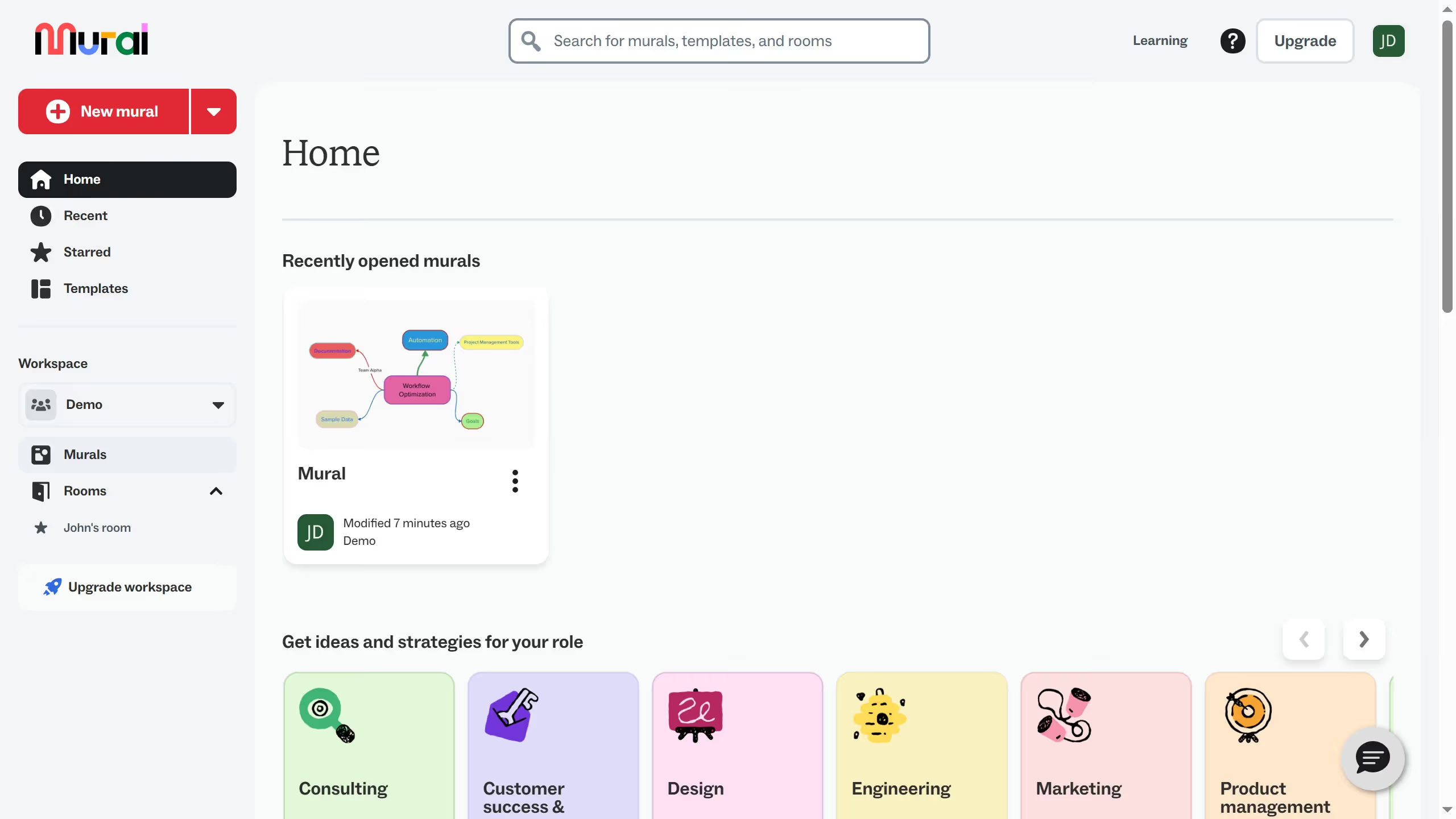
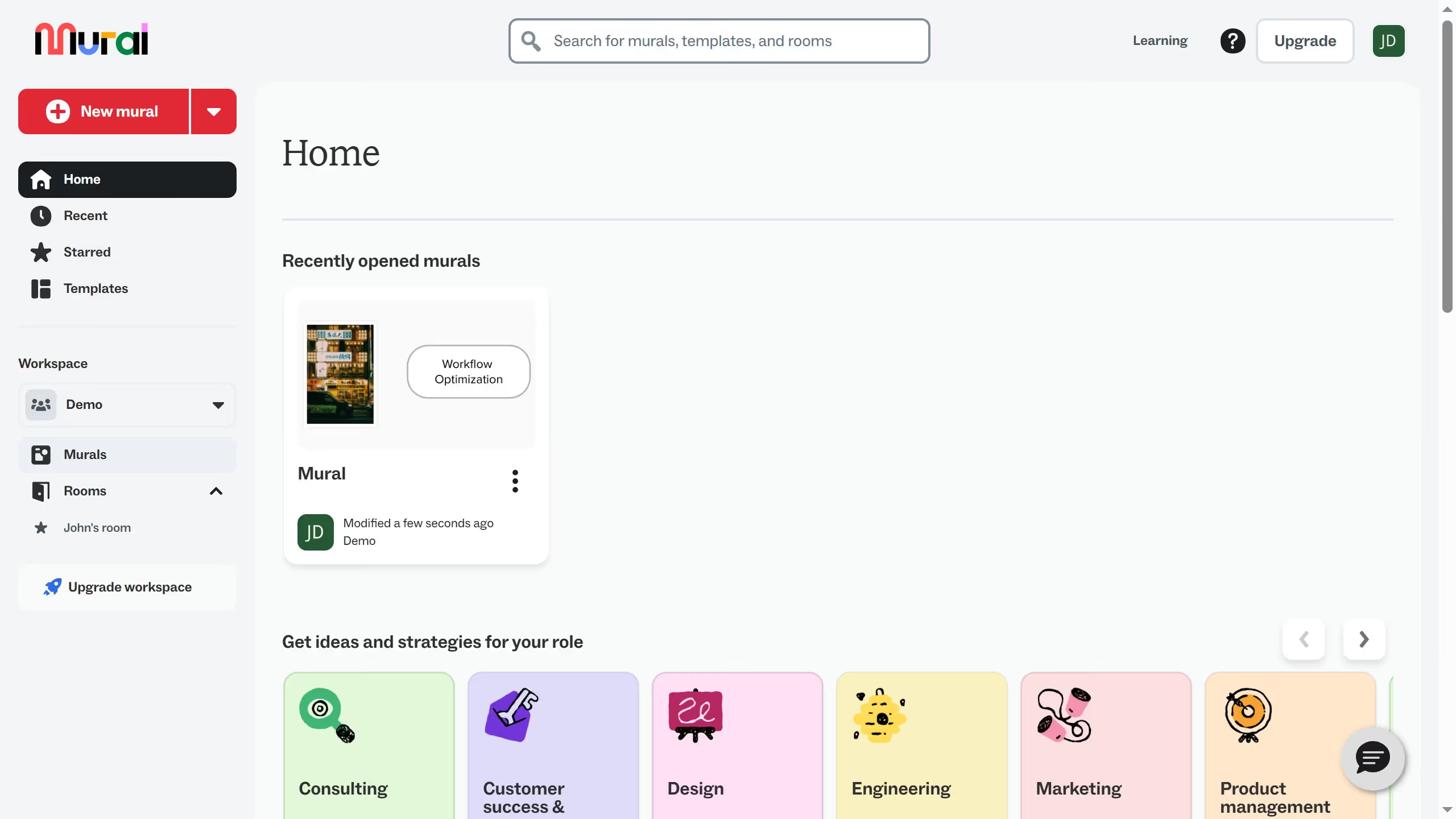
Here is how to manage email notification settings in mural
- First click on the profile icon button in the top-right corner of the header
- Then click on the "Profile" option in the dropdown menu
- Click on the "Edit profile"
- Next click on the "Notifications" link in the left sidebar navigation
- Finally click on the check boxes available depending on your notification preference