How to use the highlighter tool in Mural
Here is how to use the highlighter tool in mural
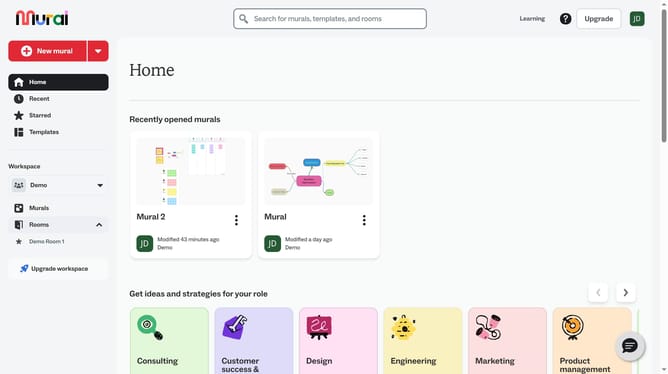
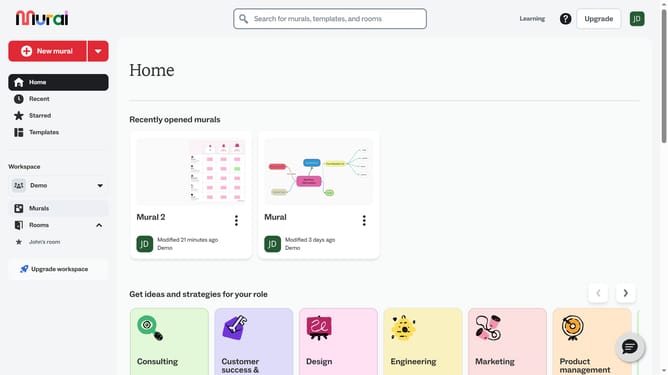
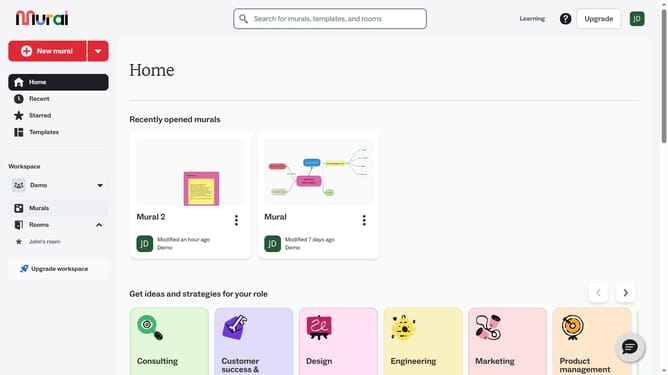
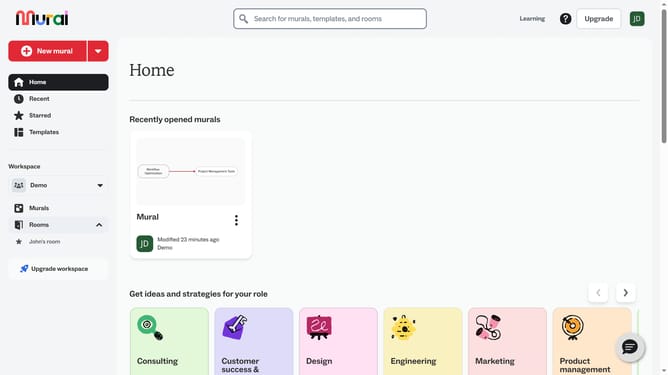
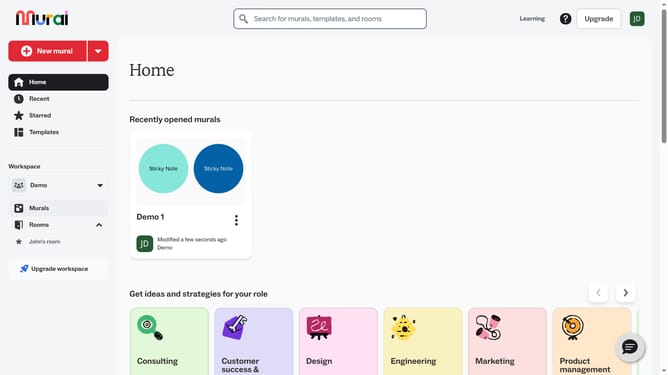
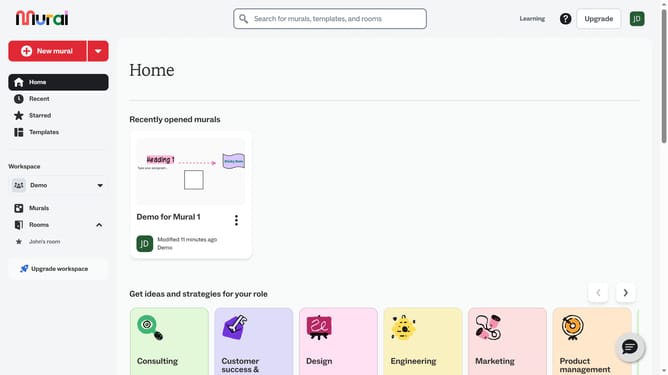
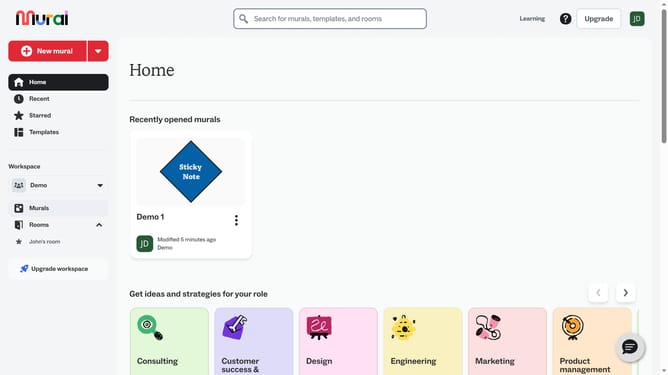
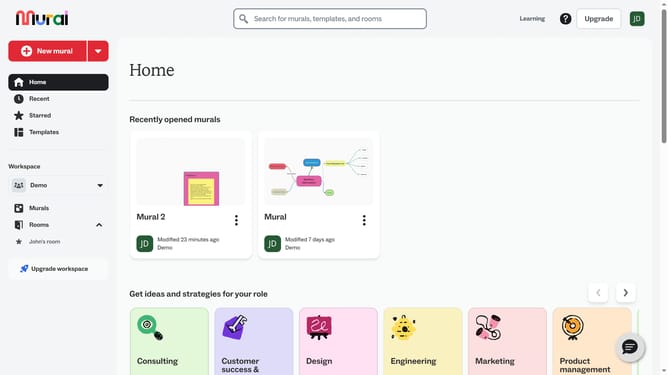
- First click on the "Murals" item in the left sidebar
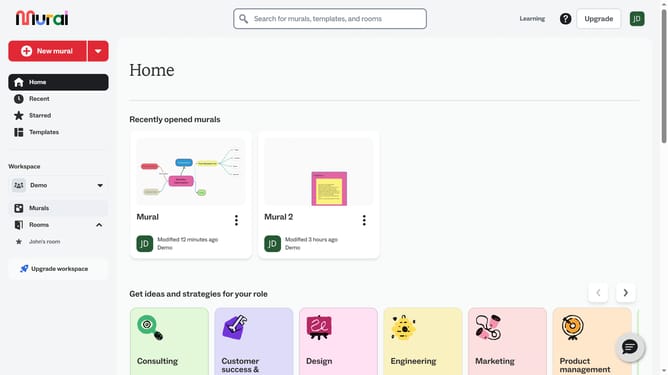
- Then click on the mural that you want to manage to open it
- Next click on the "Draw" tool icon in the left toolbar
- Then click on the "Highlighter" button in the drawing toolbar
- Then draw on the canvas by clicking and dragging to draw freehand and release the mouse to finish drawing
- Finally click on the "Done drawing" button in the top toolbar
Why should you use the highlighter tool in Mural
Mural is an intuitive online collaboration tool designed to enhance creative teamwork.
The highlighter tool in Mural is your perfect partner for emphasizing key ideas within brainstorming sessions, making communication clearer and more effective.
Highlighting allows team members to quickly pinpoint essential information, ensuring that crucial ideas stand out amidst a sea of content.
Incorporating the highlighter tool into your workflow helps streamline discussions, facilitate understanding, and foster a more productive collaborative environment.
Last update