How to delete sticky notes in Mural
Here is how to delete sticky notes in mural
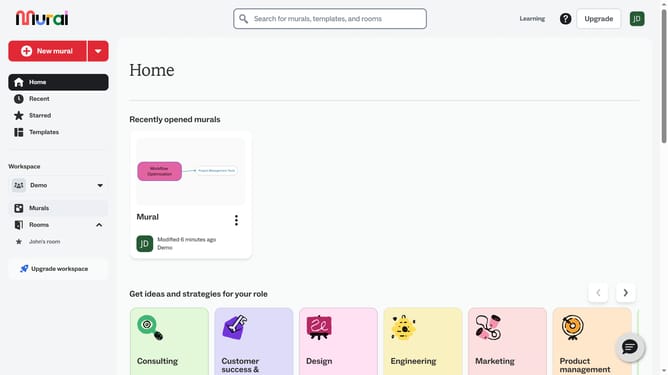
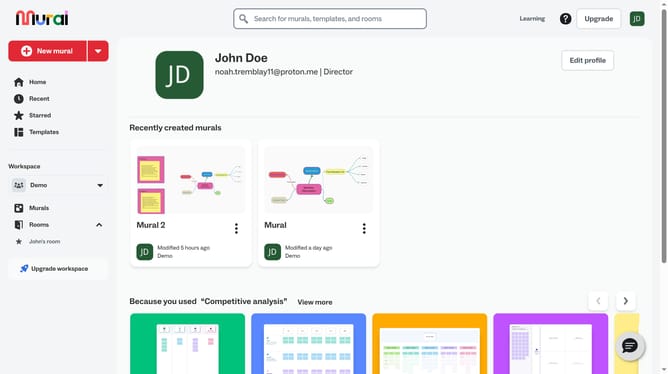
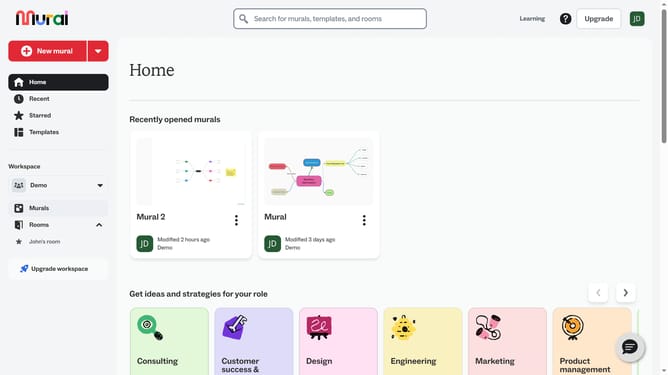
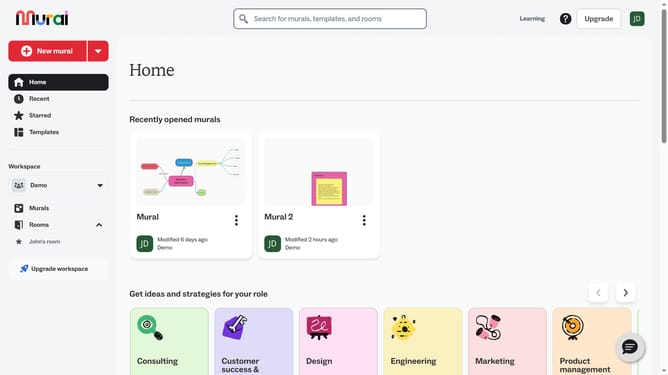
- First click on the "Murals" item in the left sidebar under the Workspace section
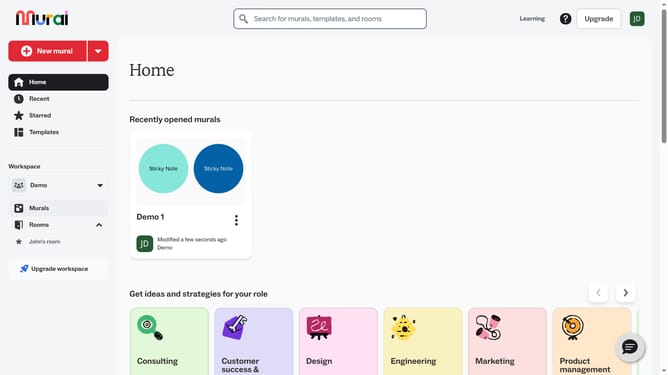
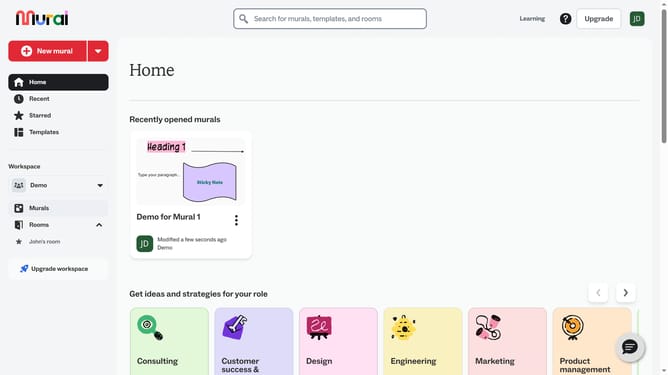
- Then click on the mural card to open it
- Then click on the "Sticky Note" element on the canvas to select it
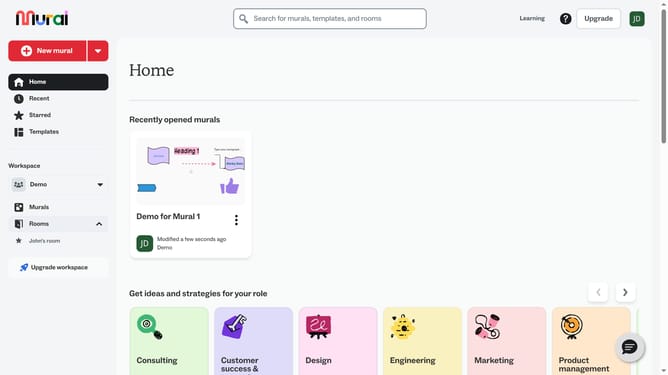
- Then right-click on the selected "Sticky Note" element to open the context menu
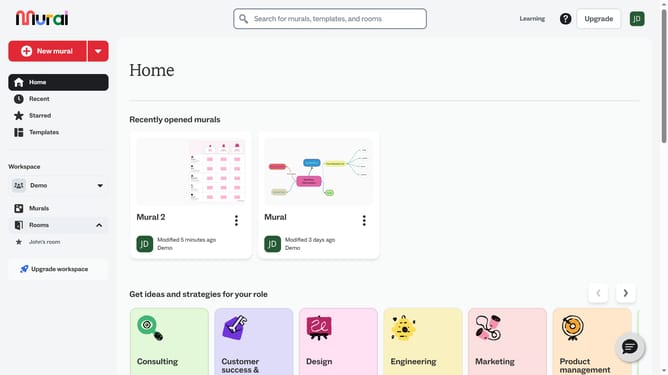
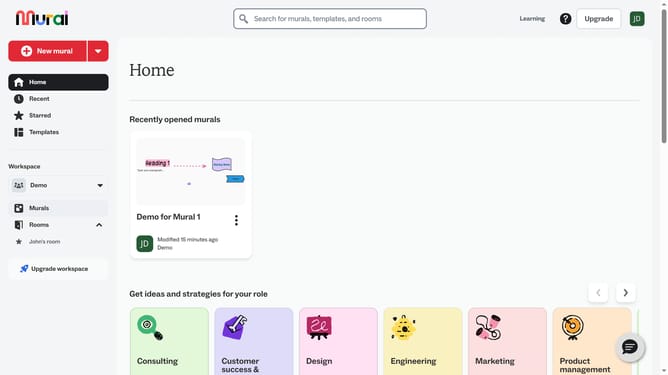
- Finally click on the "Delete" option at the bottom of the context menu
Why should you delete sticky notes in Mural
Mural is a collaborative online tool that enhances brainstorming and teamwork through interactive visual aids.
One key feature is the ability to delete sticky notes, which helps in maintaining an organized and clutter-free workspace.
This feature ensures your team's creativity flows unhindered by irrelevant or outdated information.
Streamlining your mural by removing sticky notes keeps ideas fresh and relevant, enhancing productivity and focus during collaborative sessions.
Last update