How to change sticky note size in Mural
Here is how to change sticky note size in mural
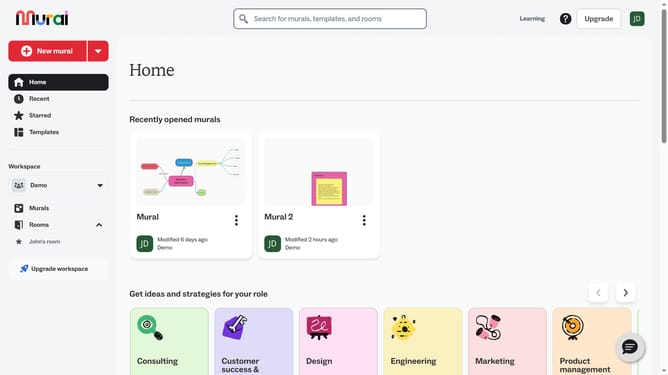
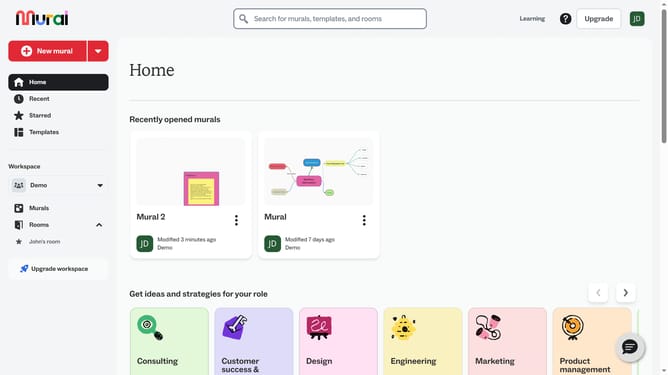
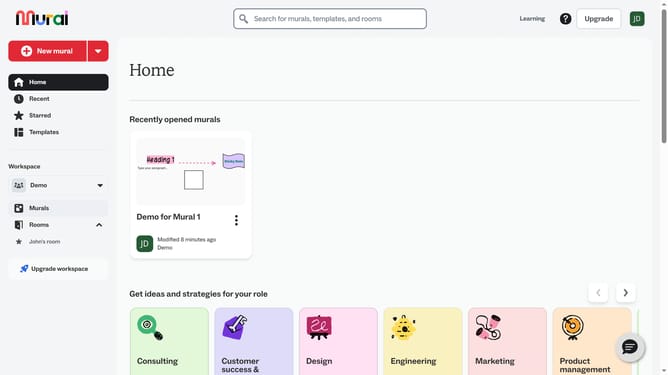
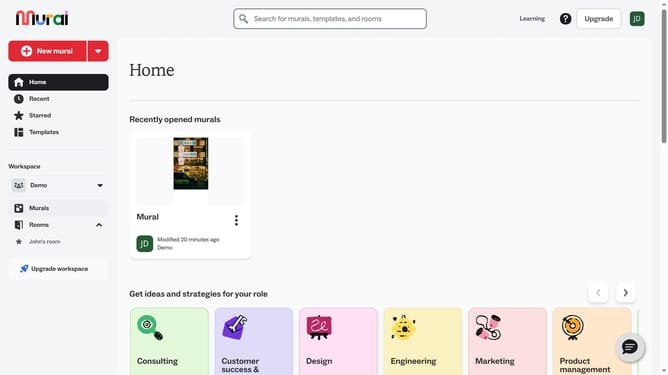
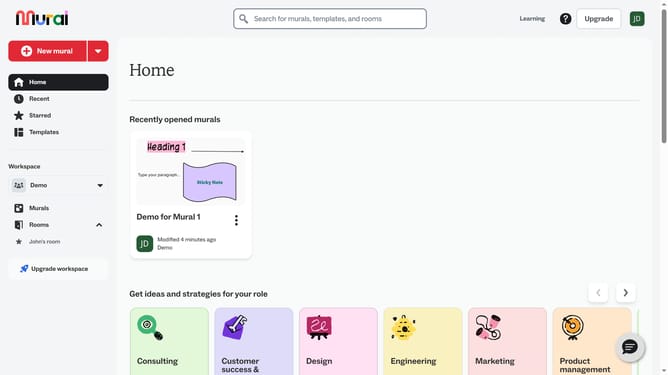
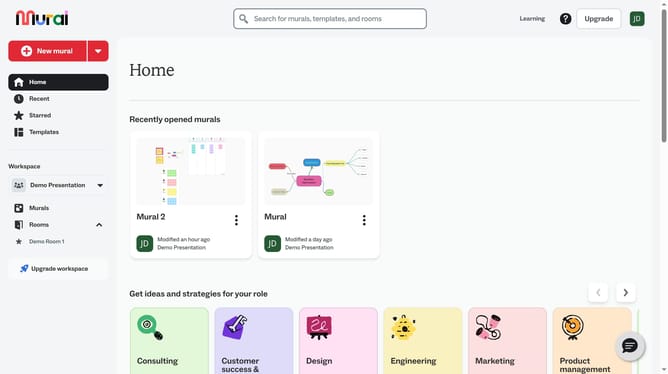
- First click on the "Murals" option in the left sidebar under the Workspace section
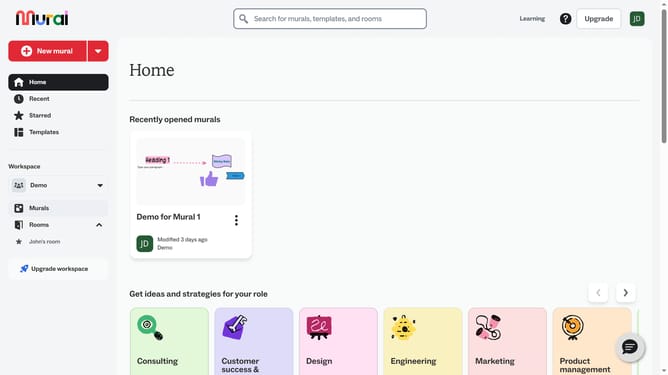
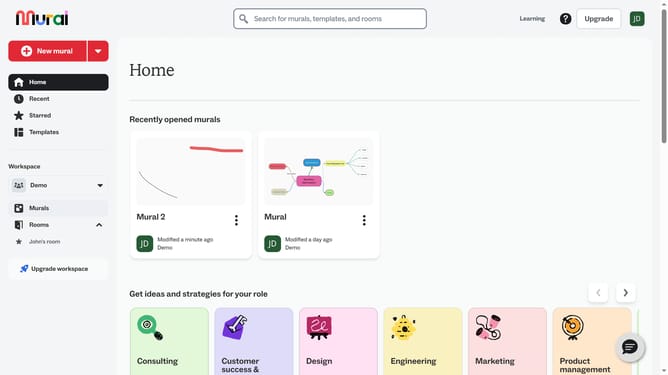
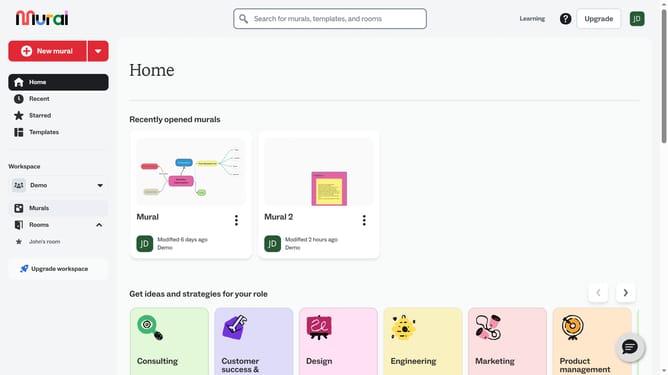
- Then click on the mural card in the murals section to open it
- Next click on the "Sticky Note" element on the canvas to select it
- Finally click and drag one of the corners or edges of the sticky note to resize it and release the mouse button when the sticky note reaches the desired size
Why should you change sticky note size in Mural
Mural is an innovative online collaboration tool designed to enhance team brainstorming and idea organization.
One of Mural's dynamic features is the ability to adjust the size of sticky notes, offering users flexibility in presenting their ideas. This feature enables users to emphasize key points or organize thoughts efficiently.
Adjusting sticky note sizes aids in prioritizing ideas and can make collaborative sessions more focused and productive. By tailoring the visual layout, teams can communicate more clearly, fostering an environment of creativity and innovation.
Last update