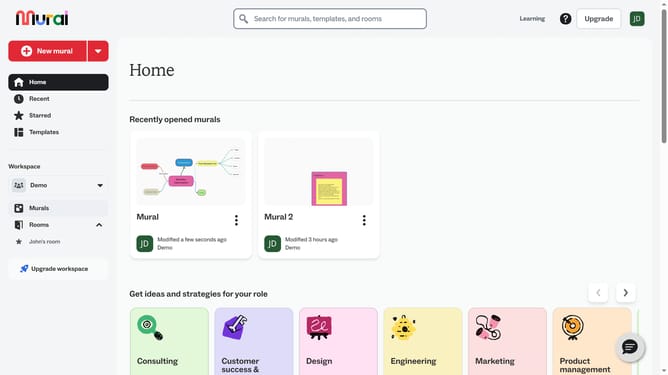
How to duplicate icons in Mural
Here is how to duplicate icons in mural
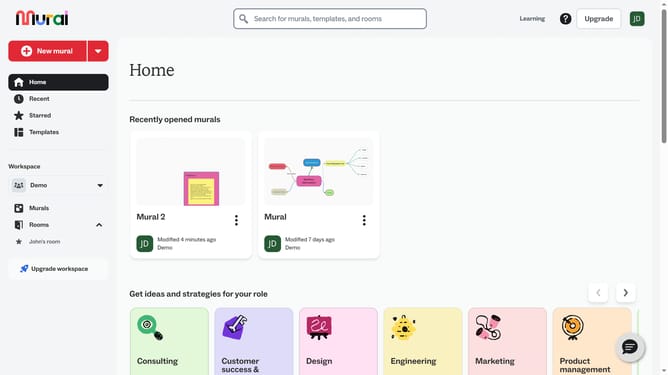
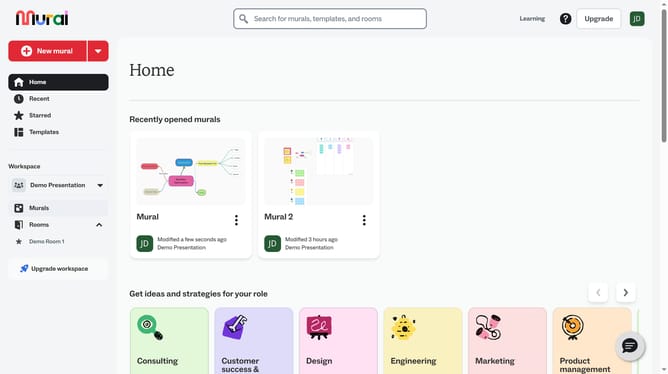
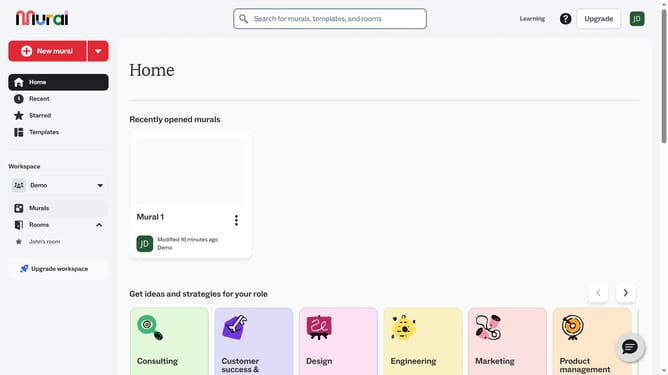
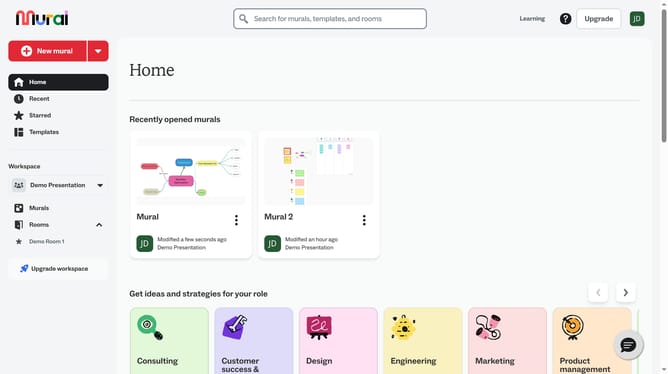
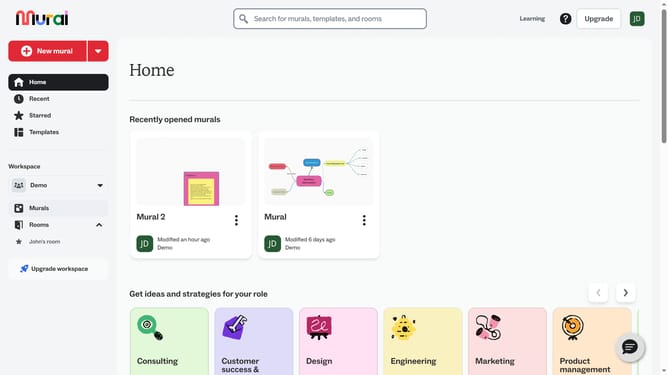
- First click on the "Murals" item in the left sidebar under the Workspace section
- Open the mural where the icon is located
- Click on the icon to select it
- Right-click on the icon element in the canvas to open the context menu
- Click the duplicate option from the pop up menu
Why should you duplicate icons in Mural
Mural is an intuitive online platform designed to enhance collaborative creativity and visual teamwork.
One of its efficient features is the ability to duplicate icons effortlessly, optimizing workflow and saving precious time for users.
Duplicating icons in Mural can significantly streamline your creative process, allowing for quick replication of elements within your projects. This feature is especially beneficial for users seeking to maintain consistency in design and presentation.
By utilizing this feature, teams can focus more on innovative brainstorming and less on repetitive tasks, enhancing overall productivity.
Last update