Mural
Mural is a visual collaboration platform for brainstorming, planning, and running remote workshops on a shared canvas.
Website
Industry
Design
Share this article:

How to reuse recently used templates after logging in to Mural

Here is how to reuse recently used templates after logging in to mural

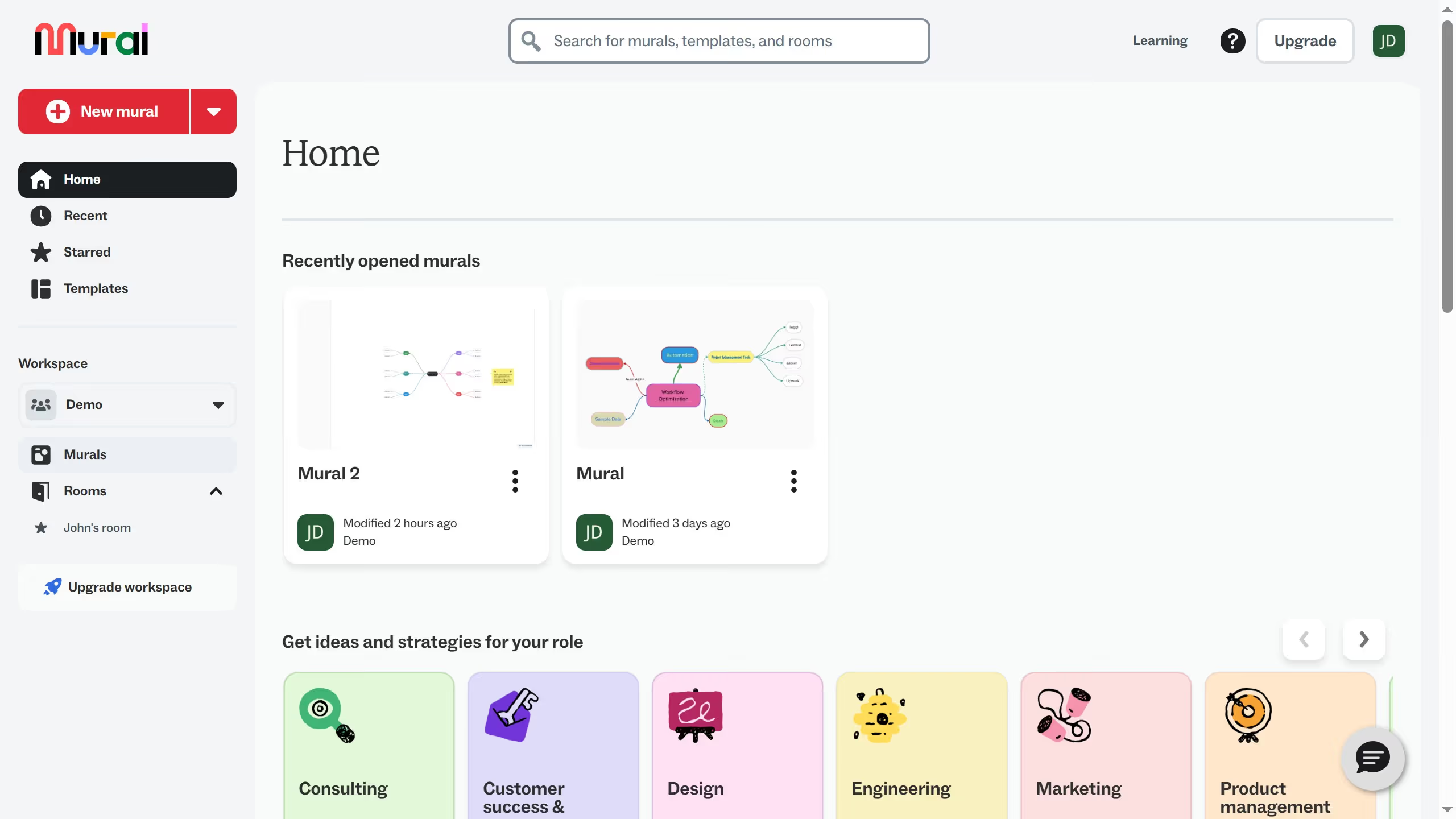
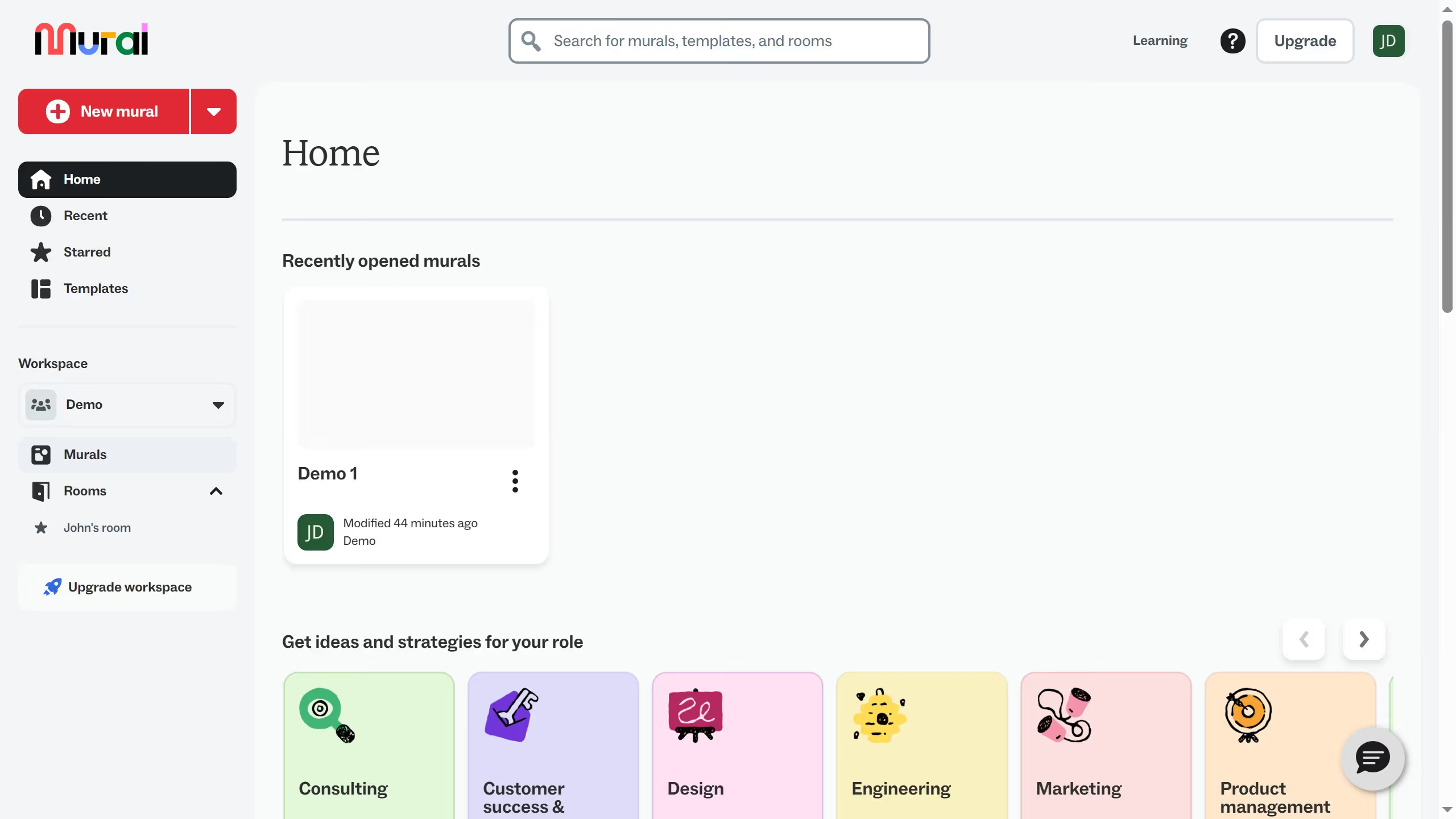
  1. First click on "Recent" in the sidebar navigation menu
  2. Then click on "Templates" tab in the content area
  3. Next click on a template from the template card
  4. Finally click on "Create mural" button in the dialog

Create your own interactive guide with Guideflow

Why should you reuse recently used templates after logging in to Mural

Mural is a dynamic digital workspace designed to enhance team collaboration and innovation.

Accessing recently used templates upon logging into Mural streamlines your workflow significantly.

This feature saves time by allowing easy retrieval of customized setups, eliminating the need to recreate forms from scratch. It helps maintain consistency in recurring projects, ensuring everyone stays aligned with the original design and intent.

Reusing templates enhances productivity, providing more time to focus on creativity and strategic planning.

Last update
March 13, 2026
Cursor MariaA cursor points to a button labeled "James."

Create your first demo in less than 30 seconds.