Mural
Mural is a visual collaboration platform for brainstorming, planning, and running remote workshops on a shared canvas.
Website
Industry
Design
Share this article:

How to share workspace link of your own template with an infinite canvas in Mural

Here is how to share workspace link of your own template with an infinite canvas in mural

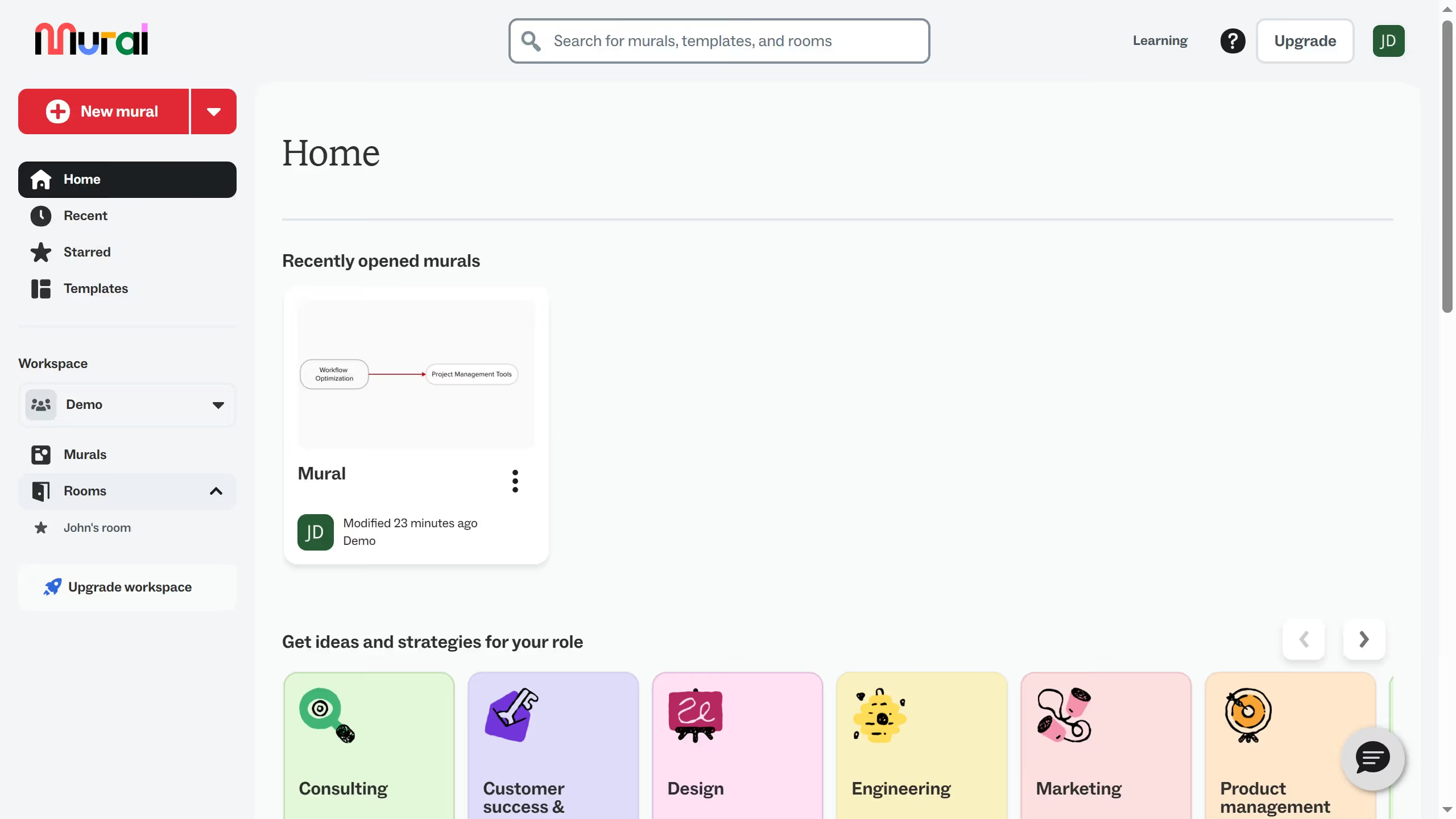
  1. First click on "Templates" in the left sidebar navigation menu
  2. Then click on the three-dot menu icon on the template card
  3. Next click on "Share" option from the dropdown menu
  4. Then click on "Copy link" button in the Share template dialog
  5. Finally click on "Done" button to close the Share template dialog

Create your own interactive guide with Guideflow

Why should you share workspace link of your own template with an infinite canvas in Mural

Mural empowers teams to collaborate visually with its innovative infinite canvas platform, ideal for brainstorming and project management.

Sharing a workspace link to your custom template on Mural's infinite canvas enhances collaborative efforts by providing easy access for all participants.

With a simple link, team members can explore vast creative possibilities without the constraint of physical space, fostering seamless collaboration and idea exchange.

This feature simplifies inviting stakeholders, ensuring everyone is on the same digital page, which boosts productivity and coherence in team projects.

Last update
March 13, 2026
Cursor MariaA cursor points to a button labeled "James."

Create your first demo in less than 30 seconds.