Here is how to show example of a template in mural
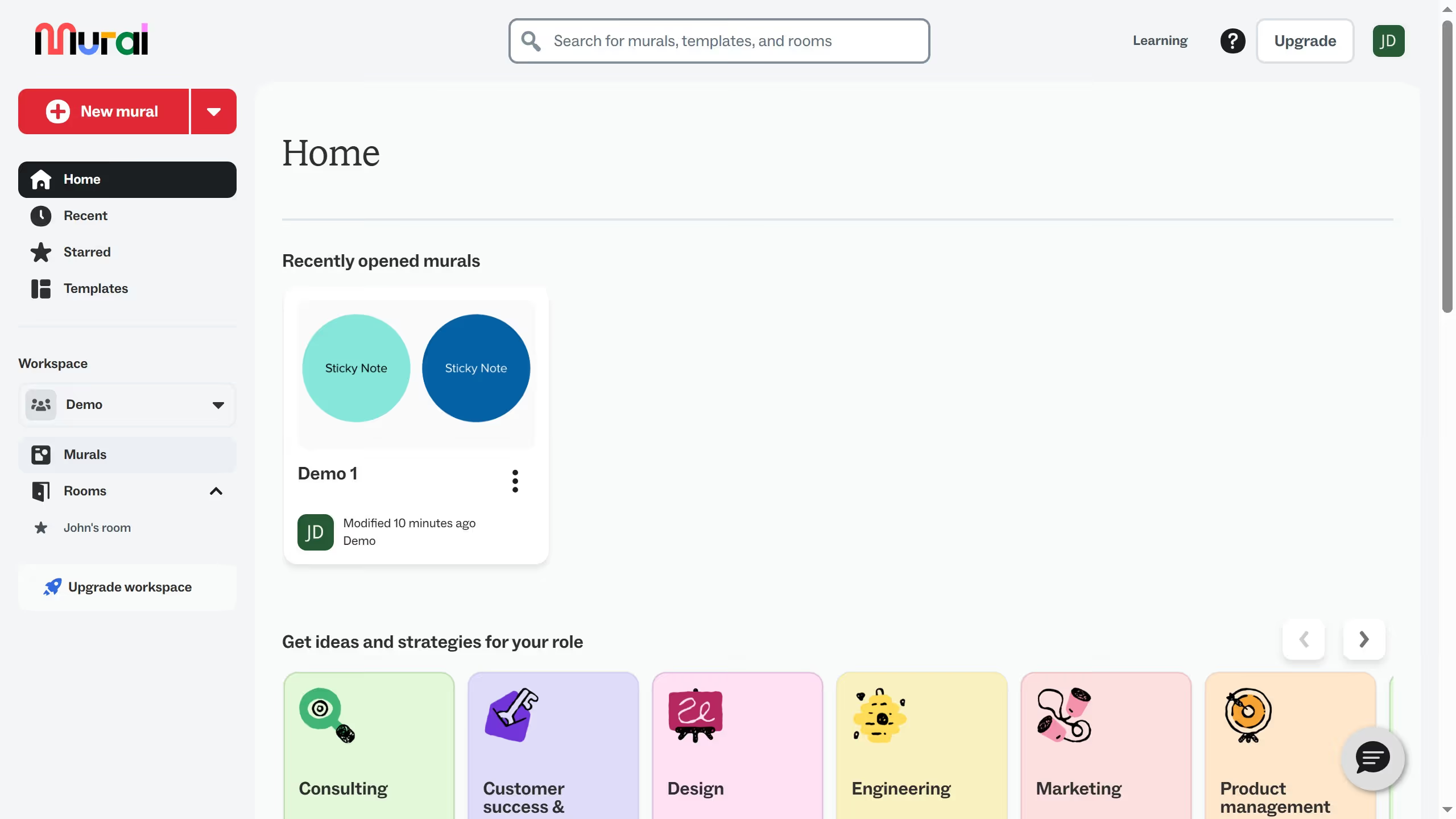
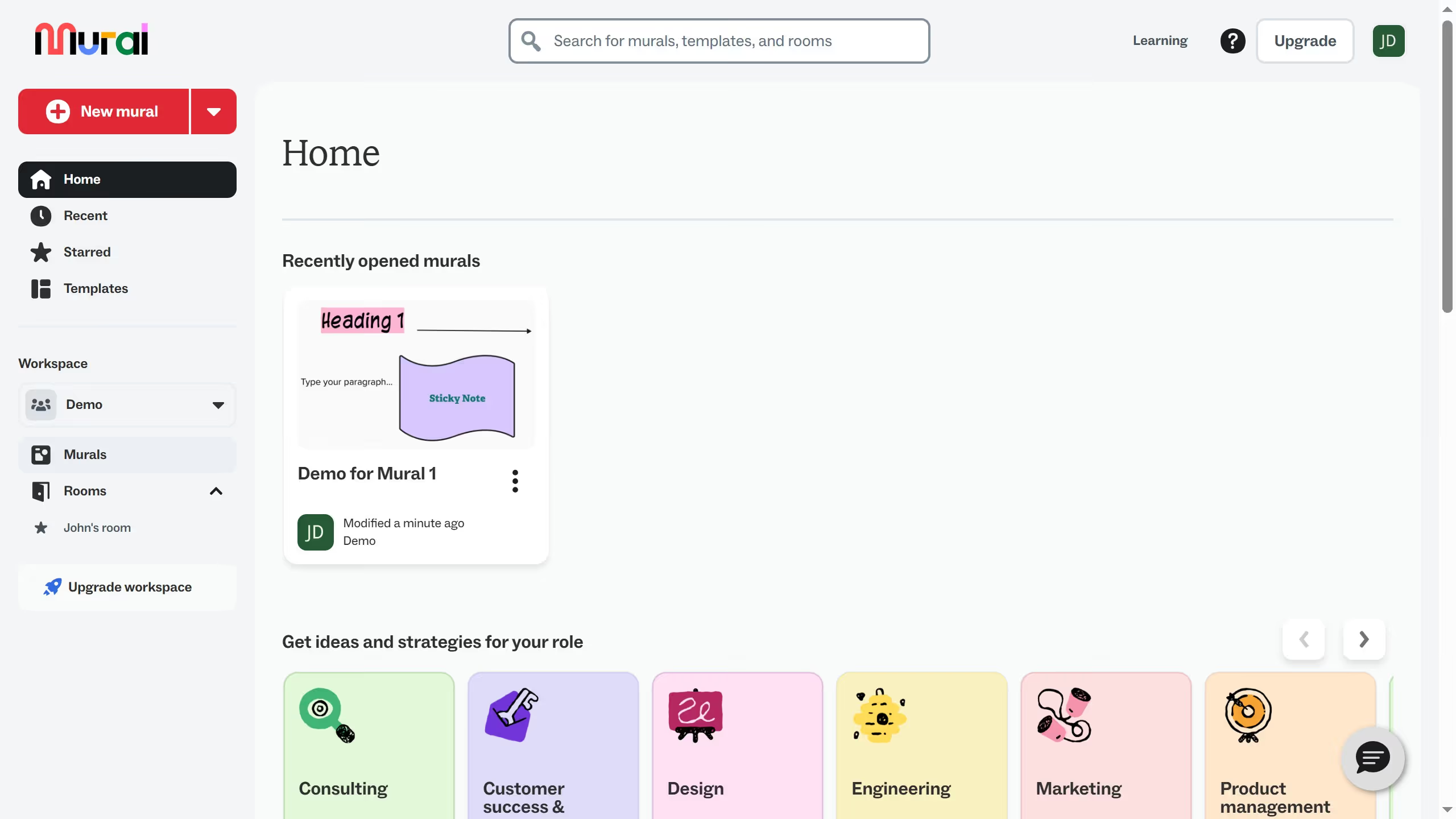
- First click on "Murals" in the left sidebar
- Then click on the mural that you want to manage to open it
- Next click on the "Templates" button in the left toolbar
- Then click on "Starred" tab in the Templates sidebar
- Next click on "Preview" button on the template card
- Finally click on "Show example" toggle button at the bottom of the template preview