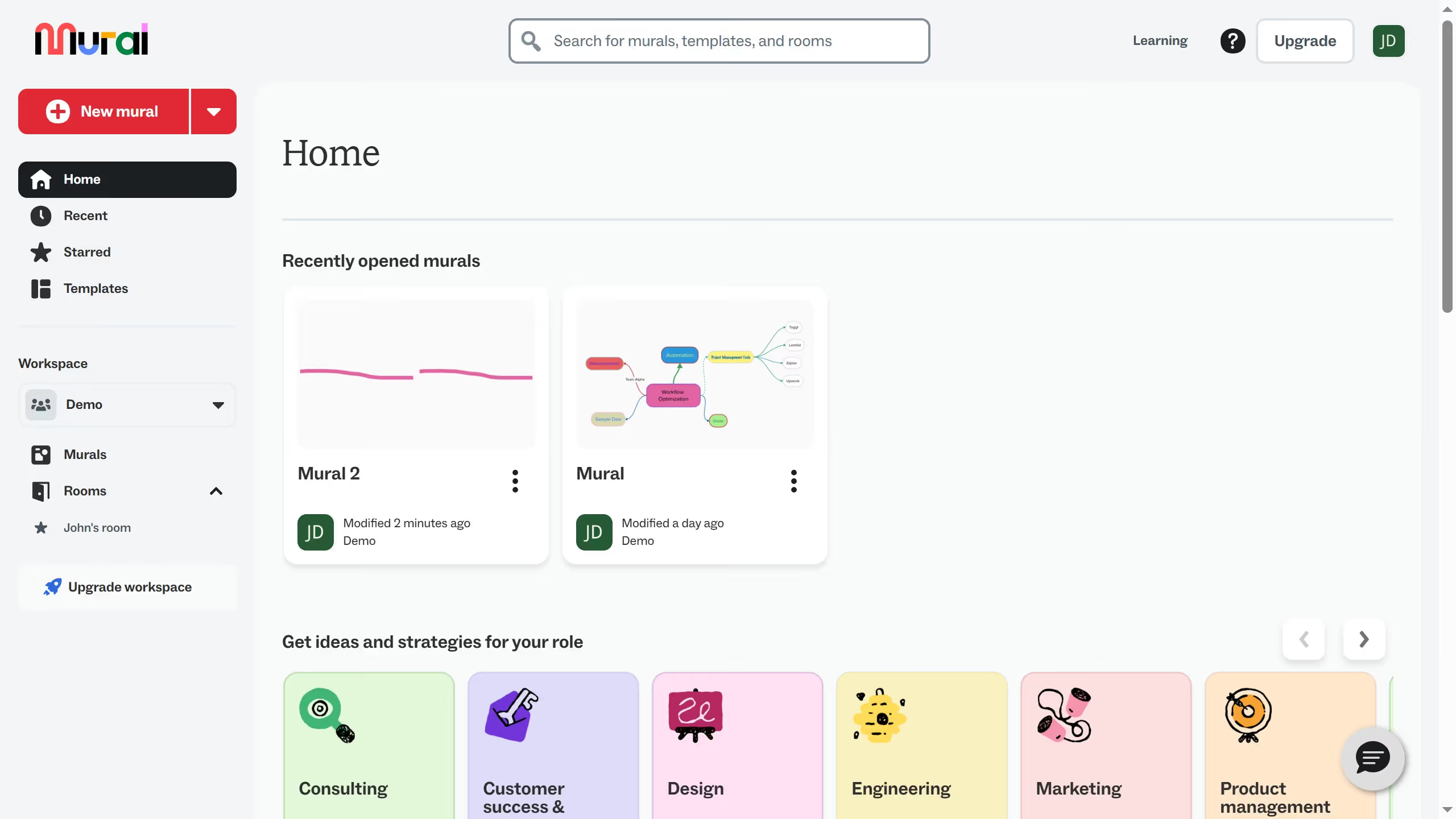
Here is how to end private mode in an infinite canvas in mural
- First click on "Murals" in the left sidebar
- Then click on the mural filename that you want to manage to open it
- Next click on "Facilitate" button in the top toolbar
- Then click on "Private mode" option in the dropdown menu
- Next click on the "Yes, show authors when private mode ends" radio button option
- Then click on "Start" button to confirm private mode settings
- After that click on "Got it" button to dismiss the confirmation message
- Then click on "End private mode" button in the top banner
- Finally click on "End private mode and reveal content" button in the confirmation dialog