How to change mind map border colors in Mural
Here is how to change mind map border colors in mural
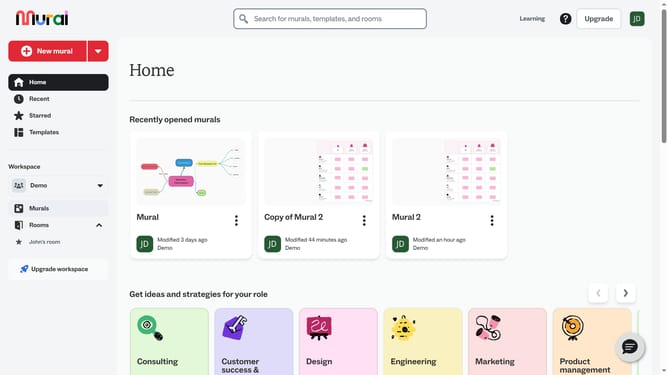
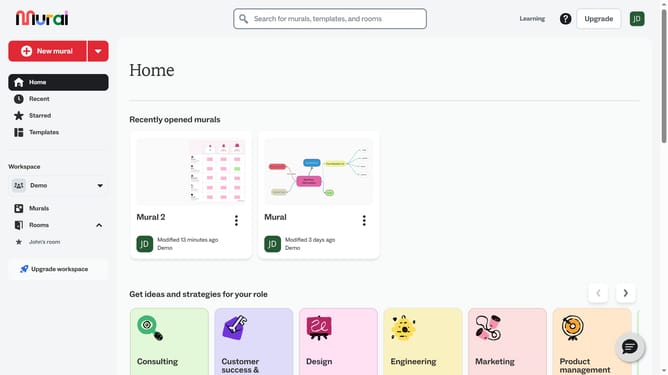
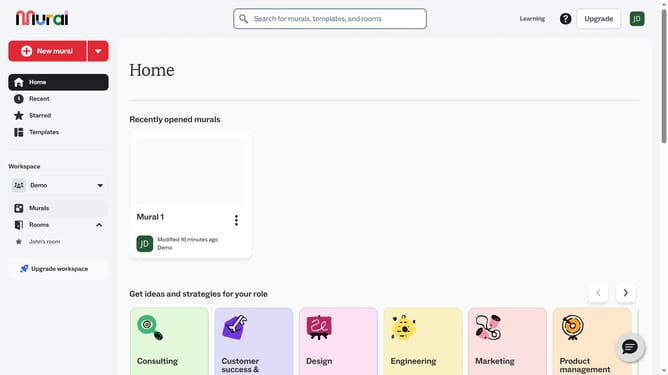
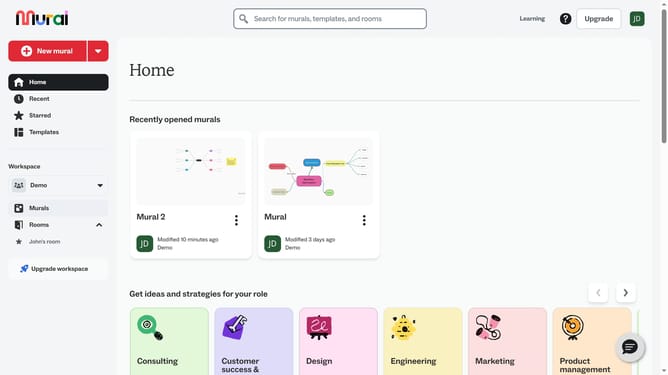
- First click on the "Murals" item in the left sidebar under the Workspace section
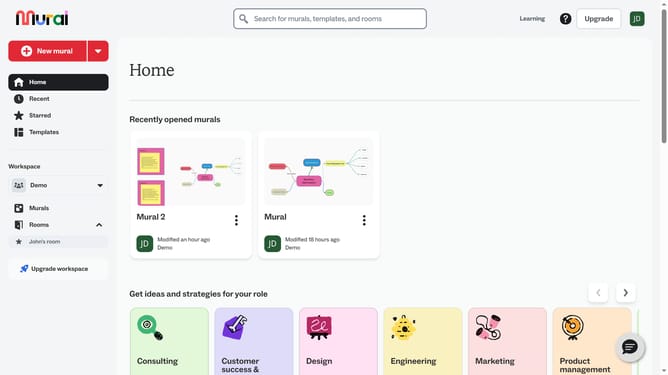
- Then click on the "Mural" card in the murals section to open it
- Next click on the mind map element in the canvas to select it
- Then click on the "Border color" button in the top formatting toolbar
- Finally select a color from the color picker palette that appears
Why should you change mind map border colors in Mural
Mural is a dynamic digital workspace designed to stimulate creativity and facilitate collaboration among teams.
Changing mind map border colors in Mural amplifies the visual appeal and ensures clarity in ideas being presented.
Using distinct border colors for different branches or ideas in a mind map helps in distinguishing concepts, thus promoting better understanding and memory retention.
This feature enhances visual organization, making it easier to prioritize and categorize thoughts, ultimately leading to more productive brainstorming sessions.
Last update