How to delete the whole template in Mural
Here is how to delete the whole template in mural
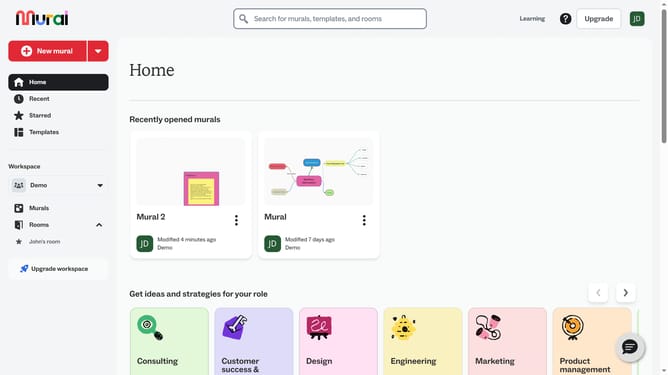
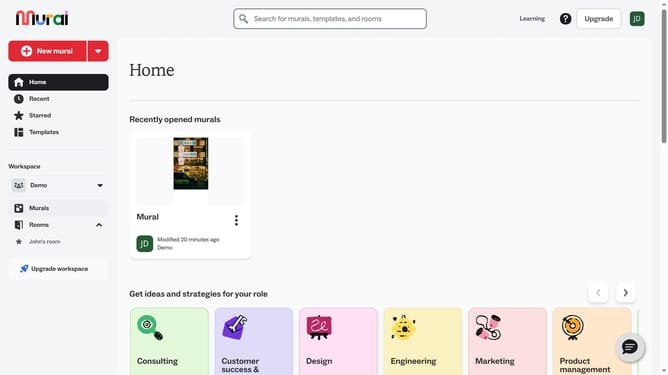
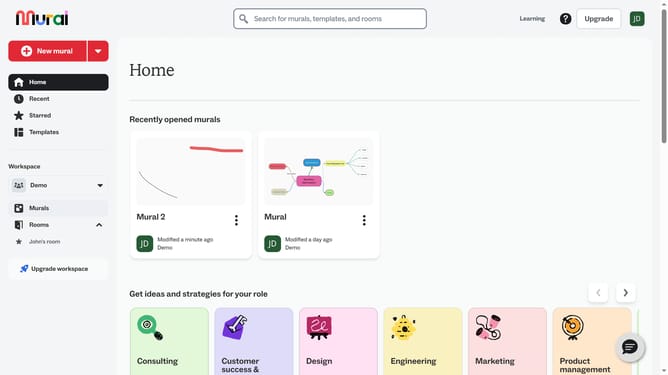
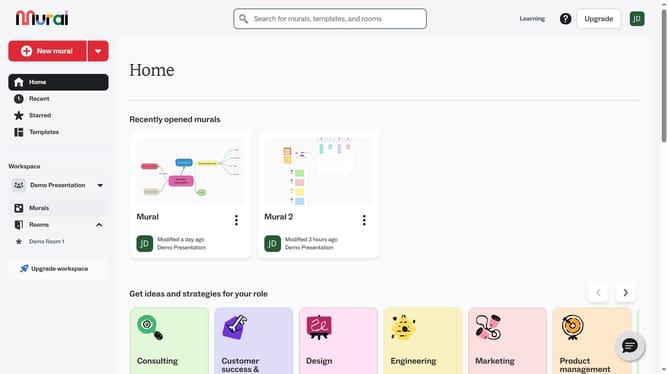
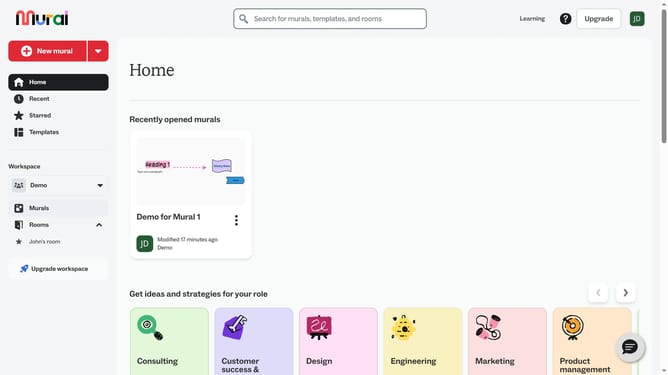
- First click on the "Murals" item in the left sidebar
- Then click on the mural card to open it
- Next click on the template on the canvas to select it
- Then right-click on the template to show more options
- Next click "Delete" from the dropdown list
- Finally confirm the entire template deleted by selecting "Area and content"
Why should you delete the whole template in Mural
Mural is a dynamic digital workspace designed for collaboration and innovation, giving teams the tools they need to bring ideas to life.
Deleting an entire template in Mural is a straightforward process that enhances workflow efficiency by eliminating unnecessary clutter.
Utilizing this feature enables users to streamline their workspace, making room for new ideas and fostering a more organized digital environment.
Ultimately, it's a quick way to maintain focus and clarity, ensuring that your team remains agile and productive in the creative process.
Last update