How to add icons in Mural
Here is how to add icons in mural
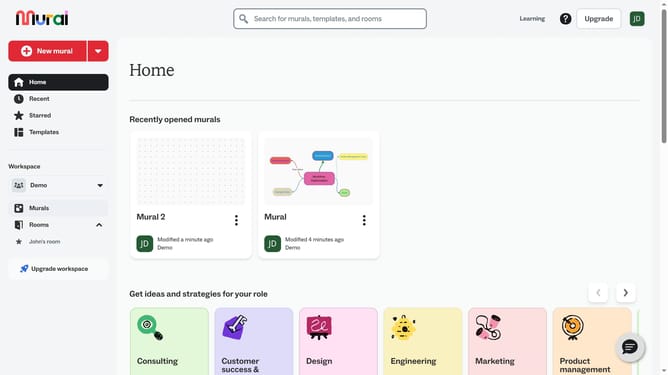
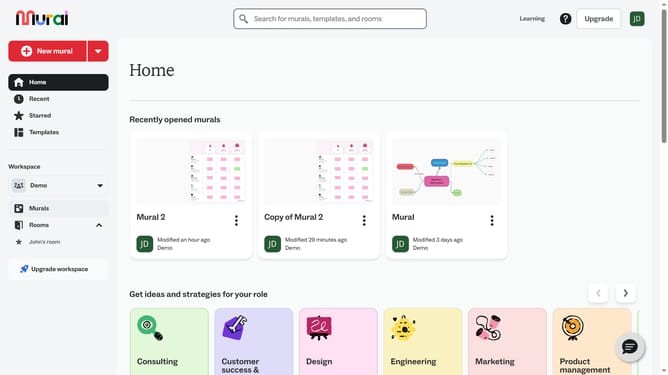
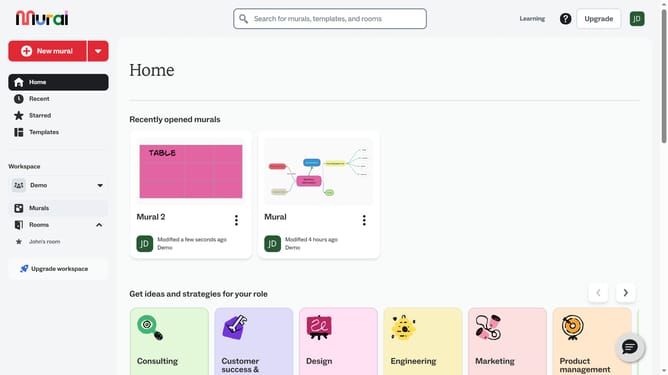
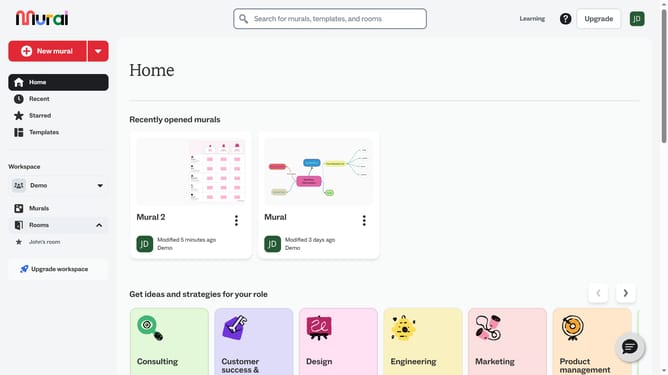
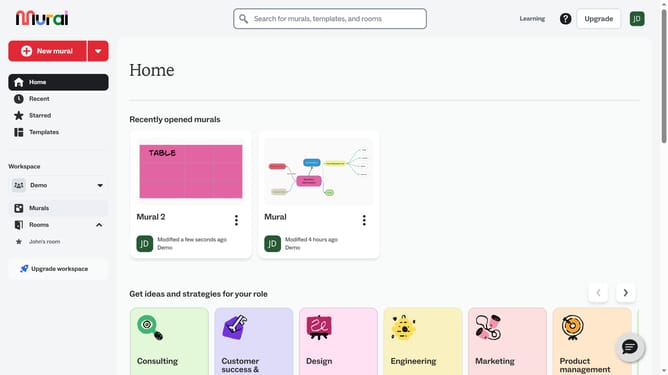
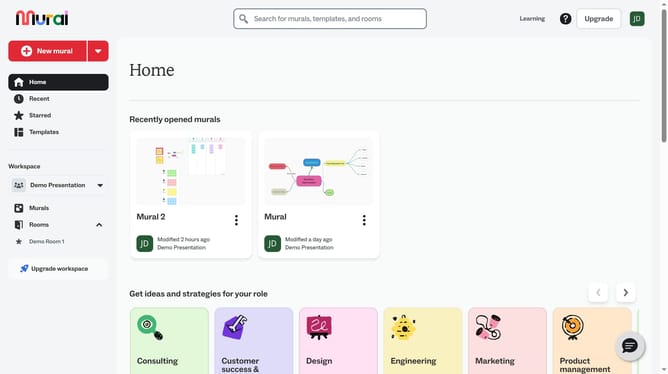
- First click on the "Murals" item in the left sidebar under the Workspace section
- Open the mural where you want to add icons
- Next click on the "Icons" button in the left toolbar
- Finally click the icon to place it on the canvas
Why should you add icons in Mural
Mural is a dynamic platform designed to facilitate team collaboration and creativity.
The ability to add icons in Mural enhances visual communication effortlessly by incorporating symbolic imagery directly into your workspace. Icons serve as intuitive visual cues that can help convey ideas quickly and effectively to team members.
Using icons in Mural not only streamlines the sharing of complex ideas but also adds a layer of visual design that can increase engagement and understanding. This feature encourages collaboration by making content more accessible and appealing, ultimately boosting overall productivity and creativity within the team.
Last update