How to adjust text size inside the sticky notes in Mural
Here is how to adjust text size inside the sticky notes in mural
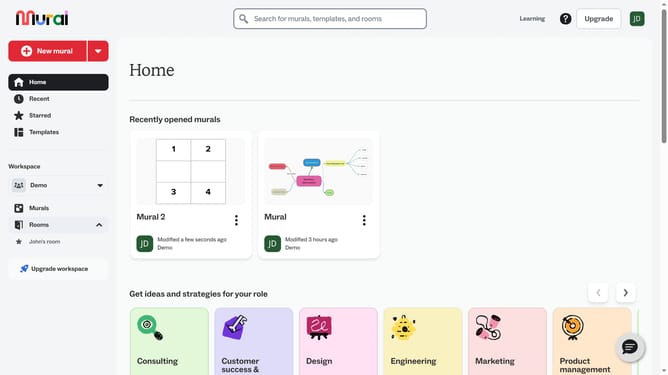
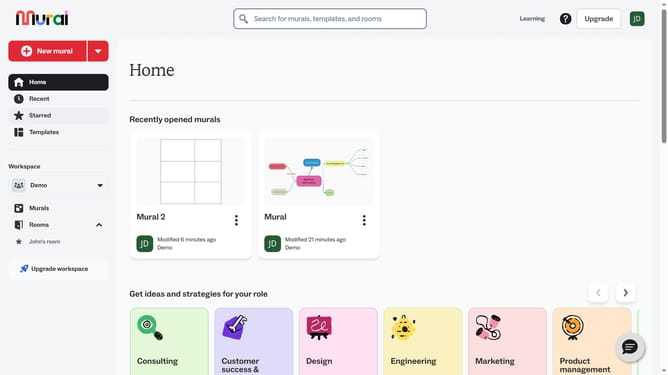
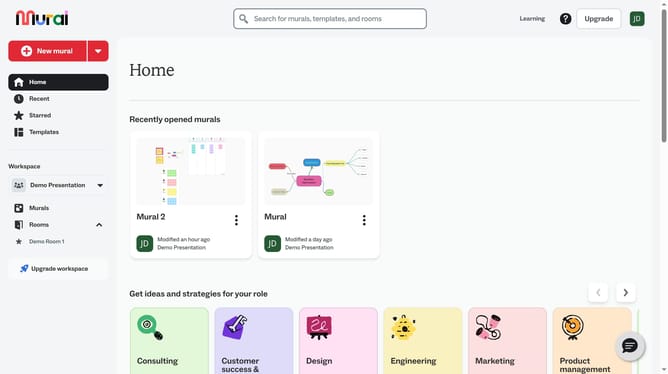
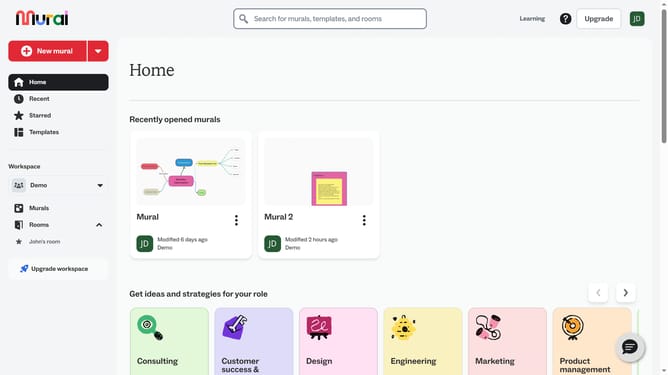
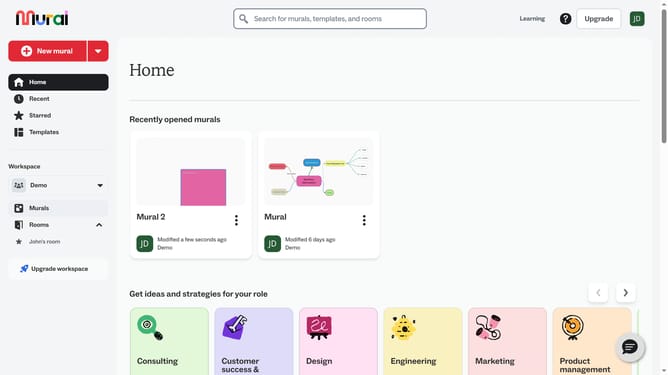
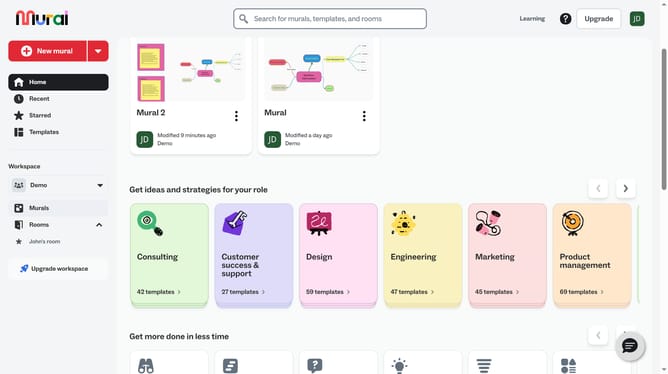
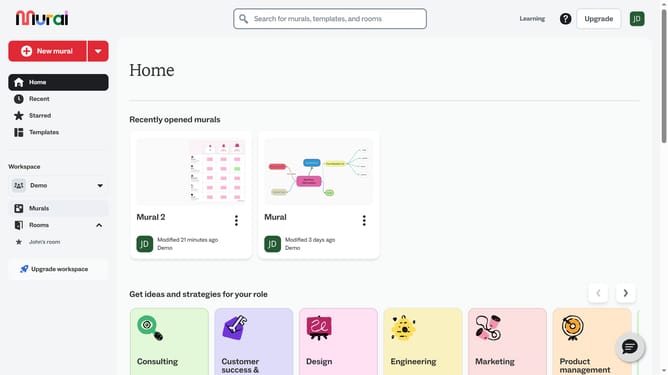
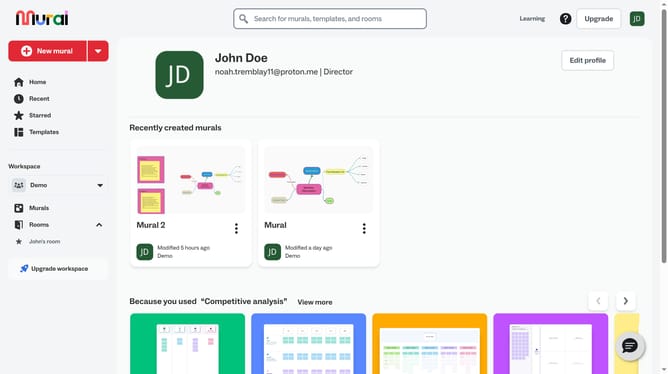
- First click on the "Murals" item in the left sidebar under the Workspace section
- Open the mural card where your sticky note is located
- Next click on the "Sticky Note" text element within the canvas
- Then click on the "Make text bigger" button in the top toolbar to increase text size
- Finally click on the "Make text smaller" button in the top toolbar to decrease text size
Why should you adjust text size inside the sticky notes in Mural
Mural is an online collaboration tool designed to empower teams to think and create visually.
One of its standout features is the ability to adjust text size within sticky notes, making communication clearer and more customizable.
This functionality is essential for optimizing readability and ensuring that important points stand out during brainstorming sessions.
With adjustable text sizes, users can better organize information and maintain an engaging visual dialogue, enhancing the overall collaborative experience.
Last update