How to delete row in table in Mural
Here is how to delete row in table in mural
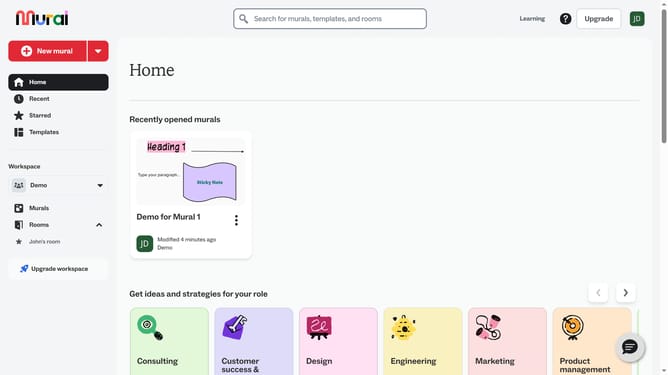
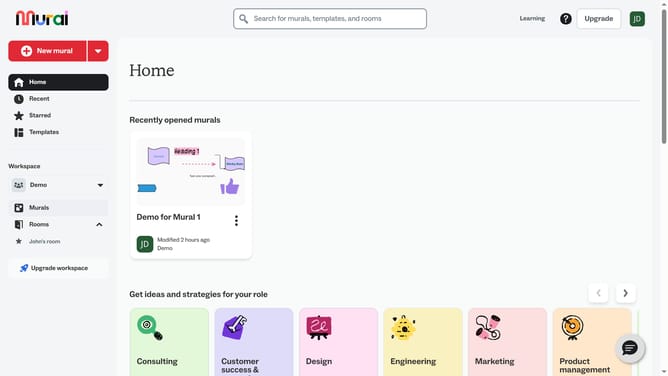
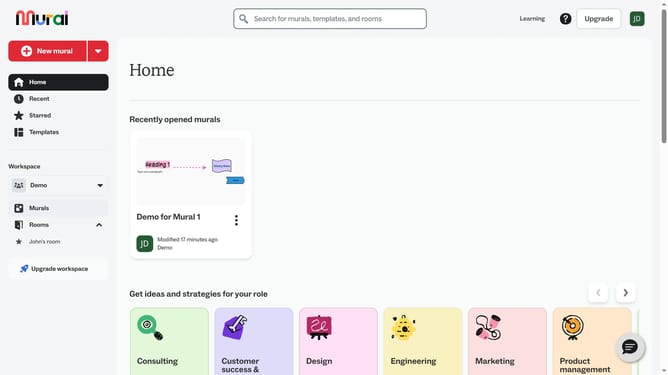
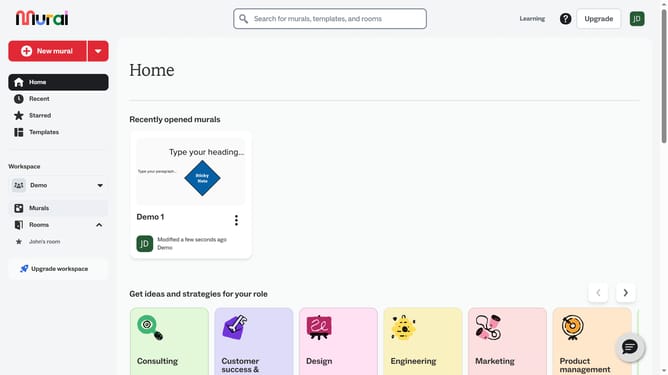
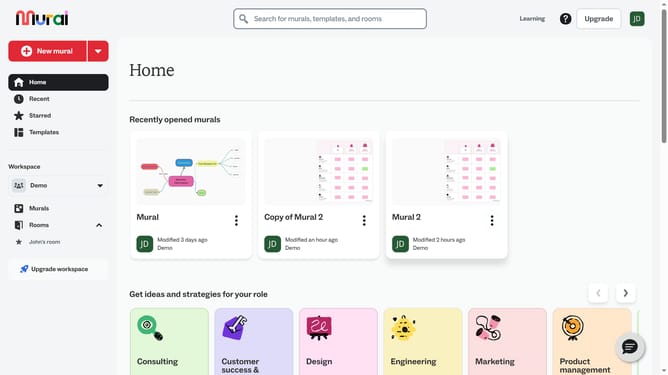
- First click on the "Murals" item in the left sidebar navigation menu
- Then click on the mural that you want to manage to open it
- Next click on the table in the the canvas to select it
- Then right-click on the row to open the context menu
- Finally click on the "Delete row" option in the context menu
Why should you delete row in table in Mural
Mural is an innovative digital workspace designed to foster creativity and collaboration through its intuitive platform.
Easily managing tables within Mural, such as deleting rows, enhances organizational clarity and focus for your projects.
This feature allows users to swiftly refine their board's content, ensuring that only pertinent information remains, which can significantly enhance productivity.
By adopting such efficient table management, teams can streamline their workflow, making meetings and brainstorming sessions more effective and impactful.
Last update