How to change stroke style of connectors in Mural
Here is how to change stroke style of connectors in mural
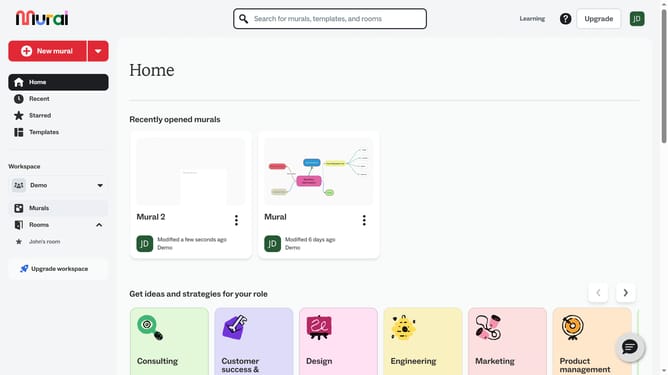
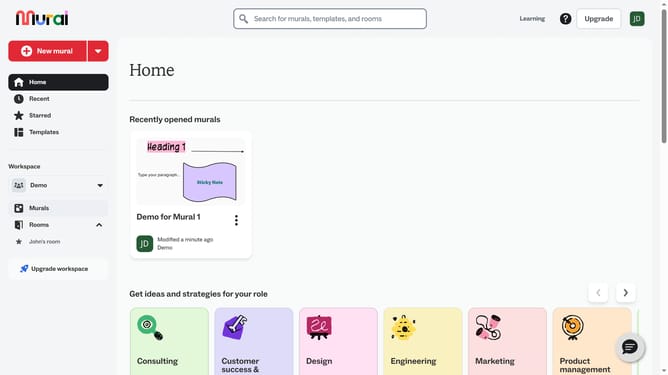
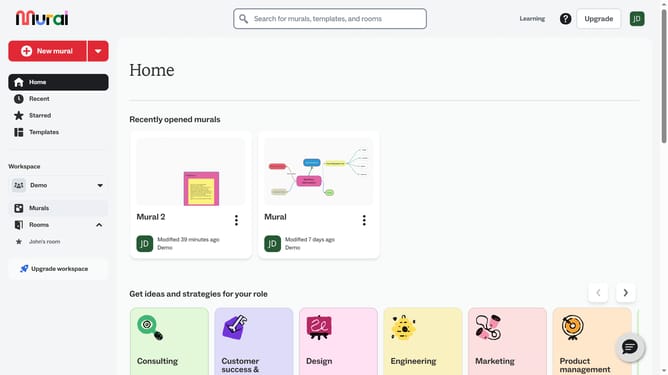
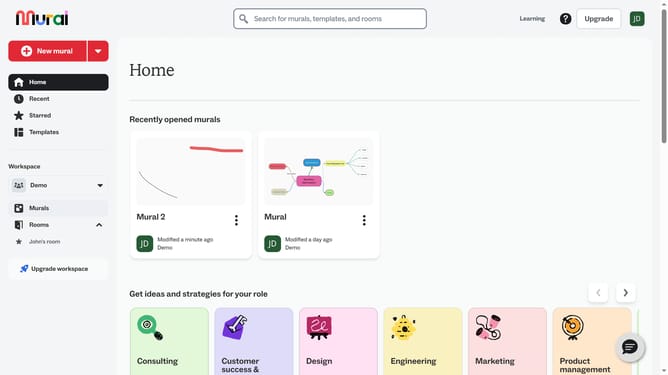
- First click on the "Murals" item in the left sidebar under the Workspace section
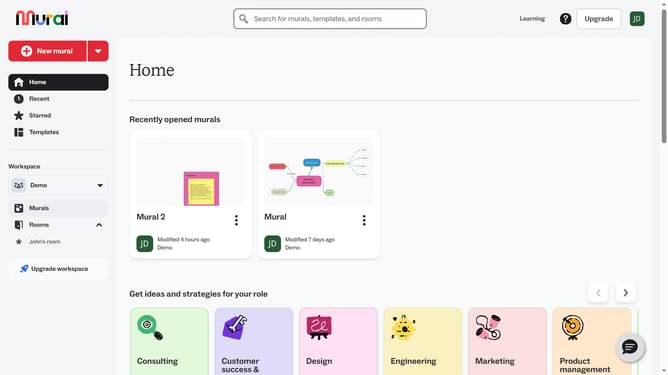
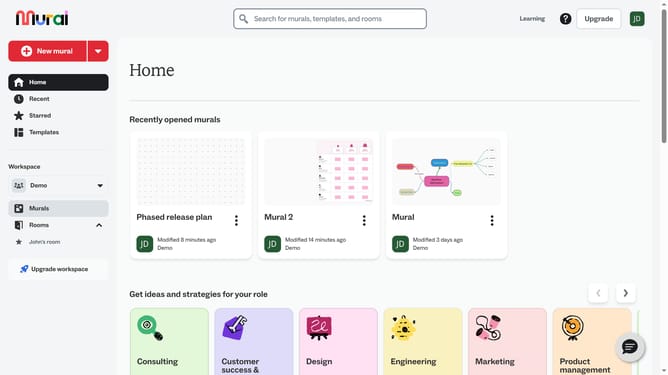
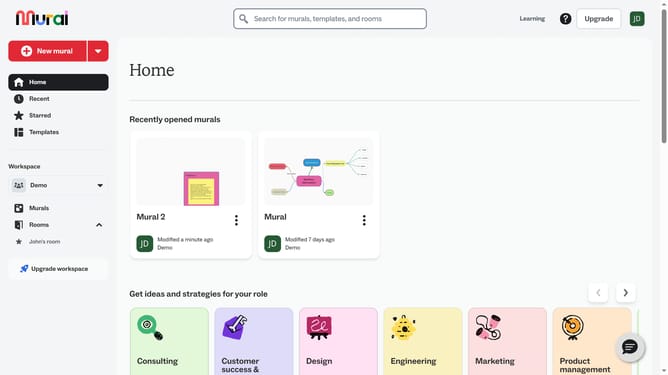
- Open the mural that contains the connector
- Click on the connector line to select it and open stroke style options
- Then click on the "Stroke style" button in the formatting toolbar above the selected connector
- Finally select an option from the stroke style dropdown menu
Why should you change stroke style of connectors in Mural
Mural is a dynamic online whiteboarding tool designed to boost creativity and collaboration.
With Mural, changing the stroke style of connectors can significantly enhance visual communication. By customizing connectors, users can illustrate relationships and workflows more effectively, making complex ideas easier to understand.
Using varied stroke styles adds a touch of personalization and can help differentiate between different paths or processes. This feature can make diagrams clearer and more engaging, which is particularly beneficial in collaborative settings where clear comprehension is key.
Last update