How to unlock objects in Mural
Here is how to unlock objects in mural
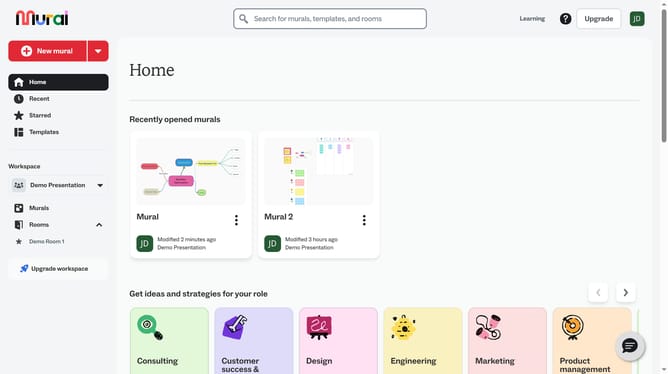
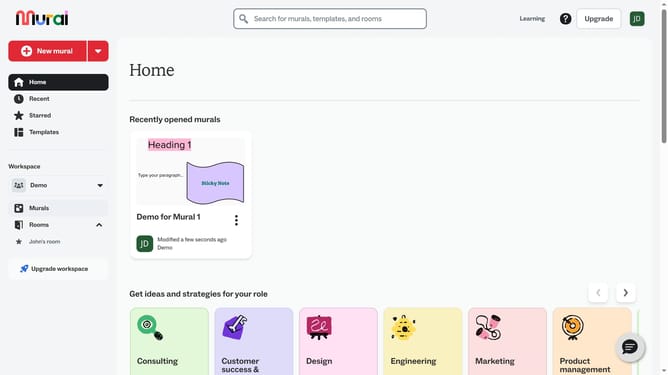
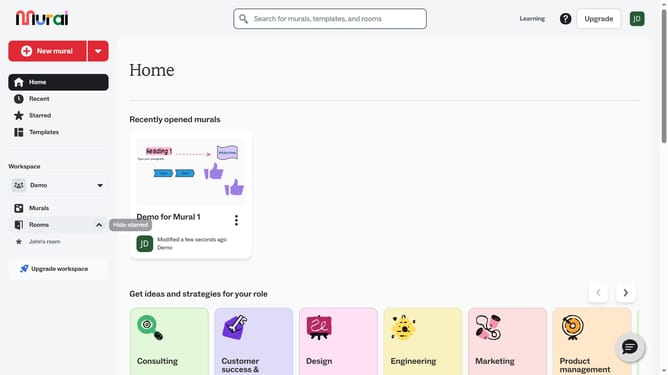
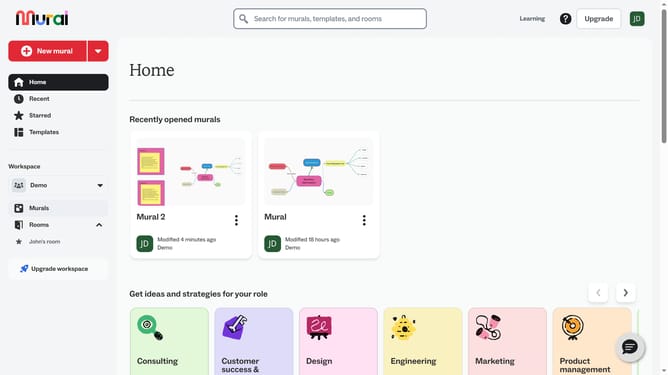
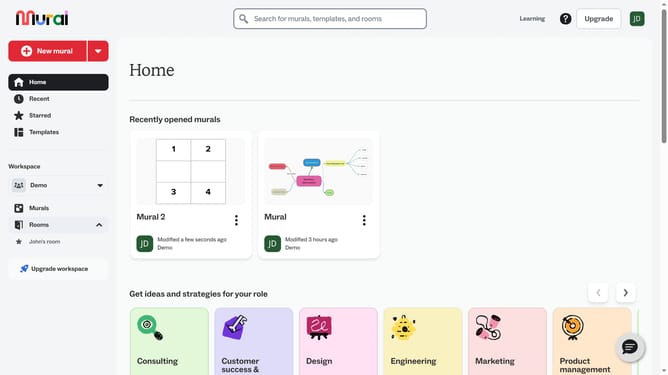
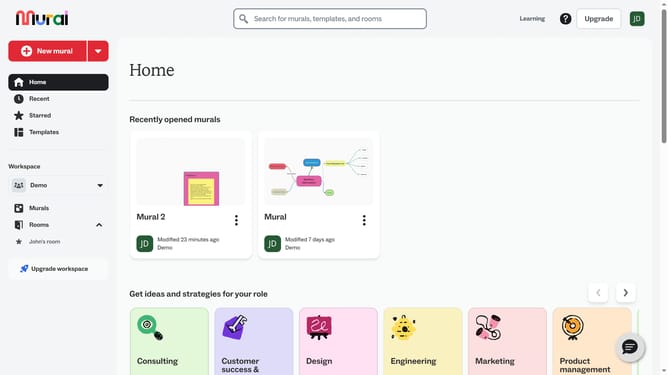
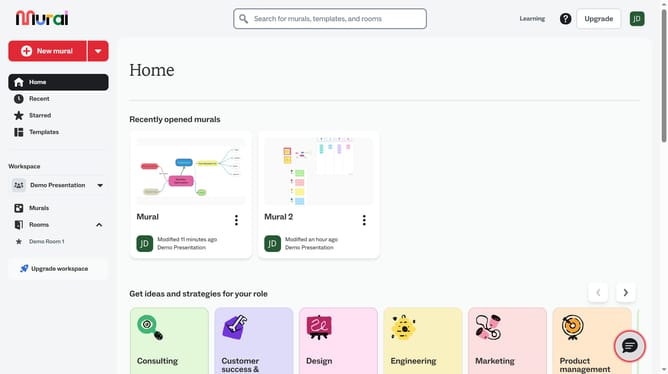
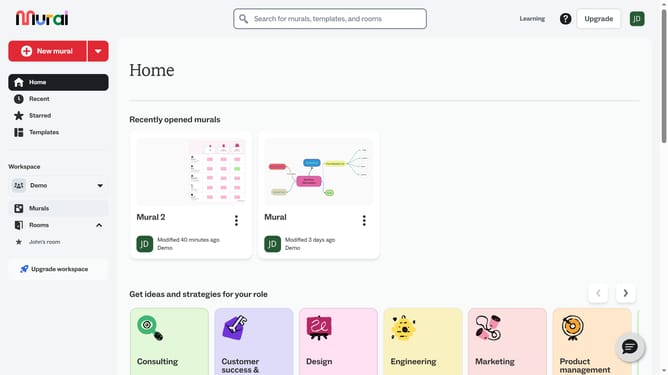
- First click on the "Murals" option in the left sidebar under the Workspace section
- Then click on the mural name to open the mural page
- Next click on the locked element in the canvas to select it
- Finally click on the lock icon in the floating toolbar above the selected element to unlock it
Why should you unlock objects in Mural
Mural is a dynamic digital workspace designed to cultivate creative collaboration and streamline visual thinking.
The ability to unlock objects in Mural is essential for team flexibility and innovation. This feature enhances the creative process by allowing modifications and adjustments to previously locked elements, fostering an environment where ideas evolve seamlessly.
Unlocking objects also promotes active participation and inclusivity, empowering team members to adapt and optimize content for maximum impact.
Last update