Mural
Mural is a visual collaboration platform for brainstorming, planning, and running remote workshops on a shared canvas.
Website
Industry
Design
Share this article:

How to see available plans in Mural

Here is how to see available plans in mural

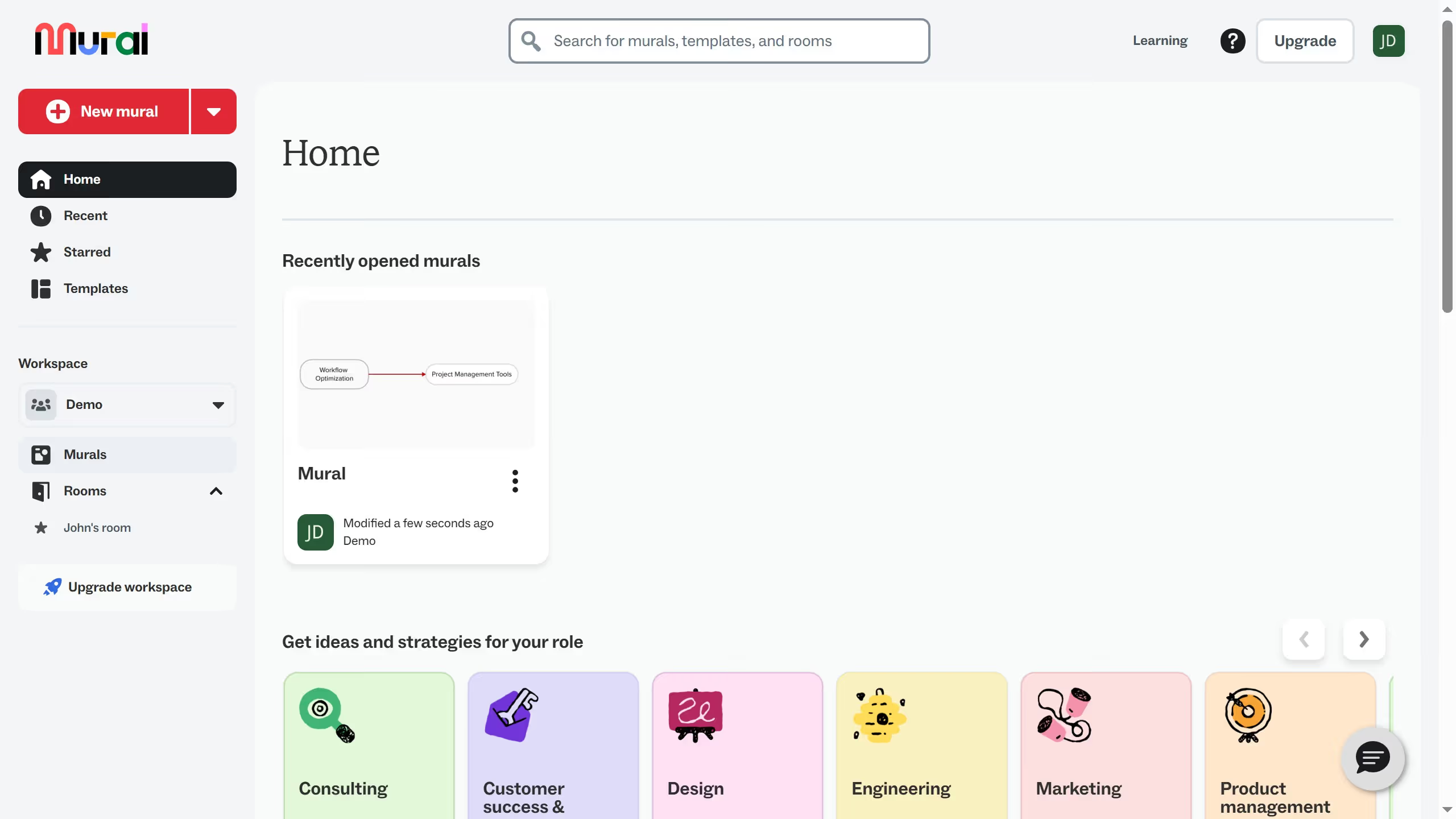
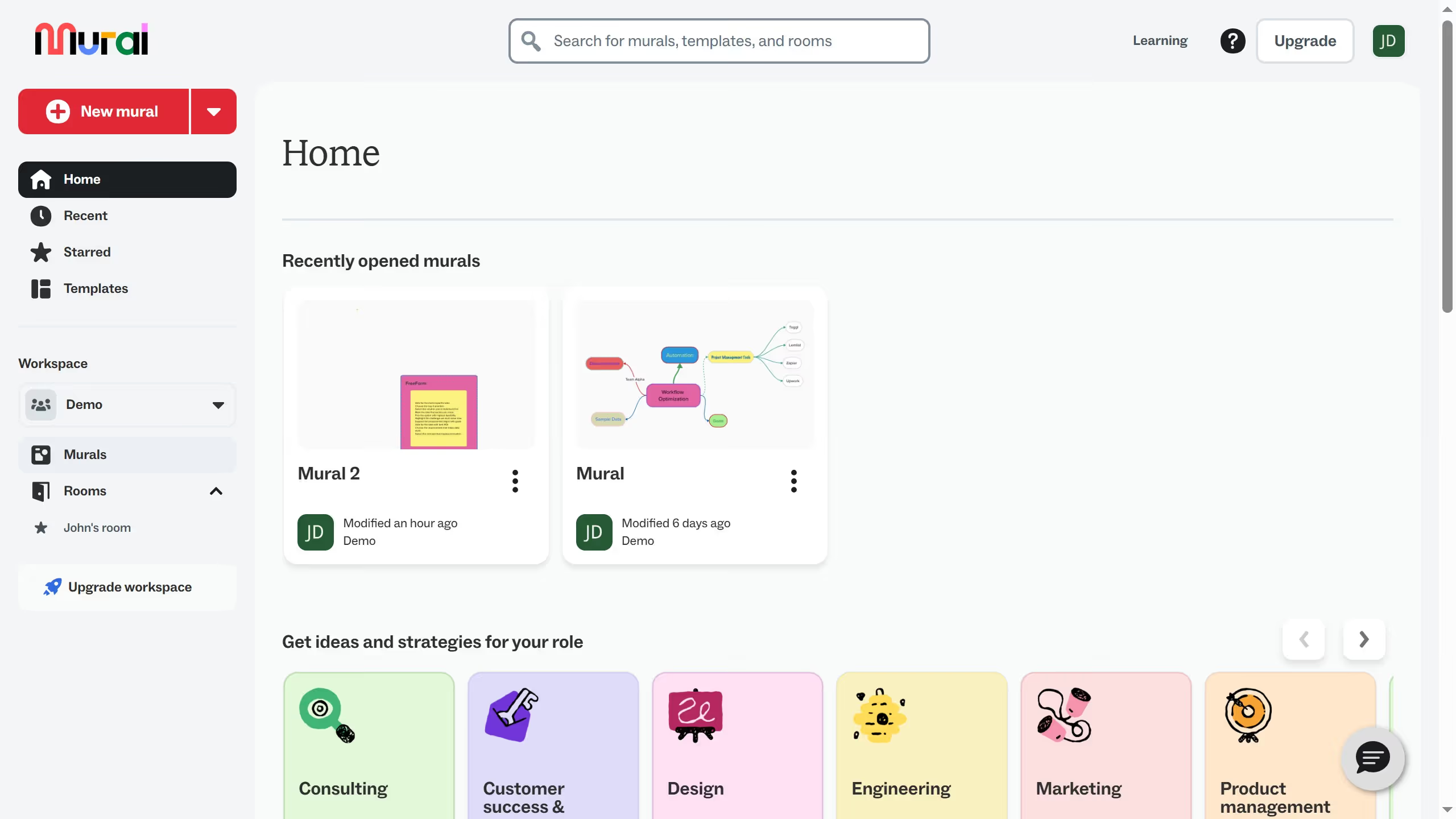
  1. First click on the "Upgrade" button in the top navigation bar
  2. Then scroll the page down to see basic plan comparison
  3. Next click on the "Complete features list" link at the bottom of the pricing modal
  4. Then scroll down the page to see full comparison of each plans
  5. Finally review the "Business" plan features in the pricing comparison section

Create your own interactive guide with Guideflow

Why should you see available plans in Mural

Mural is a digital workspace where collaboration and creativity blend seamlessly.

Understanding the available plans in Mural is essential for choosing a plan that aligns perfectly with your team’s needs. It’s straightforward and allows you to explore different features and pricing options with ease.

By knowing the available plans, you can select the one that provides the best value and function, ensuring optimal collaboration and productivity tailored to your specific requirements. Stay informed and make decisions confidently with Mural.

Last update
March 16, 2026
Cursor MariaA cursor points to a button labeled "James."

Create your first demo in less than 30 seconds.