How to add text in a shape in Mural
Here is how to add text in a shape in mural
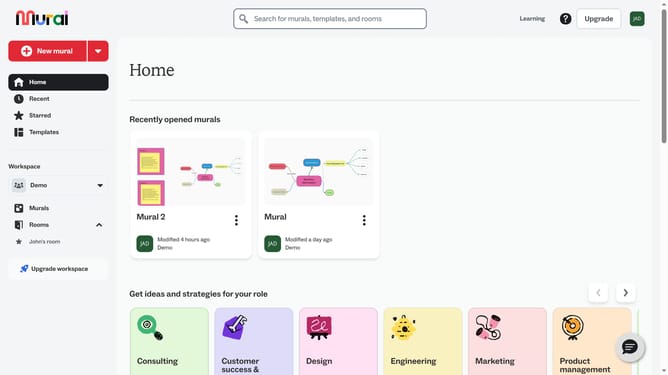
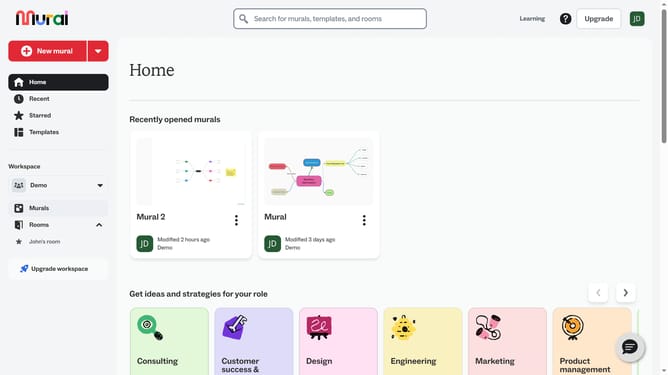
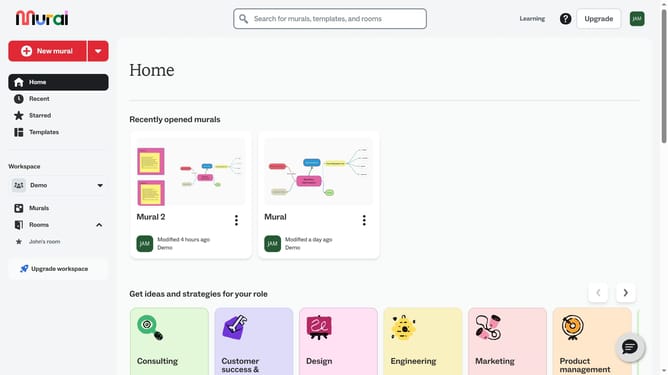
- First click on the "Murals" item in the left sidebar under the Workspace section
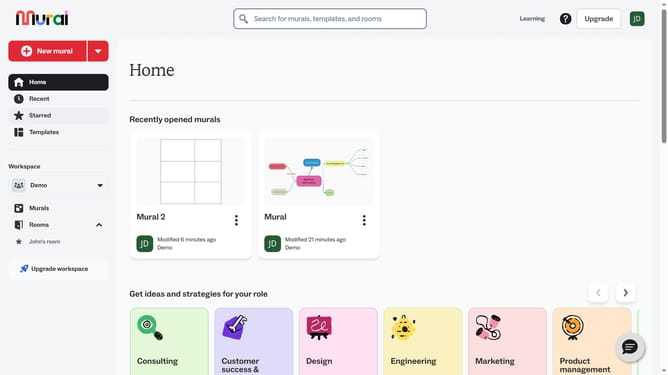
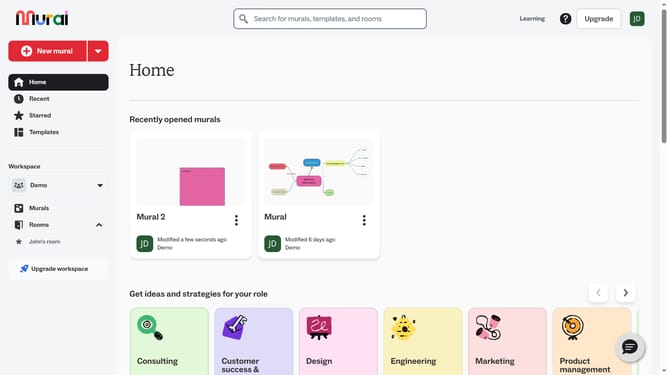
- Open the mural where the shape is located
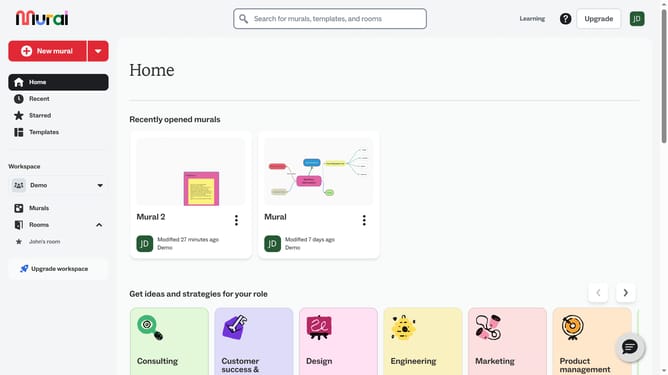
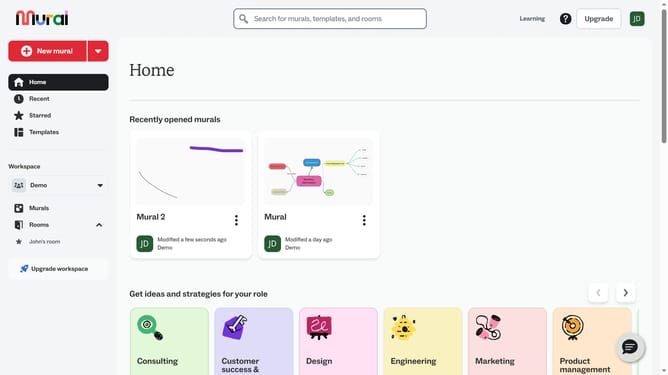
- Finally click on the shape on the canvas to select it and type your text inside the shape
Why should you add text in a shape in Mural
Mural is a collaborative digital workspace designed to help teams brainstorm and visualize ideas in real-time.
Adding text to a shape in Mural allows users to enhance clarity and context within their visual projects. This feature helps in organizing thoughts and ideas more effectively, ensuring that all team members are on the same page.
By integrating text with shapes, users can create more dynamic and informative diagrams. This ability fosters better collaboration and facilitates easier communication, ultimately driving more productive and creative sessions.
Last update