Mural
Mural is a visual collaboration platform for brainstorming, planning, and running remote workshops on a shared canvas.
Website
Industry
Design
Share this article:

How to stop timer while presenting in Mural

Here is how to stop timer while presenting in mural

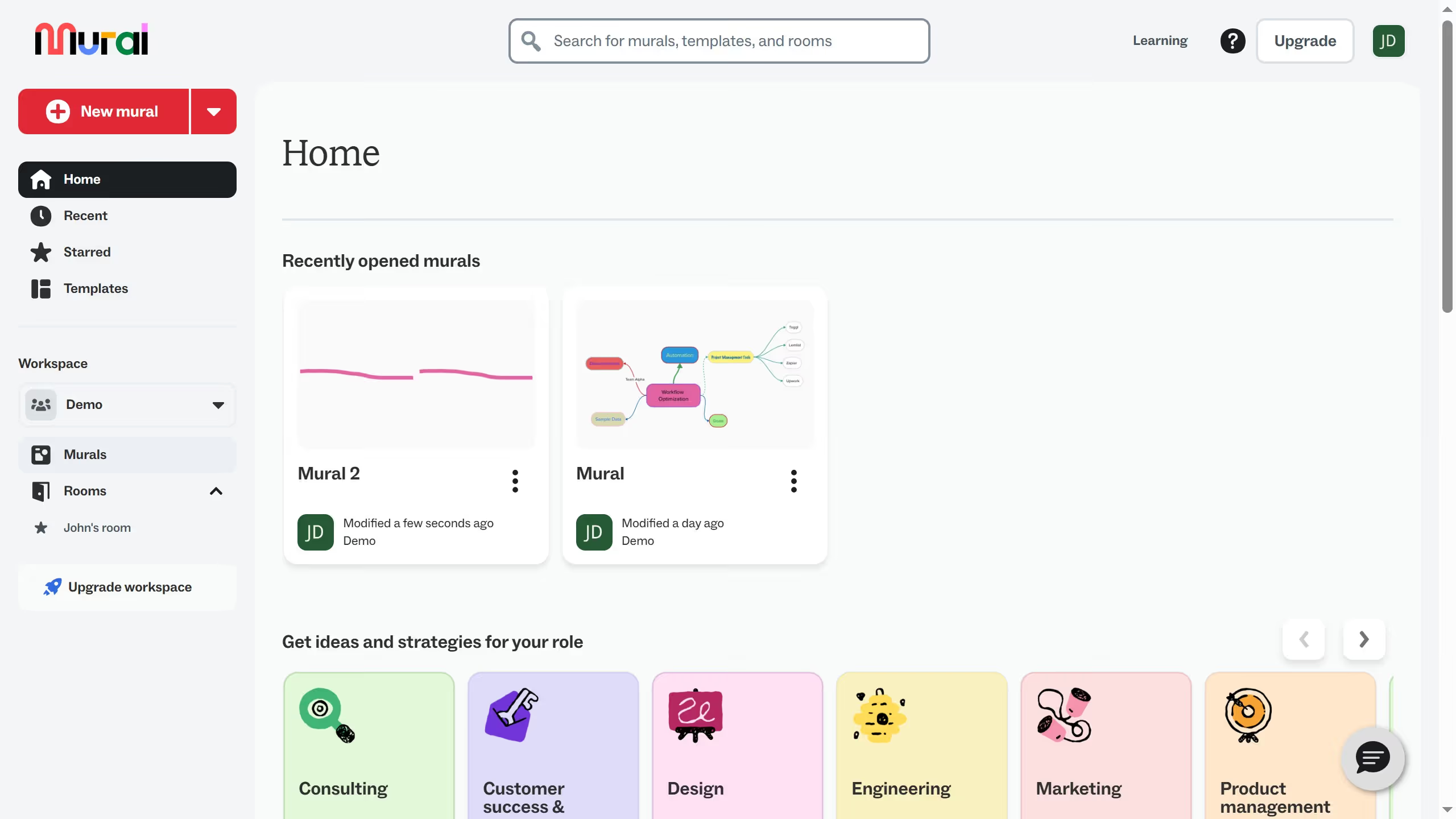
  1. First click on "Murals" in the sidebar menu to navigate to the murals section
  2. Then click on the mural that you want to manage to open it
  3. Next click on the "Outline" button in the top toolbar to open the presentation outline panel
  4. Then click on the "Present" button in the Presentation outline panel to start presentation mode
  5. Next click on the timer/clock icon in the bottom toolbar during the presentation to start timer
  6. Finally click on the timer/clock icon again in the bottom toolbar to stop timer

Create your own interactive guide with Guideflow

Why should you stop timer while presenting in Mural

Mural is an innovative online platform designed to enhance collaborative teamwork through visual thinking.

When presenting in Mural, knowing how to stop the timer becomes indispensable, offering you greater flexibility and control over your sessions.

This feature allows you to pause discussions without the pressure of time, ensuring your team can dive deep into ideas that matter most.

Ultimately, halting the timer enhances productivity by allowing organic conversations to flow, facilitating richer interactions and breakthrough insights.

Last update
March 13, 2026
Cursor MariaA cursor points to a button labeled "James."

Create your first demo in less than 30 seconds.