Mural
Mural is a visual collaboration platform for brainstorming, planning, and running remote workshops on a shared canvas.
Website
Industry
Design
Share this article:

How to view starred templates in Mural

Here is how to view starred templates in mural

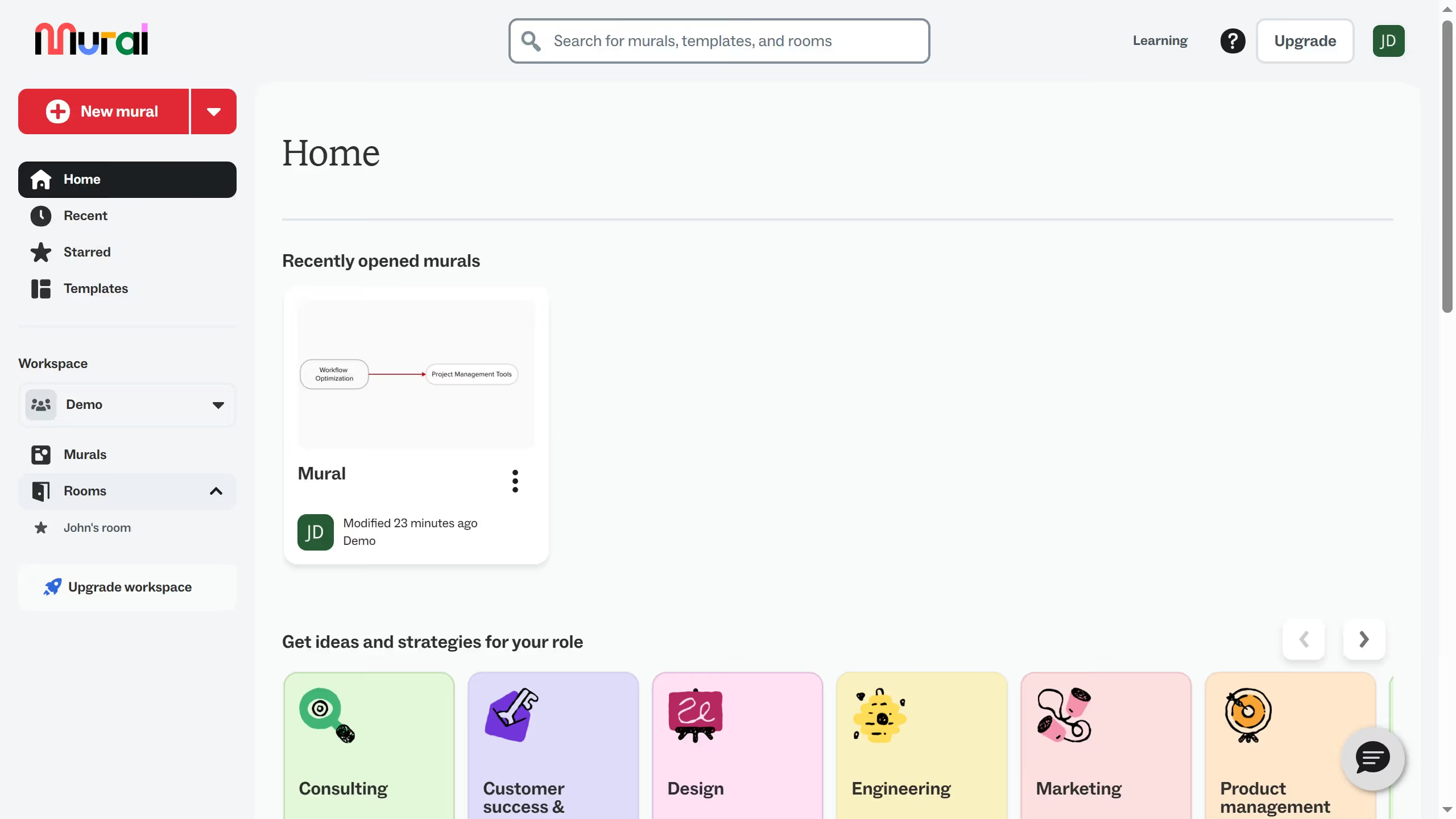
  1. First click on "Murals" in the left sidebar to access the murals section
  2. Then click on the mural that you want to manage to open it
  3. Next click on the templates icon in the left toolbar to open the templates panel
  4. Then click on "Starred" in the templates panel sidebar to filter starred templates
  5. Finally view the templates you marked as starred

Create your own interactive guide with Guideflow

Why should you view starred templates in Mural

Mural empowers creative collaboration by transforming ideas into visually engaging formats.

One standout feature is the ability to view starred templates, providing quick access to your frequently used layouts.

This functionality is particularly advantageous as it streamlines workflow, allowing users to seamlessly switch between projects without losing momentum.

By organizing your favorite templates at your fingertips, productivity is significantly enhanced, enabling more efficient brainstorming sessions.

Last update
March 13, 2026
Cursor MariaA cursor points to a button labeled "James."

Create your first demo in less than 30 seconds.