How to switch the type of connectors in Mural
Here is how to switch the type of connectors in mural
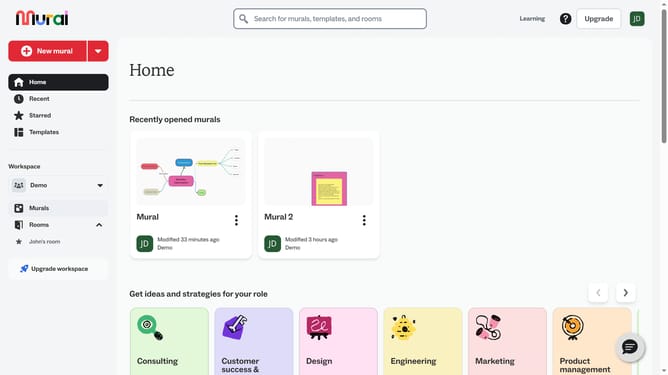
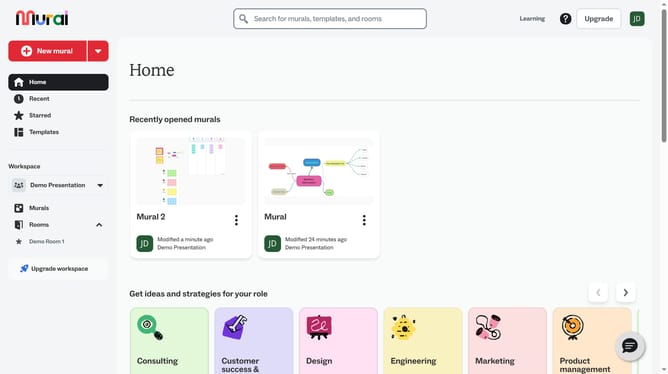
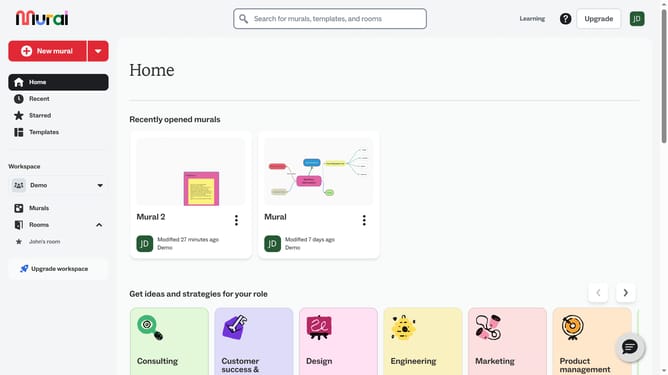
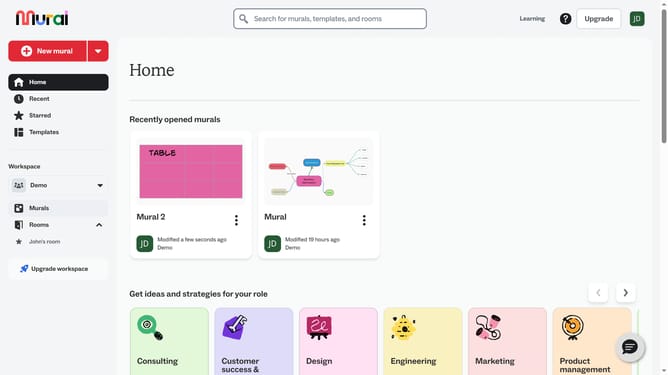
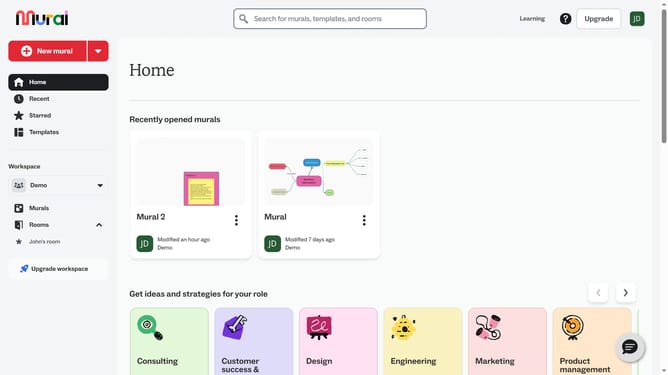
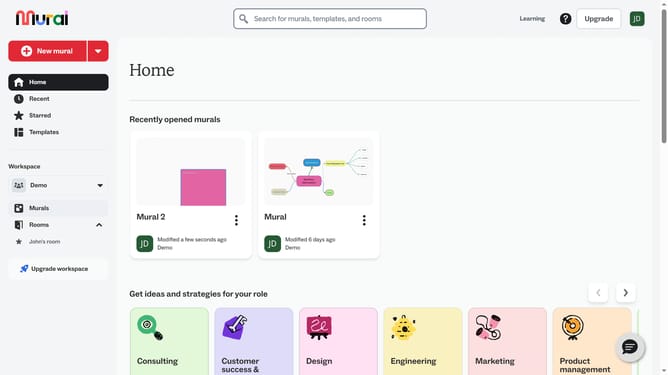
- First click on the "Murals" item in the left sidebar under the Workspace section
- Then click on the mural that contains the connector
- Next click on the connector line element in the canvas to select it
- Then click on the line type dropdown button in the toolbar to open line style options
- Finally select an option from the line type dropdown menu
Why should you switch the type of connectors in Mural
Mural is a versatile digital workspace designed to foster creativity and collaboration for teams everywhere.
Switching the type of connectors in Mural enables users to visually refine their ideas and workflows, making connections between elements more intuitive and impactful.
This feature enhances clarity by allowing users to customize connections, ensuring that communication among team members remains seamless and effective.
By tailoring the way elements are linked, teams can increase understanding and collaboration, leading to more efficient and successful project outcomes.
Last update