How to add branches to a mind map in Mural
Here is how to add branches to a mind map in mural
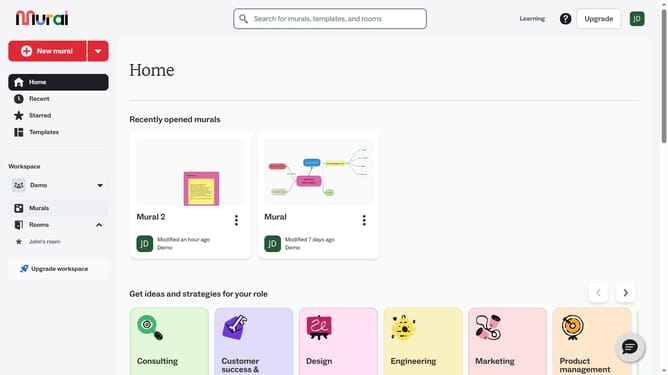
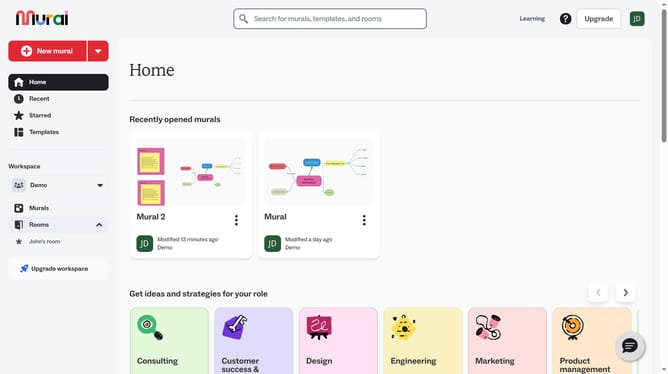
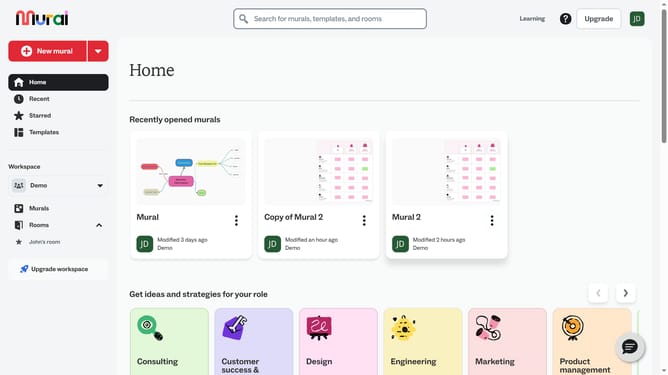
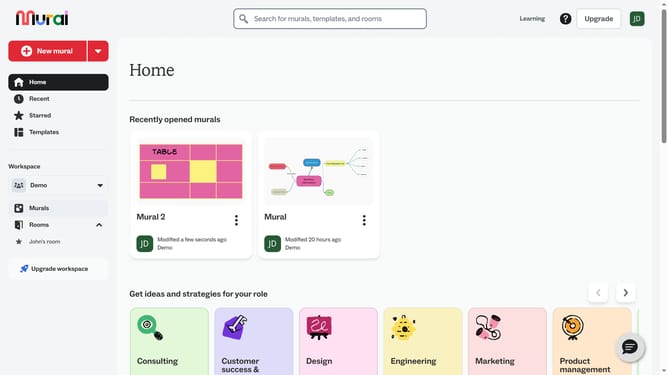
- First click on "Murals" in the left sidebar under the Workspace section
- Then click on the "Mural" card in the murals section to open it
- Click on the mind map text box on the canvas to select it
- Click the “Add branch” option to add a new text box and create a connection from the existing element
- Type the text for the new branch in the newly created text box
- Click on an empty area of the canvas to save changes
Why should you add branches to a mind map in Mural
Mural is a collaborative online whiteboard designed to foster creative brainstorming and visual thinking.
Adding branches to a mind map in Mural enhances the clarity of your ideas by visually connecting concepts, allowing for a streamlined flow of information. This feature is essential for organizing complex thoughts and breaking down big ideas into manageable parts.
Using branches in your mind map can significantly boost productivity and encourage innovative problem-solving by visualizing relationships between different components. Embrace this feature to elevate team collaboration and spark creativity through well-structured idea mapping.
Last update