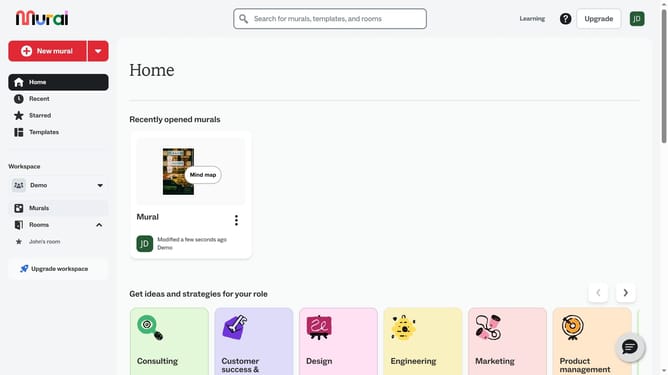
How to browse templates in Mural
Here is how to browse templates in mural
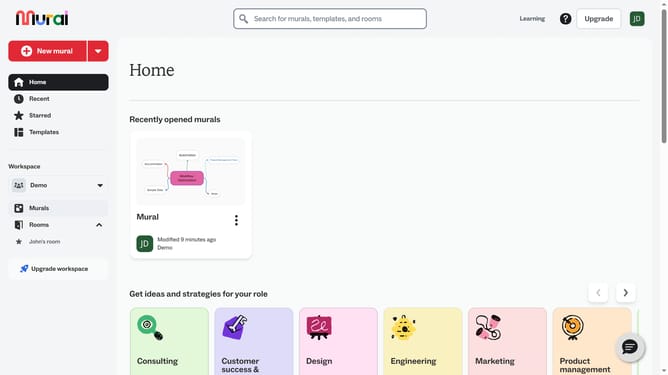
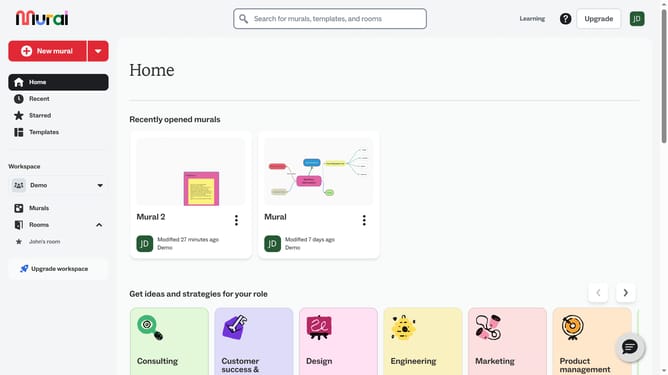
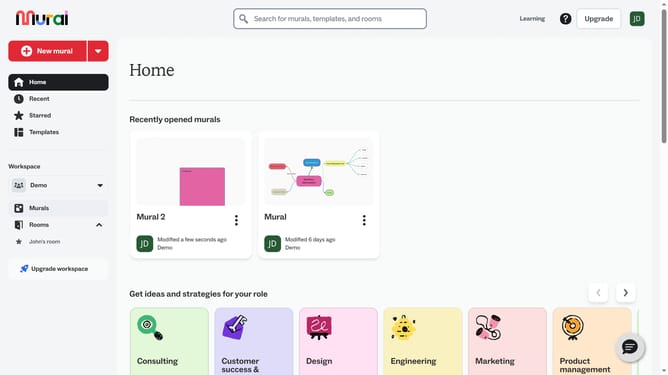
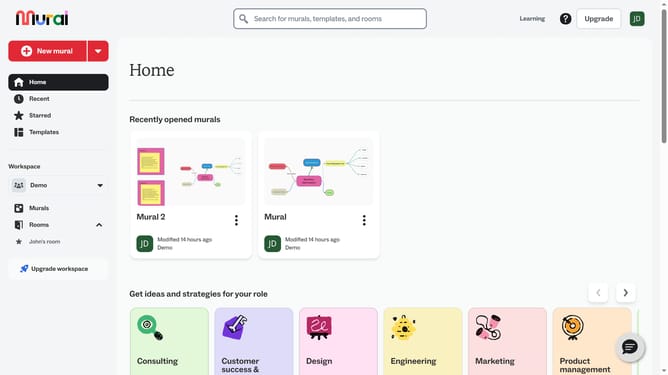
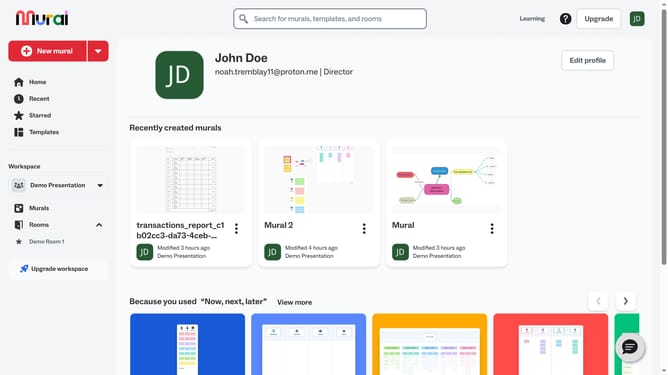
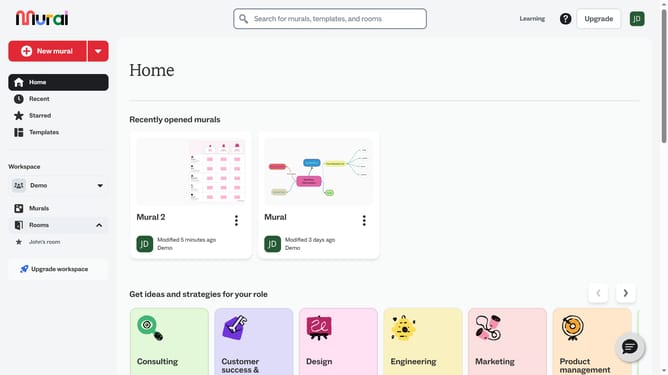
- First click on the "Murals" item in the left sidebar
- Then click on the mural that you want to manage to open it
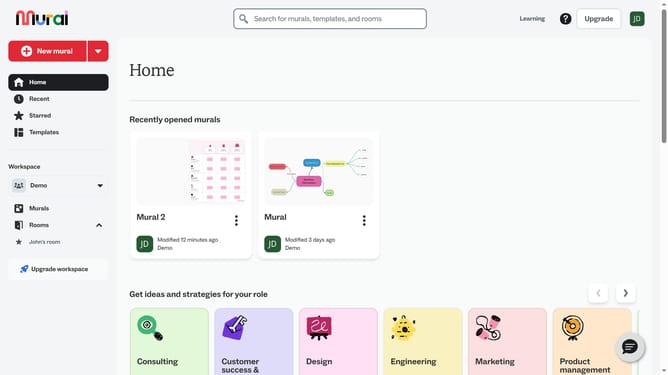
- Next click on the "Templates" option in the left toolbar
- Then browse through the available template categories
- Next use the search bar to find a specific template
- Finally click on a template to see its preview
Why should you browse templates in Mural
Mural is a dynamic digital workspace that inspires innovation and collaboration.
Browsing templates in Mural gives users access to a curated library of ready-made frameworks that streamline creativity and boost productivity.
This feature simplifies the brainstorming process by offering diverse templates tailored for different needs, driving efficiency in your team's workflow.
Utilizing these templates helps ensure consistency, supports strategic planning, and fosters a structured approach to tackling challenges creatively.
Last update