How to align objects in Mural
Here is how to align objects in mural
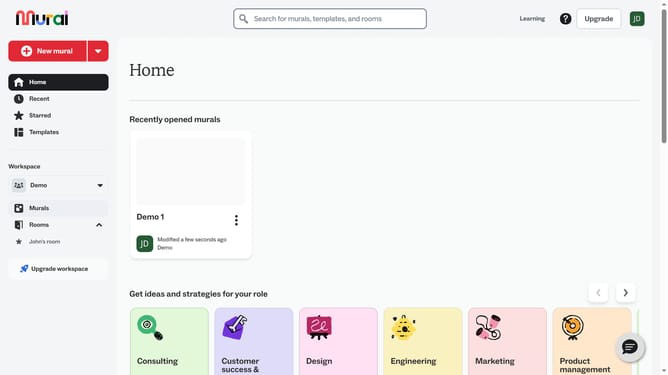
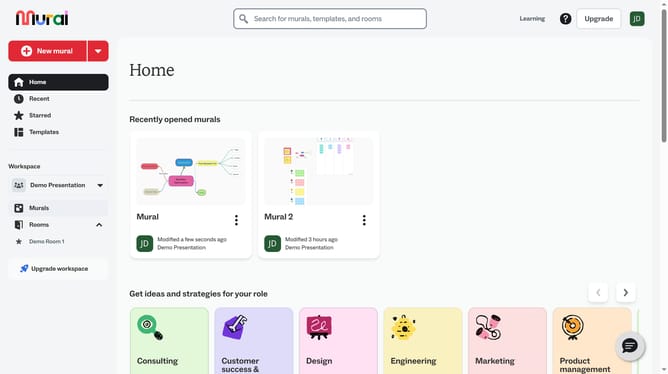
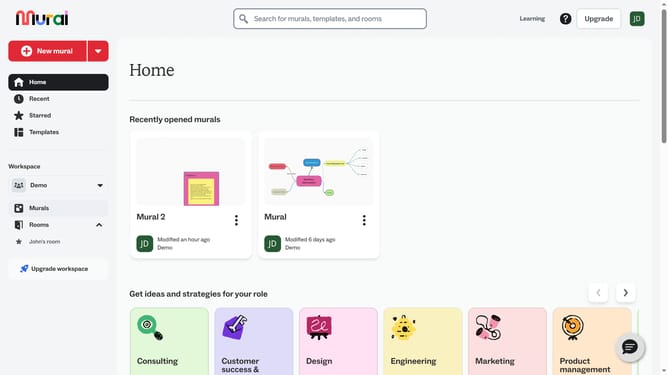
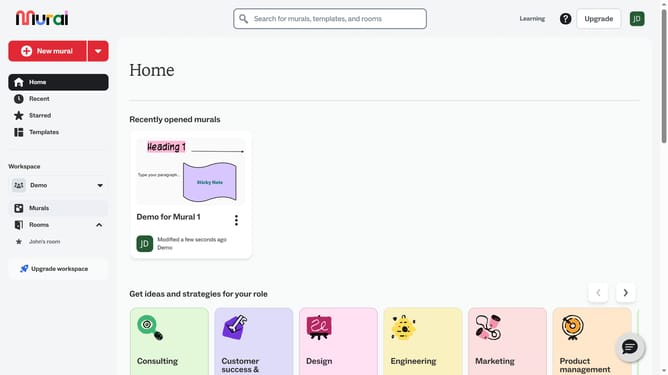
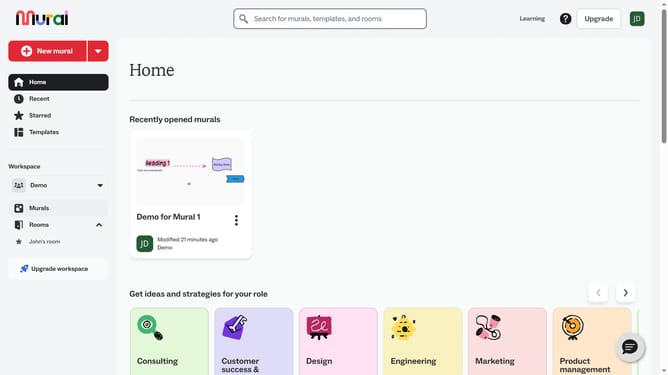
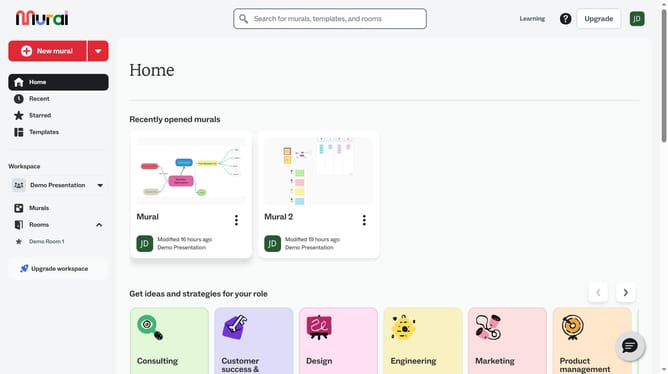
- First click on the "Murals" item in the left sidebar under the Workspace section
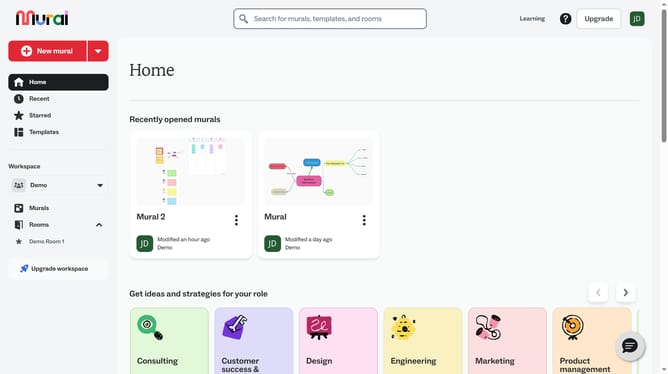
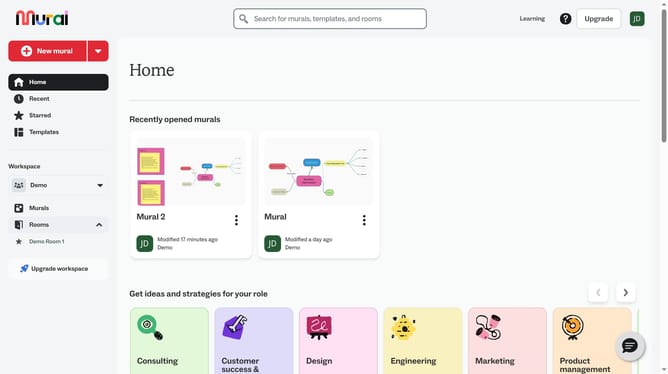
- Open the mural where the objects are located
- Hold Shift on your keyboard and click to select multiple objects
- Then click your next selection while continuing to hold the "Shift" button on your keyboard
- Then click on the "Align" button in the top toolbar to open the alignment dropdown menu
- Finally select the "Align Left" option from the alignment dropdown menu
Why should you align objects in Mural
Mural is a collaborative digital workspace designed to enhance team creativity and productivity through seamless visual collaboration.
The ability to align objects in Mural is a powerful feature that brings order to your creative chaos. By ensuring elements are perfectly aligned, teams can improve clarity and visual flow, making complex projects appear more cohesive and professional.
Using this feature not only enhances the aesthetic appeal of your visual work but also boosts efficiency by minimizing distractions and maintaining focus on the task at hand.
Last update