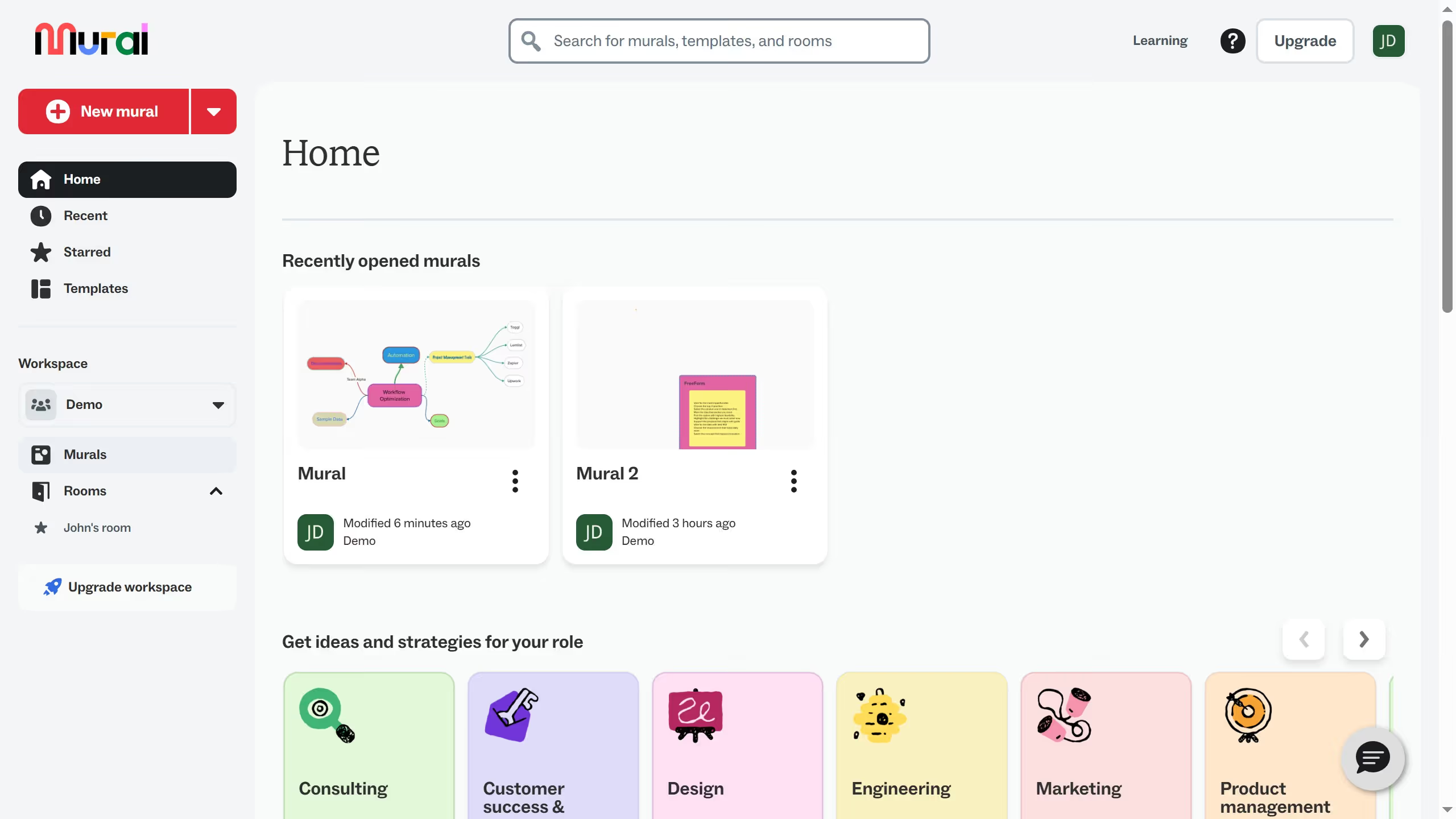
Here is how to delete a file in mural
- First click on "Murals" in the left sidebar to navigate to the Murals section
- Then click on the three-dot icon beside the name of the Mural that you want to delete
- Next click on the "Delete" option from the dropdown menu
- Finally click on "Yes, I want to delete this mural" button in the confirmation dialog to confirm the deletion