Here is how to move a mural into another room in mural
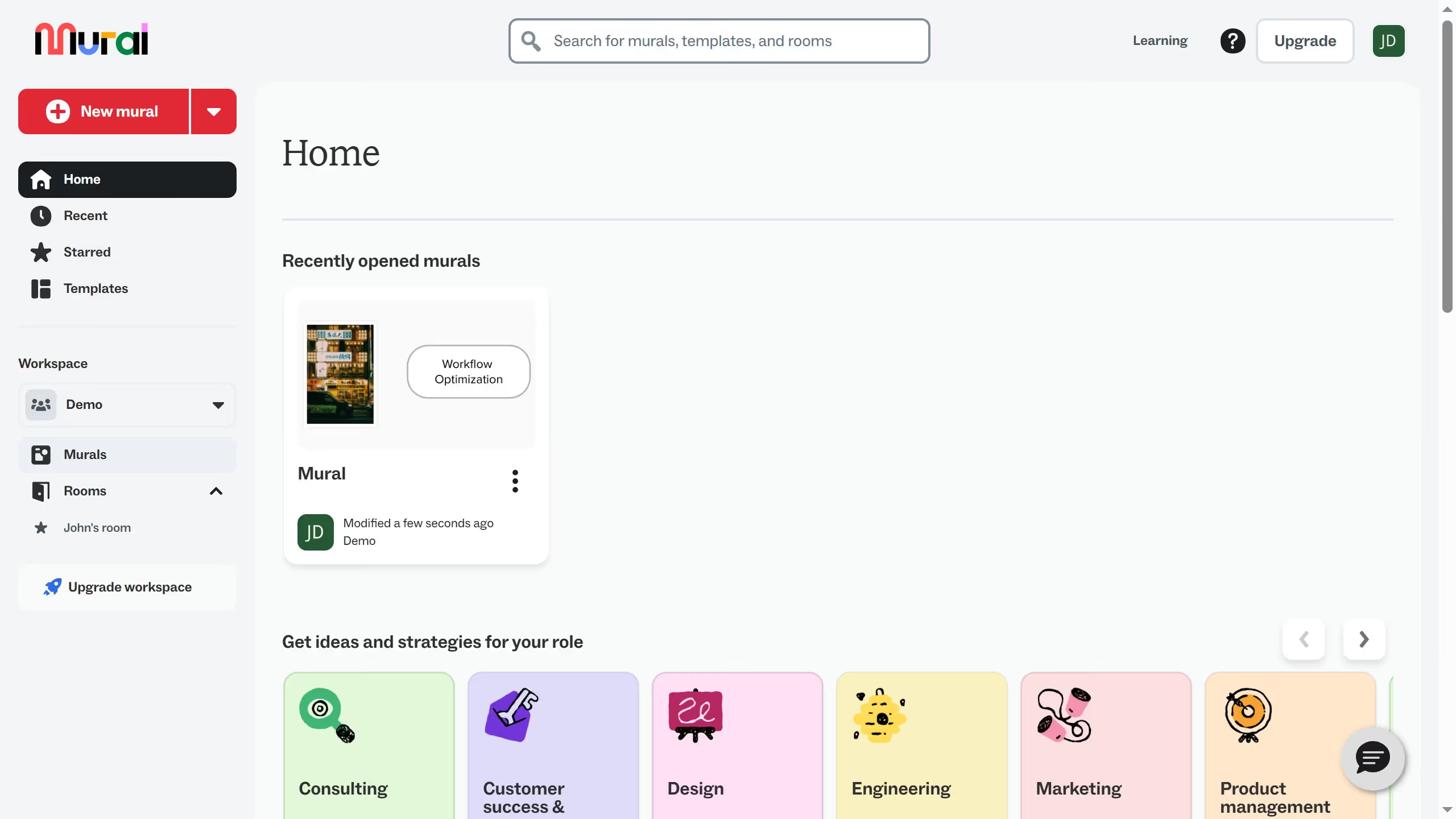
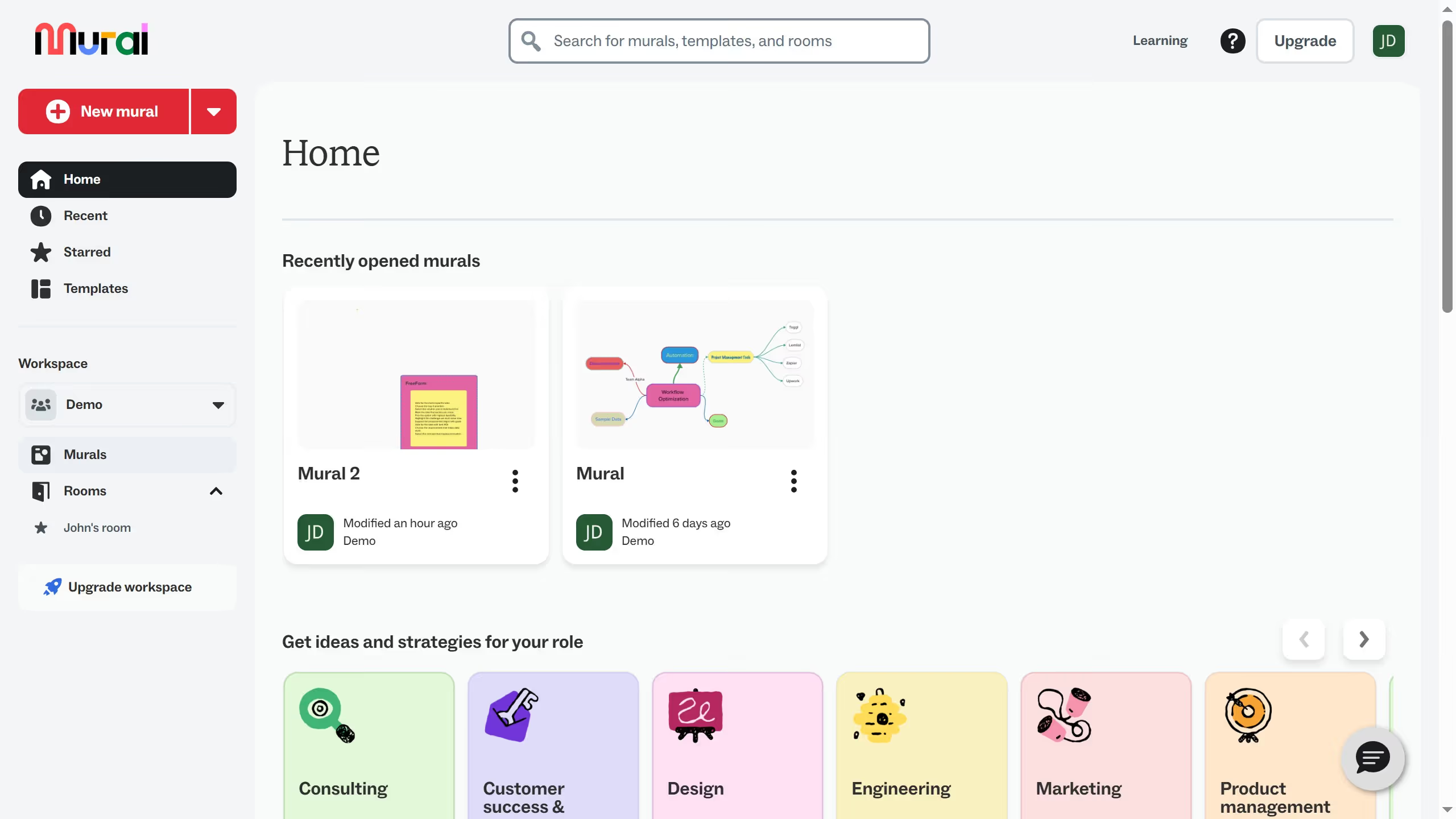
- First click on "Rooms" in the left sidebar to navigate to the rooms section
- Then click on the room name of the room that you want to manage
- Next click on the menu icon (three dots) next to mural that you want to move to open the mural options
- Then click on "Move" option from the dropdown menu
- Next click on the room dropdown to expand the room selection options
- Then select the name of the room where you want the mural to be moved
- Finally click on the "Move" button to confirm moving the mural to the selected room