How to insert row above in table in Mural
Here is how to insert row above in table in mural
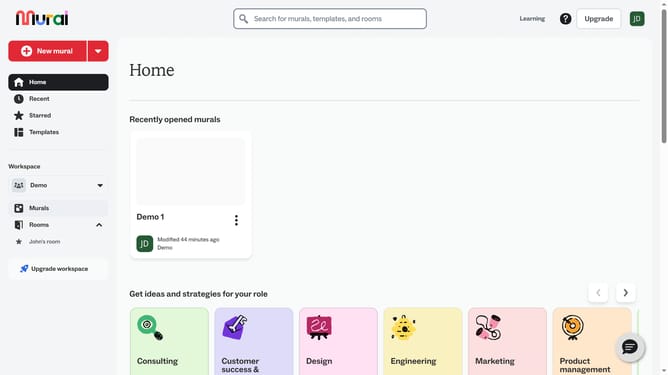
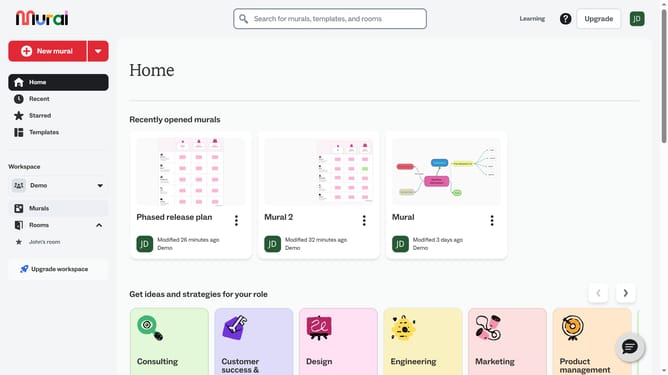
- First click on the "Murals" item in the left sidebar under the Workspace section
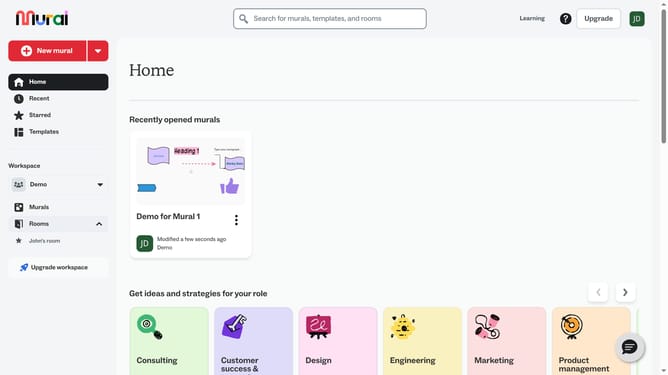
- Then click on the mural that you want to manage to open it
- Next right-click on cell in the table to open the context menu
- Finally click on the "Insert row above" option in the context menu
Why should you insert row above in table in Mural
Mural is a digital workspace designed for visual collaboration and brainstorming.
Effortlessly inserting a row above in a table within Mural enhances the dynamism of your workspace by allowing you to quickly organize and adjust information as ideas evolve.
This feature ensures that whatever new insight or data arises, it fits seamlessly into your ongoing projects without disrupting the layout.
Ultimately, this capability supports optimized workflow, keeping team discussions and project planning fluid and efficient.
Last update