How to group objects in Mural
Here is how to group objects in mural
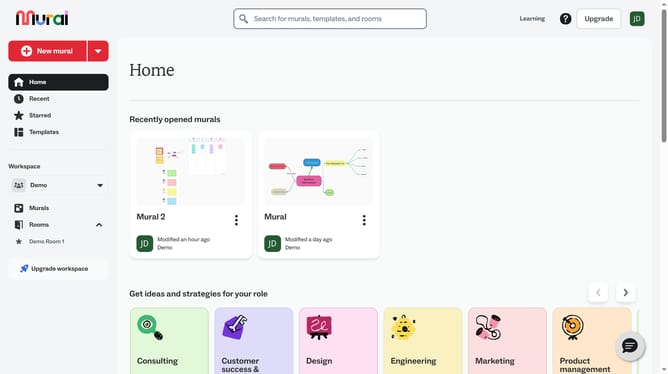
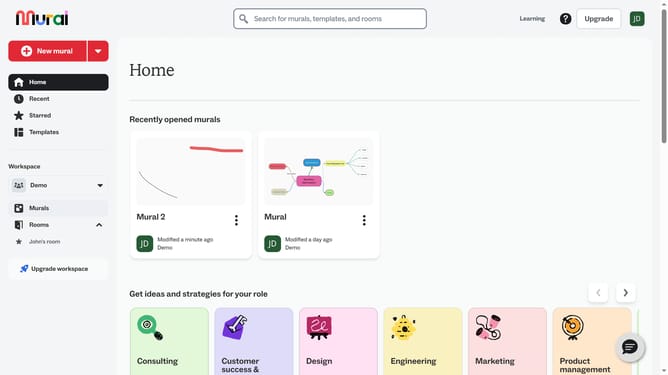
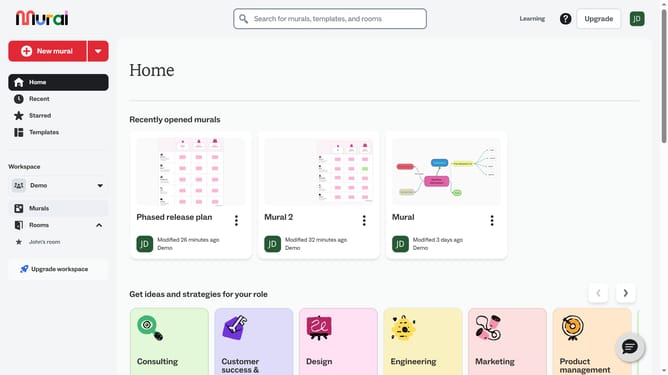
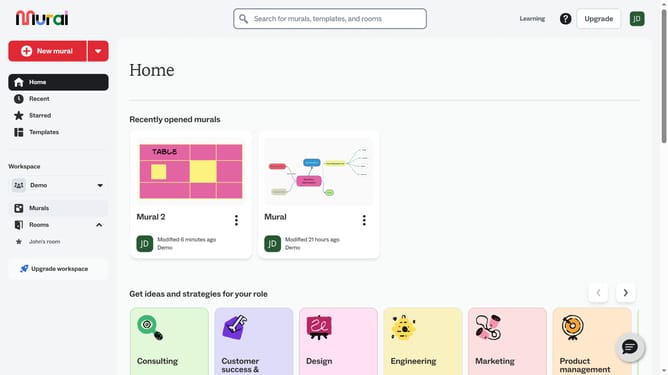
- First click on the "Murals" item in the left sidebar
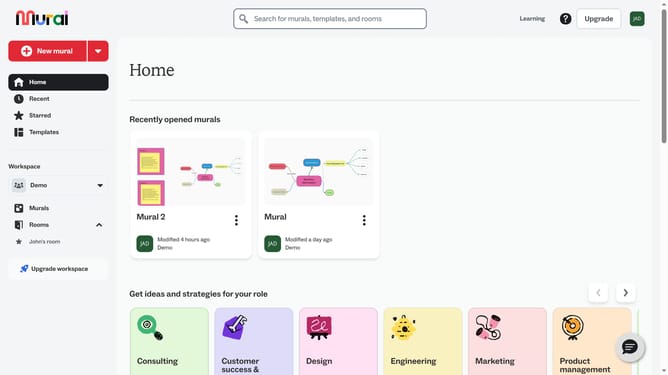
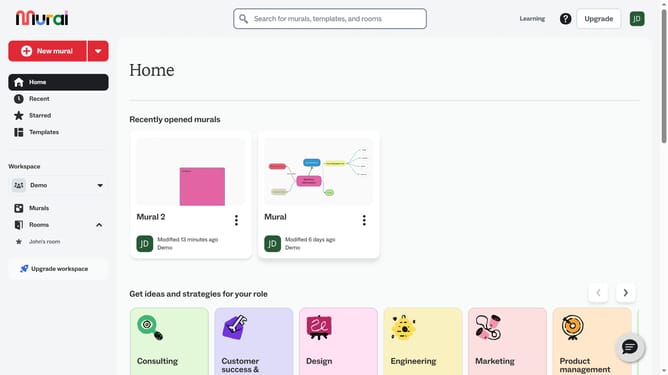
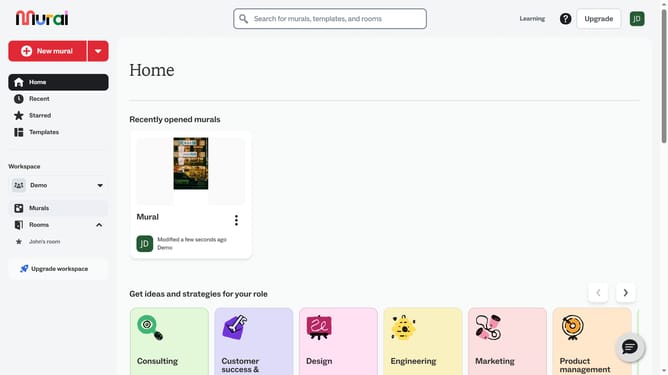
- Then click on the mural card that you want to open
- Hold Shift on your keyboard and click to select multiple objects
- Then select multiple elements by clicking
- Then right-click on the selected elements to open the context menu
- Finally click on the "Group" option in the context menu
Why should you group objects in Mural
Mural is a dynamic digital workspace designed to foster collaborative creativity and innovation.
The ability to group objects in Mural is an invaluable feature that enhances organization and clarity. By grouping objects, you can easily manage and manipulate multiple items as a single unit, streamlining your workflow.
This feature supports efficient brainstorming sessions by keeping related ideas visually connected and reduces clutter, allowing team members to focus on the big picture.
Ultimately, grouping objects keeps your workspace tidy and your team aligned, fueling a more productive and cohesive collaboration experience.
Last update