How to change end tip of connectors in Mural
Here is how to change end tip of connectors in mural
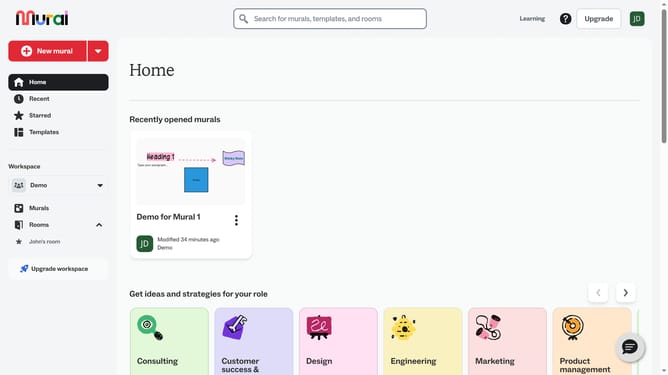
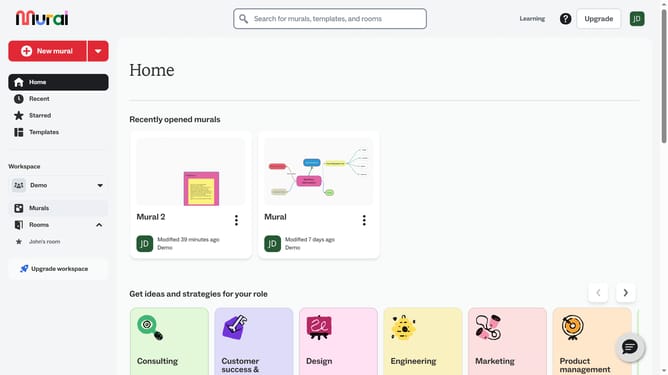
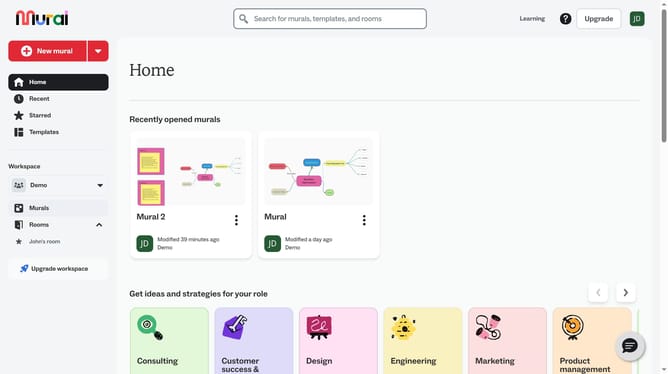
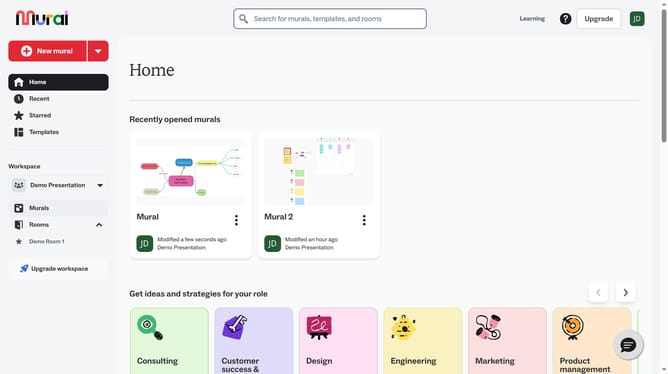
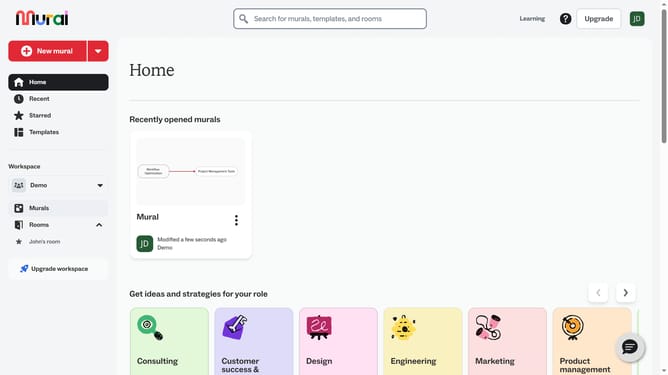
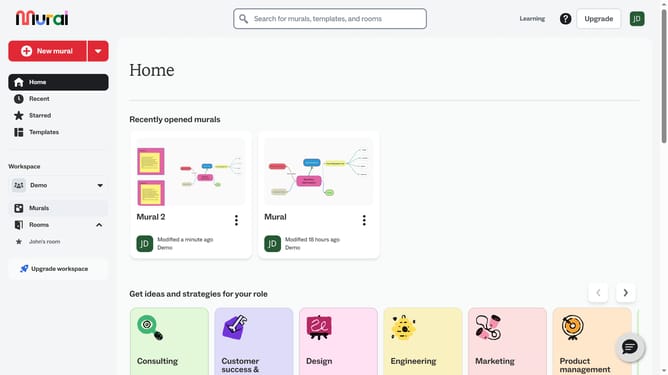
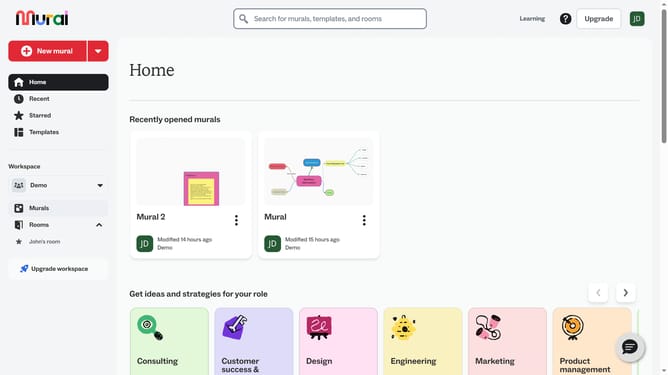
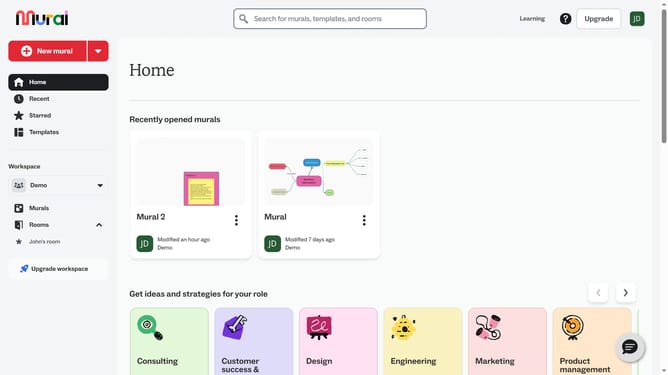
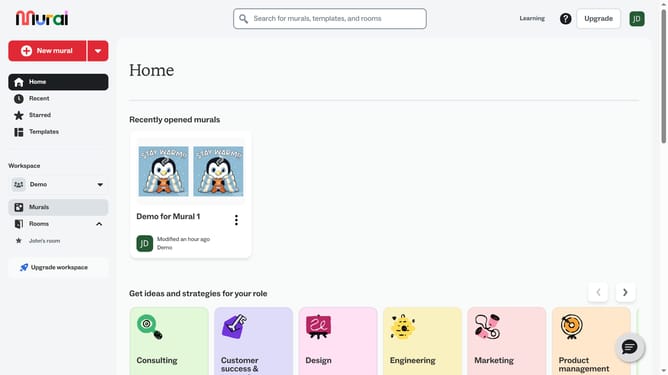
- First click on the "Murals" item in the left sidebar under the Workspace section
- Then click on the mural that contains the connector
- Next click on the connector element in the canvas to select it
- Then click on the "Change end tip" button in the connector formatting toolbar
- Next click on the style option in the end tip dropdown menu
- Finally click outside the menu to confirm the change
Why should you change end tip of connectors in Mural
Mural is an innovative online collaboration platform designed to enhance team brainstorming and planning.
Changing the end tip of connectors in Mural is a feature that brings clarity and personalization to your visual maps. By customizing the appearance of connectors, you can easily distinguish between different types of connections, making your diagrams more intuitive and easier to comprehend.
This feature not only increases the visual appeal of your projects but also improves communication by ensuring that all stakeholders have a clear understanding of the relationships and processes depicted in your murals.
Last update