Mural
Mural is a visual collaboration platform for brainstorming, planning, and running remote workshops on a shared canvas.
Website
Industry
Design
Share this article:

How to see what's new in Mural

Here is how to see what's new in mural

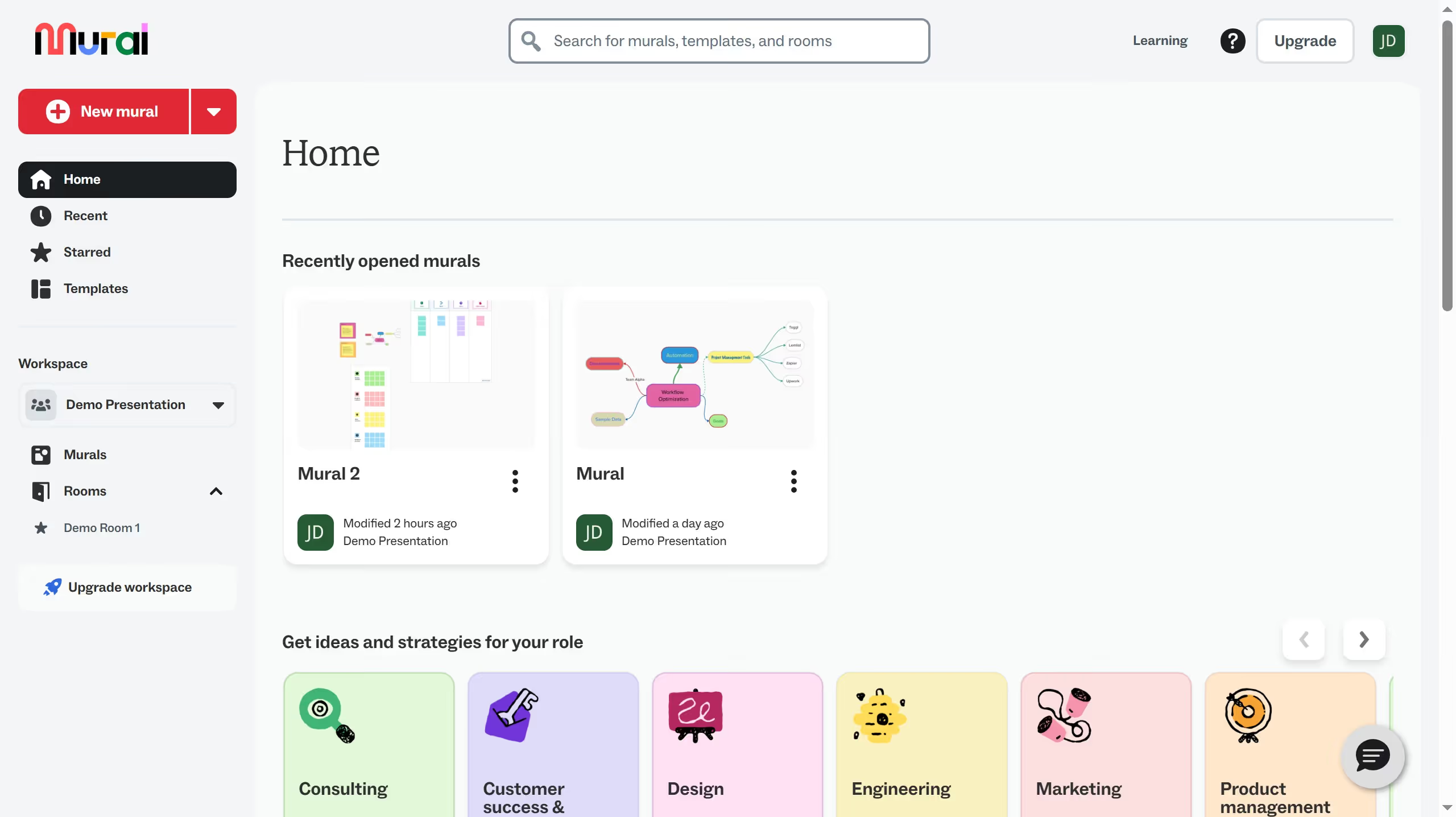
  1. First click on "Murals" item in the left sidebar to view all murals in the workspace
  2. Then click on the mural filename that you want to manage to open it
  3. Next click on the AI assistant button in the top toolbar to open the command menu
  4. Then click on "Learn" tab in the command menu to view learning resources
  5. Next click on "What's new in mural?" option in the command menu to see latest updates
  6. Finally click on link in the sidebar to view updates from that month

Create your own interactive guide with Guideflow

Why should you see what's new in Mural

Mural is an innovative digital workspace designed to enhance creative collaboration.

To stay updated with Mural’s latest features, you simply access the “What's New” section which highlights recent introductions and enhancements. This keeps you informed and enables you to leverage new tools effectively.

By regularly checking what's new, you can optimize your workflows, making collaboration more dynamic and productive. Being aware of updates ensures you get the most out of Mural’s robust offerings, leading to more efficient team interactions.

Last update
March 13, 2026
Cursor MariaA cursor points to a button labeled "James."

Create your first demo in less than 30 seconds.