How to delete GIFs in Mural
Here is how to delete gifs in mural
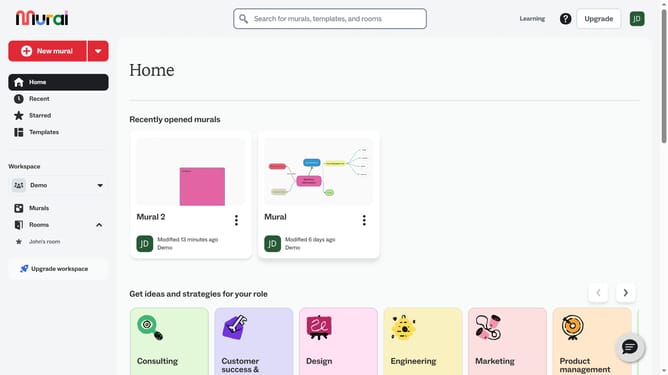
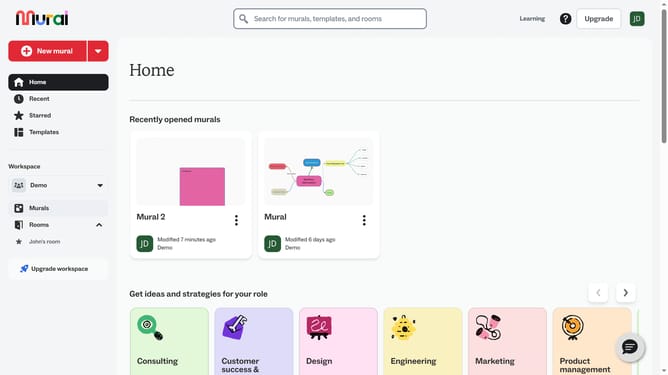
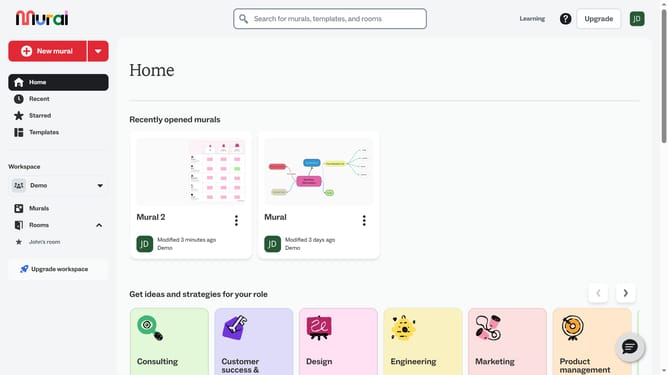
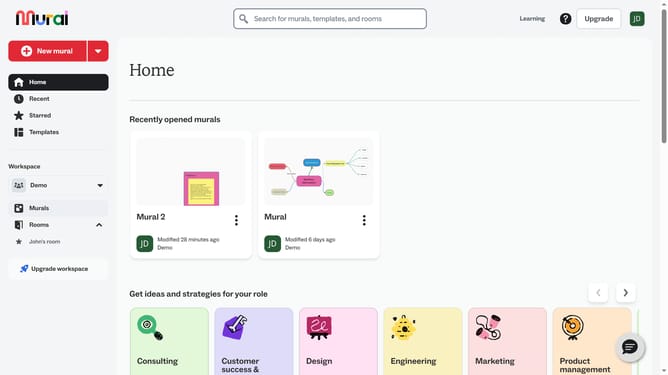
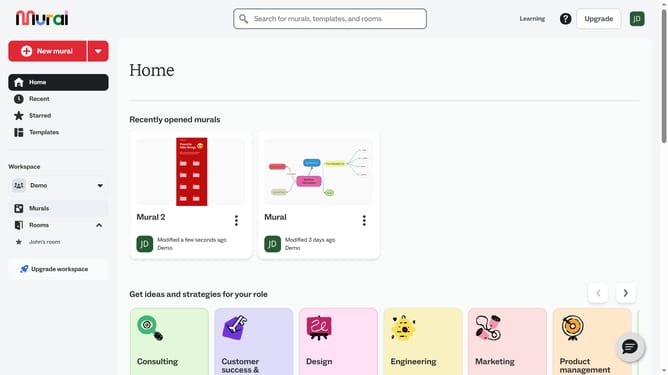
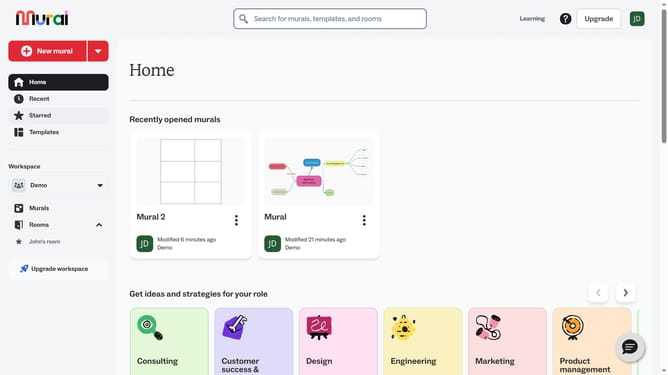
- First click on the "Murals" item in the left sidebar under the Workspace section
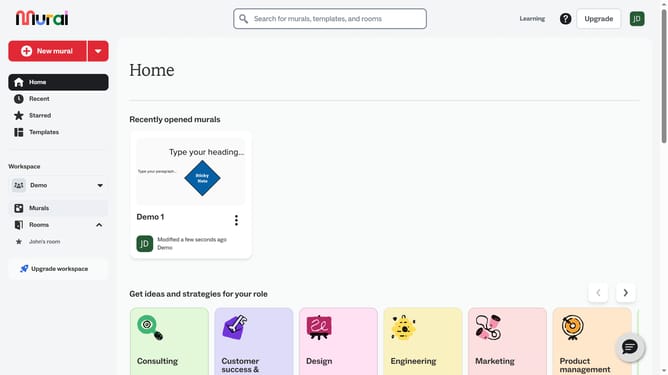
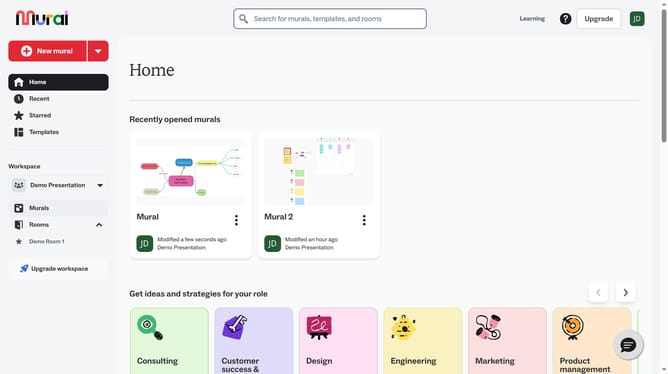
- Then click on the name of the mural where the GIF is located
- Next click on the image on the canvas to select it
- Then right-click on the selected image to open the context menu
- Finally click on the "Delete" option at the bottom of the context menu to remove the image
Why should you delete GIFs in Mural
Mural is a digital workspace designed to enhance visual collaboration and brainstorming.
Effortlessly managing GIFs within Mural is crucial for maintaining a clean and focused working space. The ability to delete GIFs ensures that only the most relevant content is displayed, enhancing the clarity and effectiveness of your visual communication.
Removing unnecessary GIFs can streamline your workflow and allow team members to concentrate on the core tasks at hand. This feature promotes an organized environment, empowering teams to collaborate more efficiently and creatively.
Last update