Mural
Mural is a visual collaboration platform for brainstorming, planning, and running remote workshops on a shared canvas.
Website
Industry
Design
Share this article:

How to rename a content in the content library in Mural

Here is how to rename a content in the content library in mural

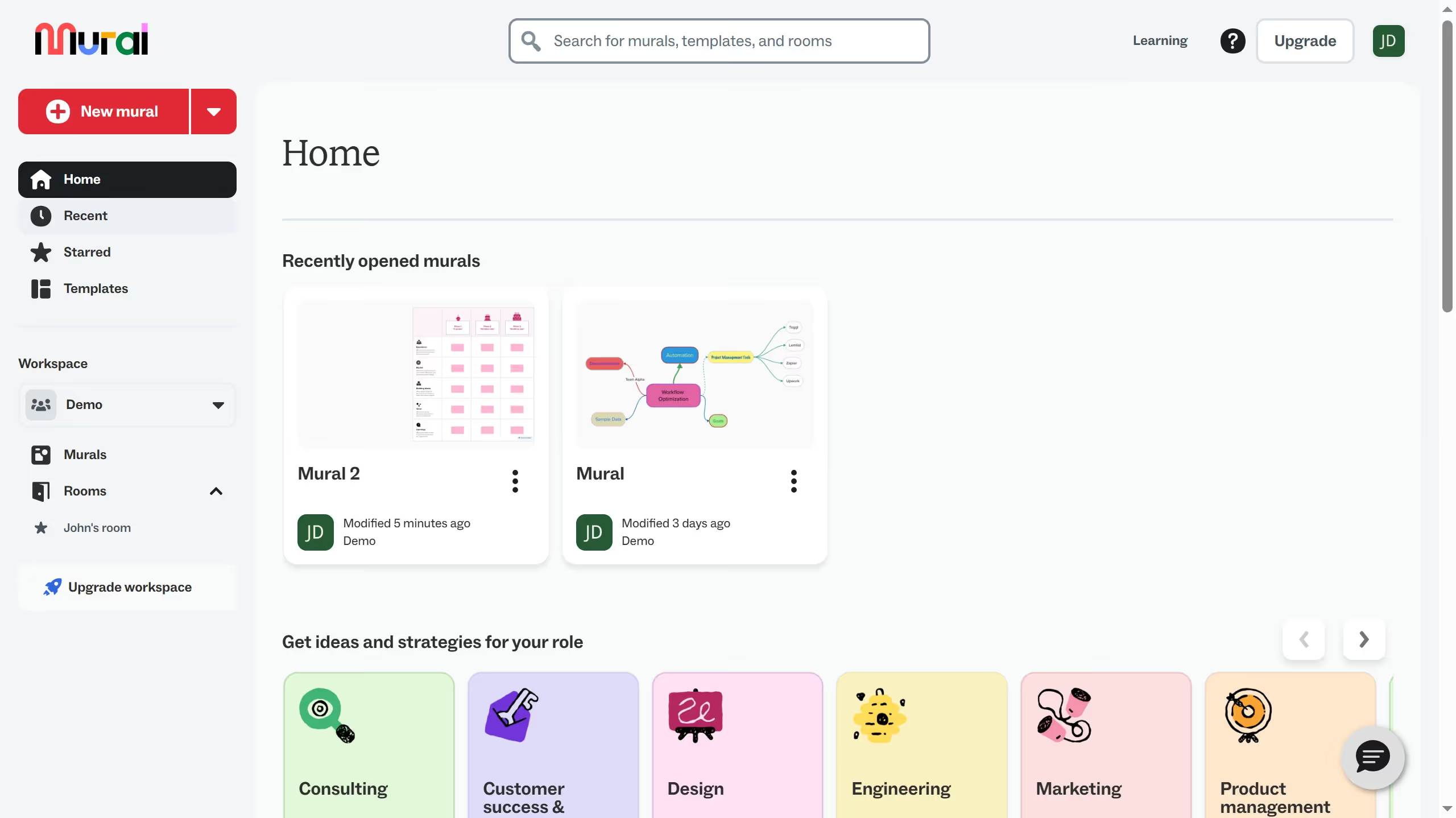
  1. First click on "Murals" option in the left sidebar under the workspace section
  2. Then click on the mural filename that you want to manage to open it
  3. Next click on "Content library" button in the left toolbar
  4. Then click on the three dots next to the item in the content library that you want to rename
  5. Then click in the "Name" text field and update the name
  6. Next click on the "Save" button to confirm saving the item to content library
  7. Finally click anywhere in the canvas to see changes

Create your own interactive guide with Guideflow

Why should you rename a content in the content library in Mural

Mural is an innovative digital workspace designed to boost creativity and collaboration.

Renaming content in Mural's content library streamlines organization, making it easier to retrieve and manage digital resources effectively.

This feature reduces clutter, helping users to maintain a neat workspace, and fosters efficient project progress through enhanced content management.

Utilizing this function allows teams to remain agile, aligning with fast-paced project demands and ensuring smoother workflow continuity.

Last update
March 16, 2026
Cursor MariaA cursor points to a button labeled "James."

Create your first demo in less than 30 seconds.