Mural
Mural is a visual collaboration platform for brainstorming, planning, and running remote workshops on a shared canvas.
Website
Industry
Design
Share this article:

How to add a content from the content library in an infinite canvas in Mural

Here is how to add a content from the content library in an infinite canvas in mural

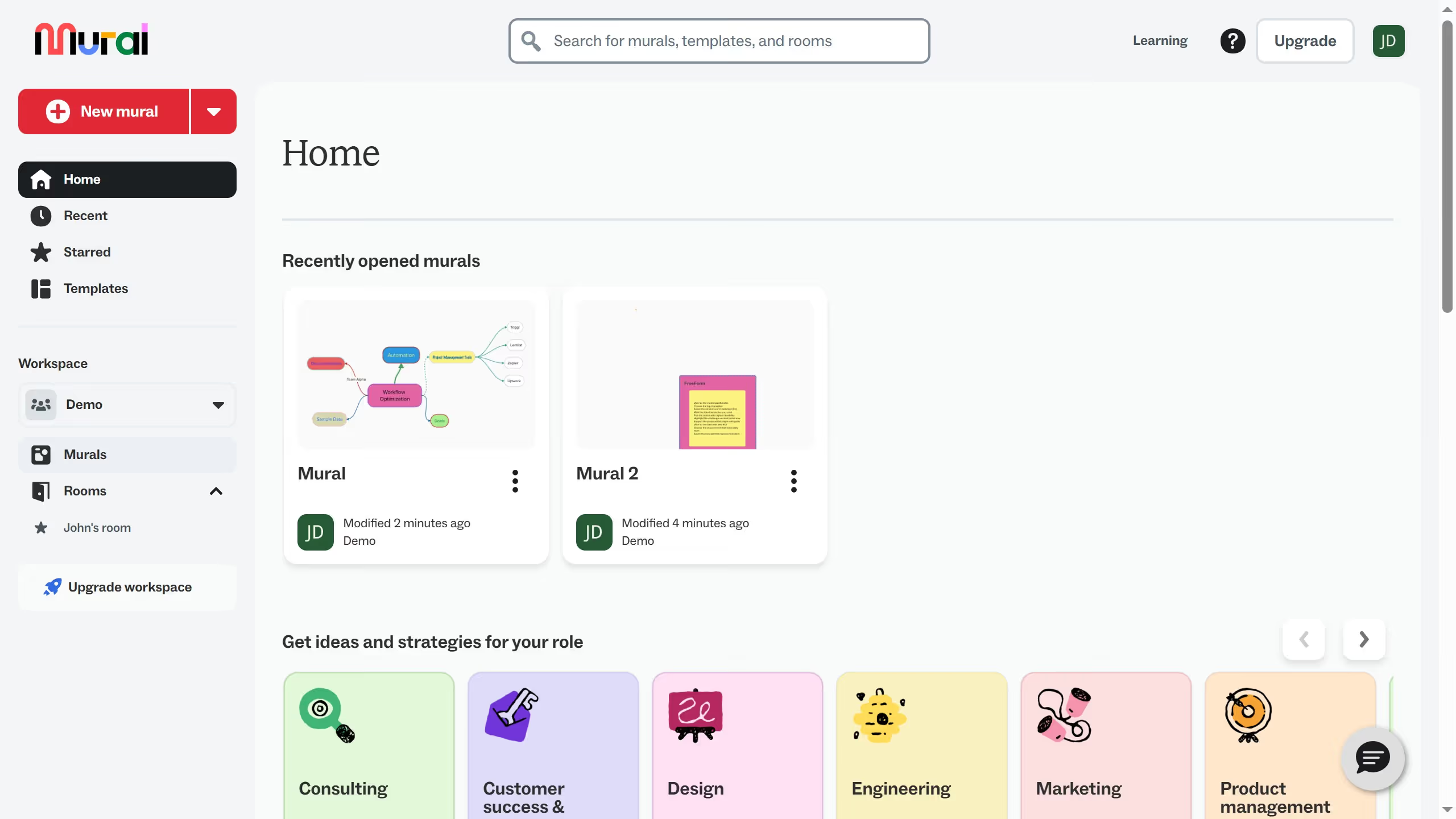
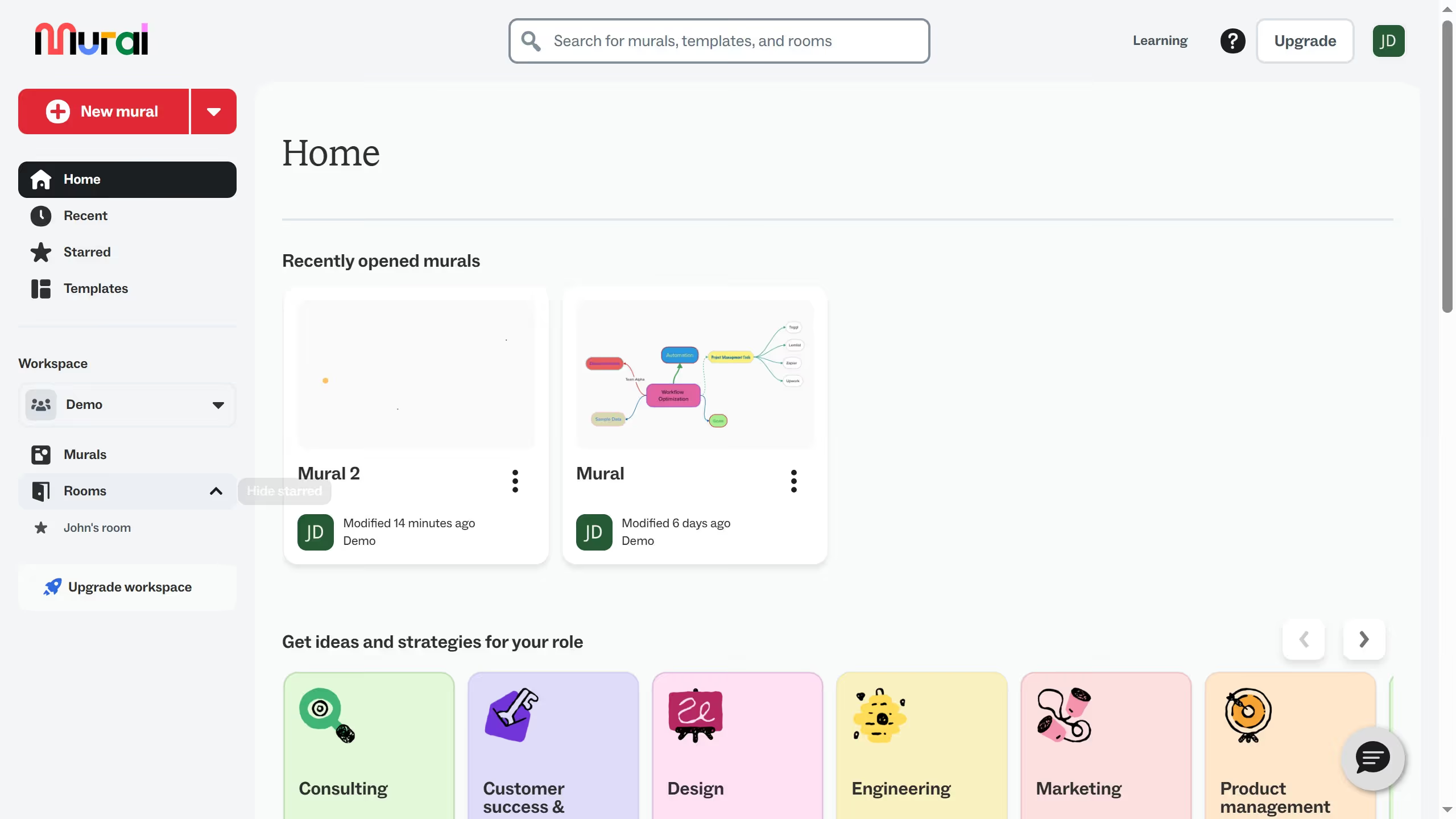
  1. First click on "Murals" in the sidebar to navigate to the murals section
  2. Then click on the mural filename that you want to manage to open it
  3. Next click on the "Content library" button in the left toolbar to open the content library panel
  4. Finally click on the "FreeForm" item in the content library to select it

Create your own interactive guide with Guideflow

Why should you add a content from the content library in an infinite canvas in Mural

Mural is a dynamic platform designed to enhance collaboration and ignite innovation through its infinite canvas.

Adding content from the content library in Mural's infinite canvas allows users to seamlessly integrate rich resources into their projects, fostering creativity and productivity. This feature empowers teams to effortlessly access and utilize a vast array of pre-built templates, images, and widgets tailored to their specific needs.

By leveraging the content library, teams can streamline their workflow, reduce redundant tasks, and maintain focus on achieving their goals in a visually engaging environment.

Last update
March 16, 2026
Cursor MariaA cursor points to a button labeled "James."

Create your first demo in less than 30 seconds.