How to duplicate images in Mural
Here is how to duplicate images in mural
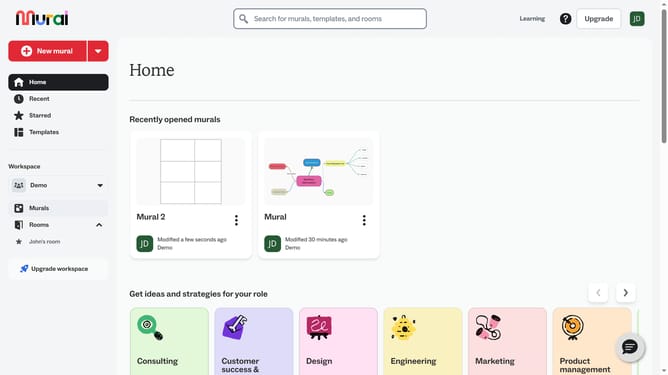
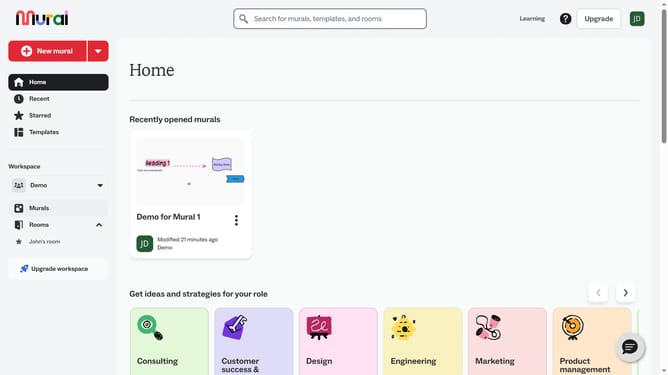
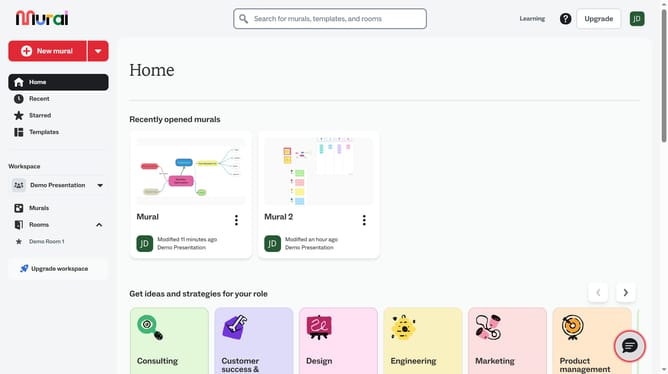
- First click on the "Murals" item in the left sidebar navigation menu
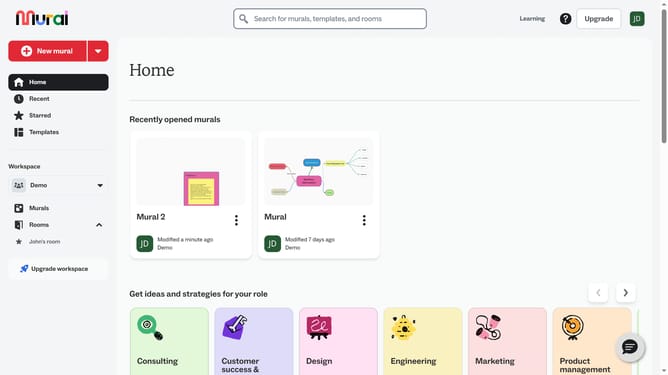
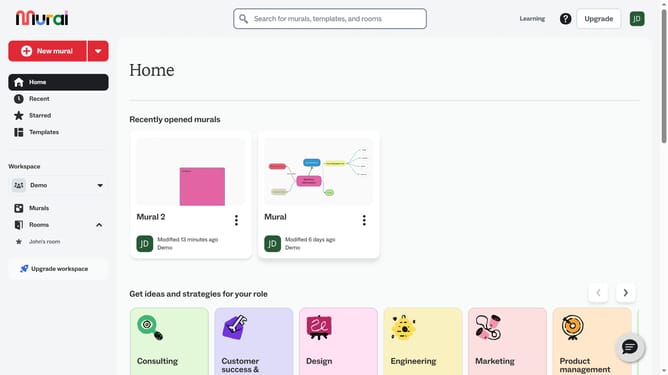
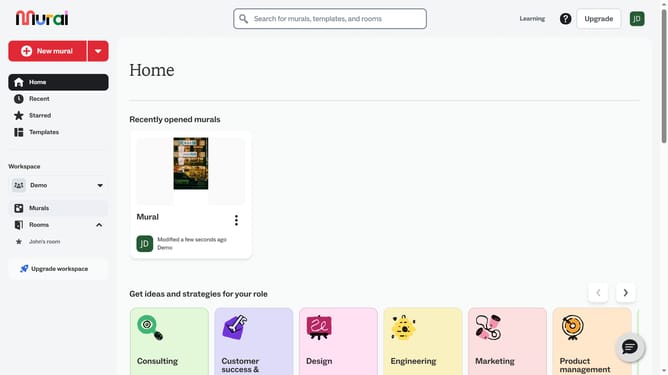
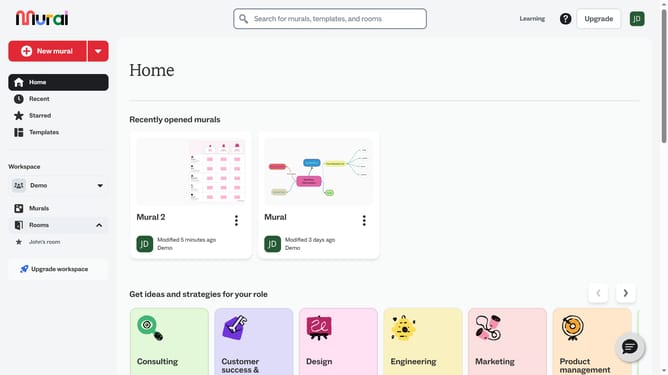
- Then click on the mural that you want to open
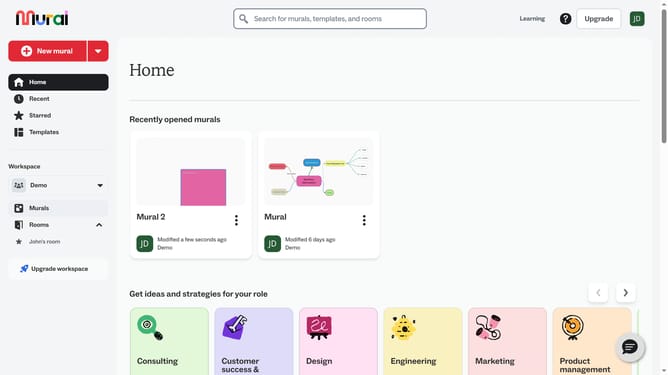
- Click on the image that you want to duplicate
- Then right-click on the image element in the center of the canvas to open the context menu
- Finally click on the "Duplicate" option in the context menu and the duplication action is completed
Why should you duplicate images in Mural
Mural is a dynamic online collaboration tool designed to enhance creativity and facilitate teamwork.
The feature to duplicate images in Mural is particularly useful for replicating essential visuals across various projects swiftly.
This capability not only saves time but also ensures consistency in presentations and workshops, helping to maintain a cohesive look and feel on any canvas.
Using this feature strengthens workflow efficiency, allowing team members to focus more on brainstorming and less on repetitive tasks.
Last update