How to change line width on drawing in Mural
Here is how to change line width on drawing in mural
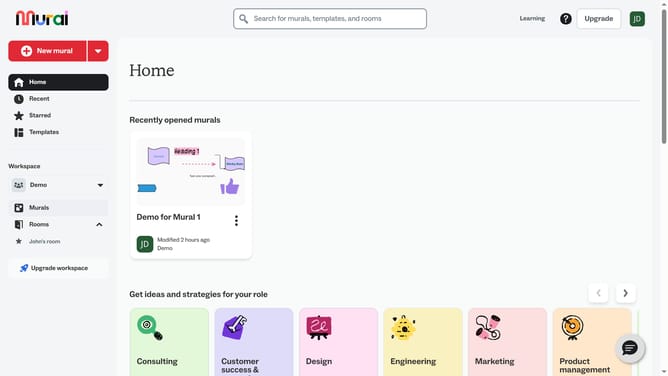
- First click on the "Murals" item in the left sidebar under the Workspace section
- Then click on the mural that you want to manage to open it
- Next click on the drawing tool icon in the left toolbar to activate the drawing mode
- Then click on the "Line Width" selector in the drawing toolbar at the top of the canvas
- After that, click on a pen style option from the dropdown menu that appears
- Finally click on the "Done drawing" button in the top toolbar to exit drawing mode
Why should you change line width on drawing in Mural
Mural is an intuitive online platform designed to enhance collaboration and creativity through interactive visual tools.
One of its key features is the ability to easily change line width in drawings, offering users versatile design options. This feature elevates the customization of visual storytelling, allowing users to emphasize or de-emphasize elements as needed.
Adjusting line width can enhance clarity, making diagrams and sketches more effective at communicating ideas. Ultimately, this adds a layer of depth to presentations, ensuring key concepts are visually accessible.
Last update