How to underline the font of a table chart title in Looker Studio
Here is how to underline the font of a table chart title in looker studio
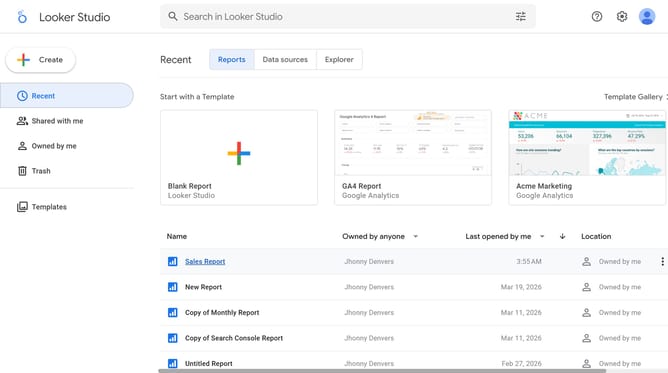
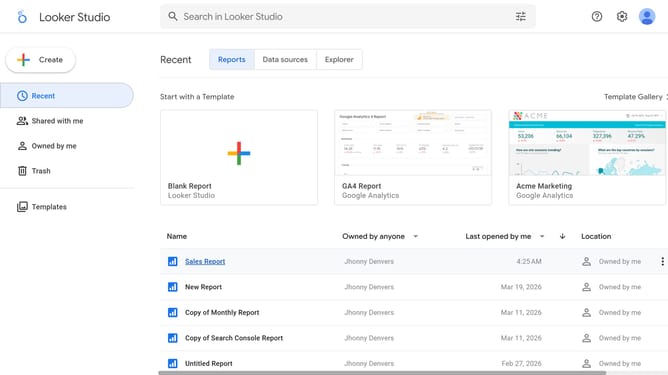
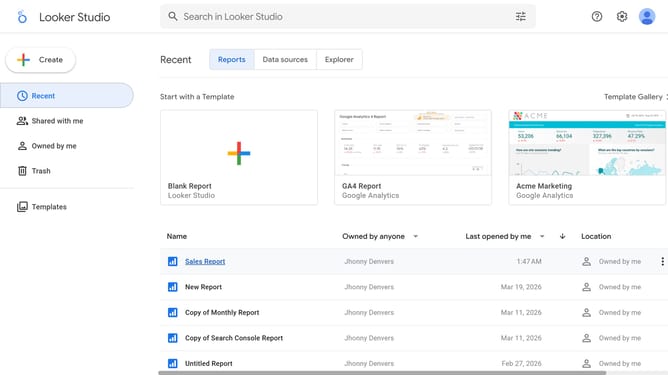
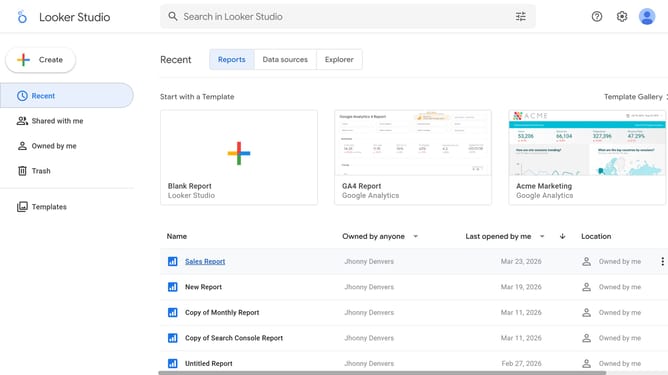
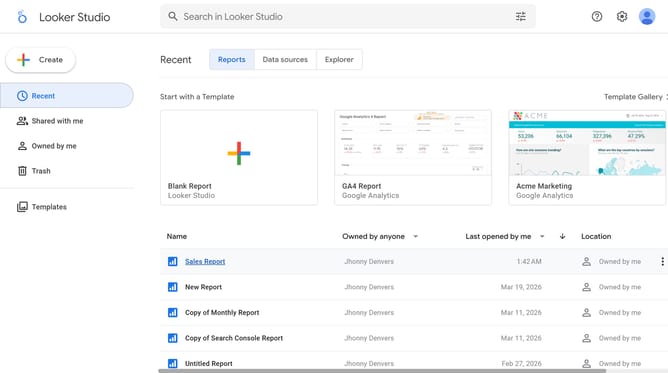
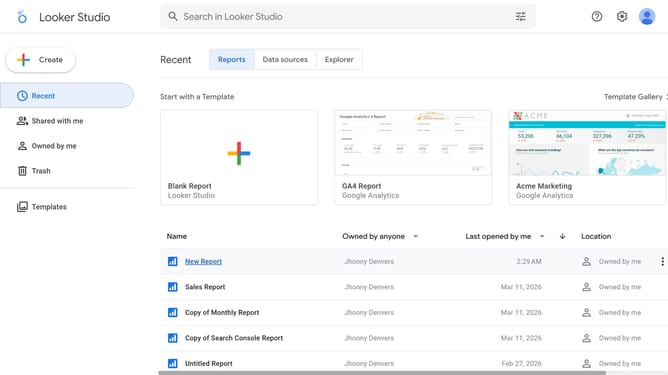
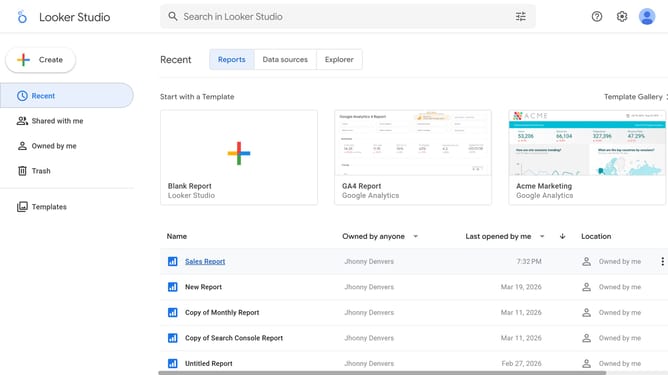
- First click on the file name from the reports list to open it
- Then click on "Edit" button in the top toolbar
- Next click on "Page" menu in the top menu bar
- Next click on the page name that you want to manage in the right sidebar
- After that click on "Show properties" button in the canvas area
- Finally click on "Underline" formatting button in the Table properties panel
Why should you underline the font of a table chart title in Looker Studio
Looker Studio is a powerful tool for transforming data into intuitive, customizable dashboards.
Underlining the font of a table chart title in Looker Studio enhances visibility and draws attention to key information, making presentations more effective.
This simple yet impactful styling choice emphasizes the chart’s theme and guides the viewer’s focus, enhancing both comprehension and engagement.
Utilizing such features helps to create professional, polished reports that clearly communicate insights.
Last update