How to change the font style of legends in a pie chart in Looker Studio
Here is how to change the font style of legends in a pie chart in looker studio
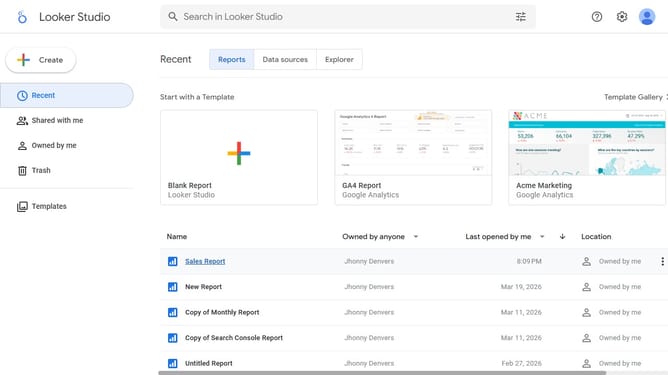
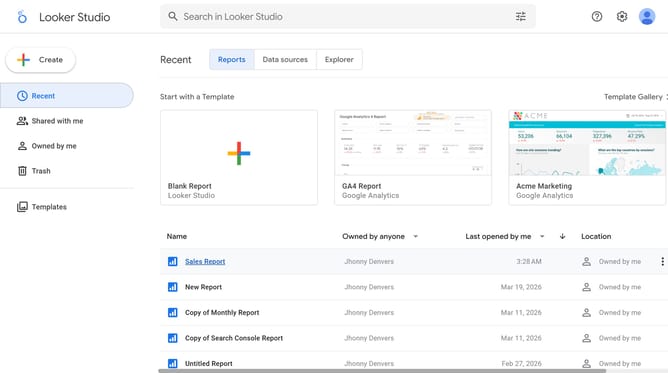
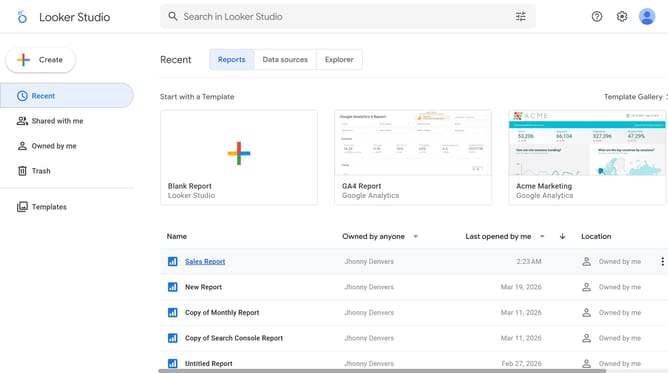
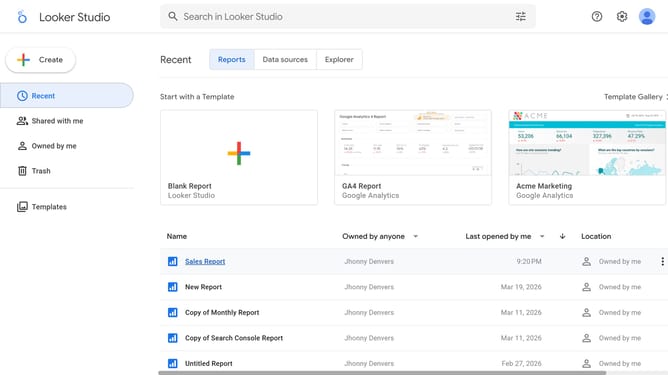
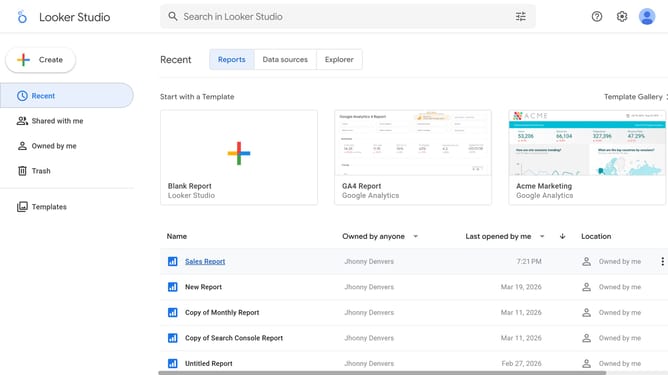
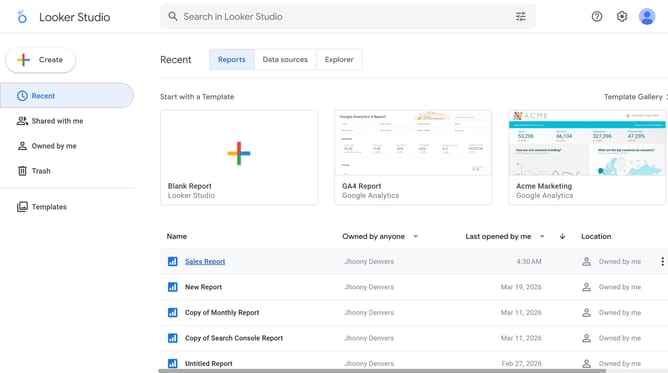
- First click on the file name from the reports list to open it
- Then click on "Edit" button in the top toolbar
- Next click on "Manage pages" option in the page navigation toolbar
- Next click on the page name in the right sidebar
- Next click on "Show properties" button above the pie chart
- Then click on "Font family" dropdown in the right properties panel
- Finally select a font option from the font family dropdown menu
Why should you change the font style of legends in a pie chart in Looker Studio
Looker Studio is a robust business intelligence tool that transforms data into insightful visualizations, enhancing strategic decision-making.
When adjusting the font style of legends in a pie chart, you can make your visual presentations more engaging and aligned with your brand identity. This feature enhances readability, allowing viewers to grasp critical information at a glance.
Employing this capability not only elevates the professional appearance of your reports but also ensures the data communicates effectively to your audience.
Last update