How to hide title of your pie chart in Looker Studio
Here is how to hide title of your pie chart in looker studio
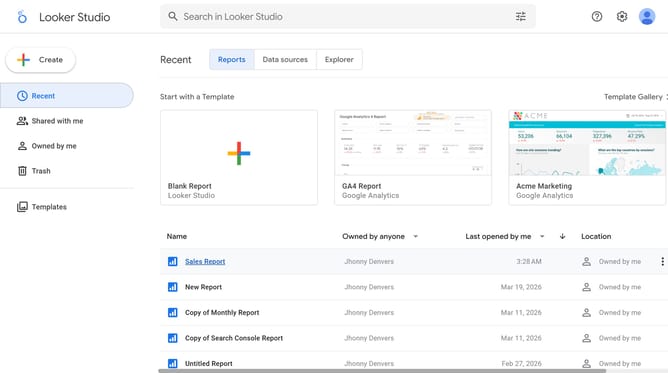
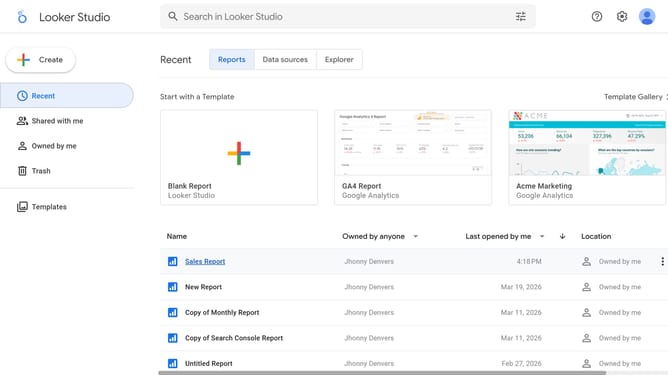
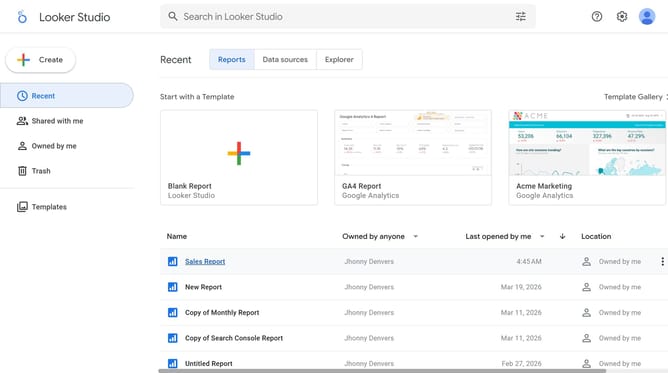
- First click on the file name from the reports list to open it
- Then click on "Edit" button in the top toolbar
- Next click on "Manage pages" option in the page navigation toolbar
- Then click on the page name in the Report Pages sidebar panel
- Next click on the "Show properties" button above the pie chart
- Then click on "Style" tab in the Pie chart properties panel
- Finally click on the "Show title" toggle off button in the Chart title section
Why should you hide title of your pie chart in Looker Studio
Looker Studio empowers you to create insightful visualizations to comprehend complex data at a glance.
One handy feature is the ability to hide the title of your pie chart. This can be especially useful when you want to streamline the presentation and let the data speak for itself.
By removing the title, you can declutter the visual space, making the chart more aesthetically pleasing and easier to digest for viewers.
Overall, this feature allows for more focus on the data, ensuring that your audience engages directly with the most important elements of your visualization.
Last update